

Ensure that the ESKM appliance is actively generating KMIP server logs. This verifies that the logging infrastructure is operational and will provide data to the connector.
-
Sign in to the ESKM Management Console as an administrator.
-
Navigate to Device → Logs & Statistics → Log Viewer → KMIP (path may vary by ESKM version).
-
Check that KMIP Logs are present and contain recent entries.
-
Verify the logs include operational events such as authentication, key operations, and connection events.
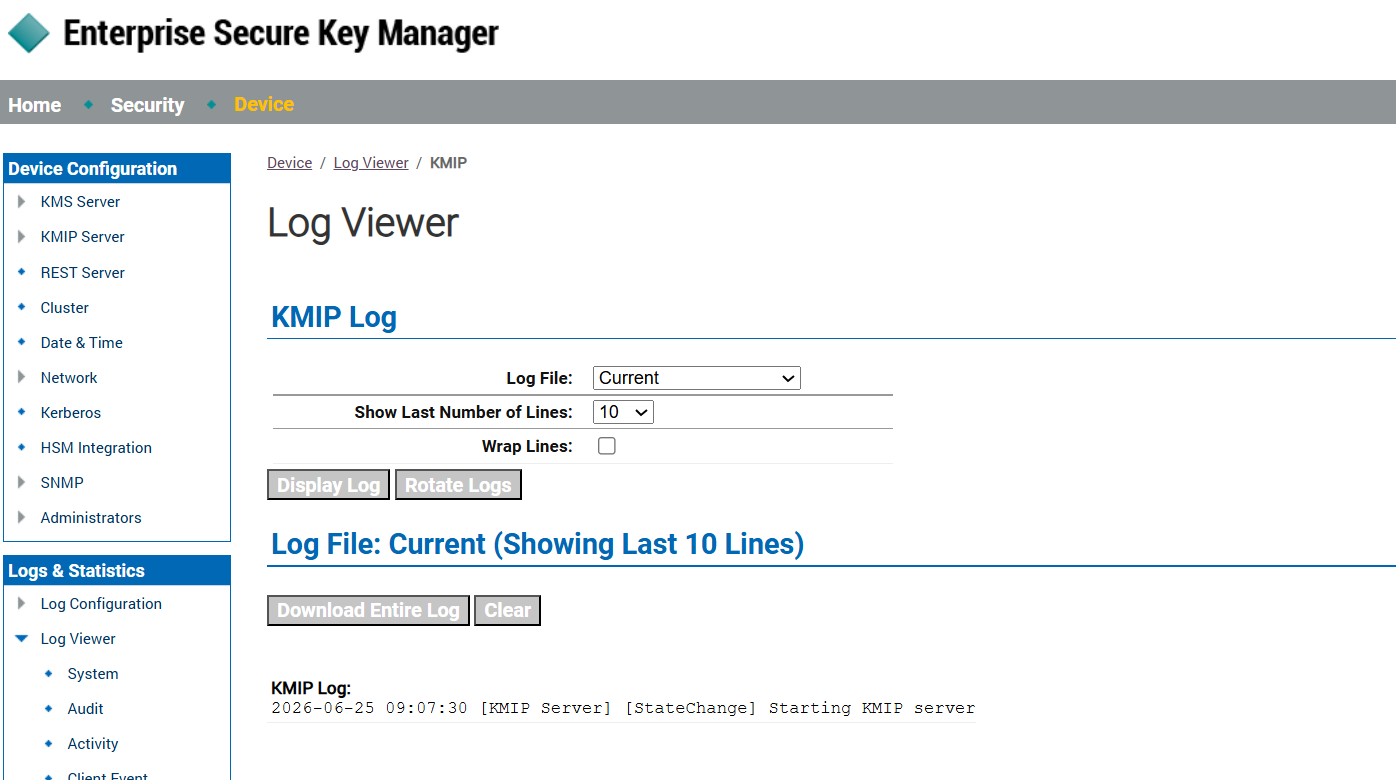
KMIP logs
KMIP server logs are visible with recent entries.
KMIP logs are generated when a KMIP client is configured and interacts with the KMIP server. If logs are empty, ensure that a KMIP client is configured to connect to the server. For testing purposes, you can also disable and then enable the KMIP server to generate a startup/shutdown log entry.