

-
Download the
zlibinstallation file.
|
›_ Console |
|---|
|
-
Extract the file.
|
›_ Console |
|---|
|
-
Go to the directory where the file is extracted.
|
›_ Console |
|---|
|
-
Run the following command to compile and install.
|
›_ Console |
|---|
|
-
Verify that the NGINX has been installed with the correct version of openssl.
|
›_ Console |
|---|
|

Nginx version
-
After the installation is finished, start NGINX.
|
›_ Console |
|---|
|

Nginx service start
-
Open http://<nginx_server_ip> in any browser and verify that you can see nginx welcome page.
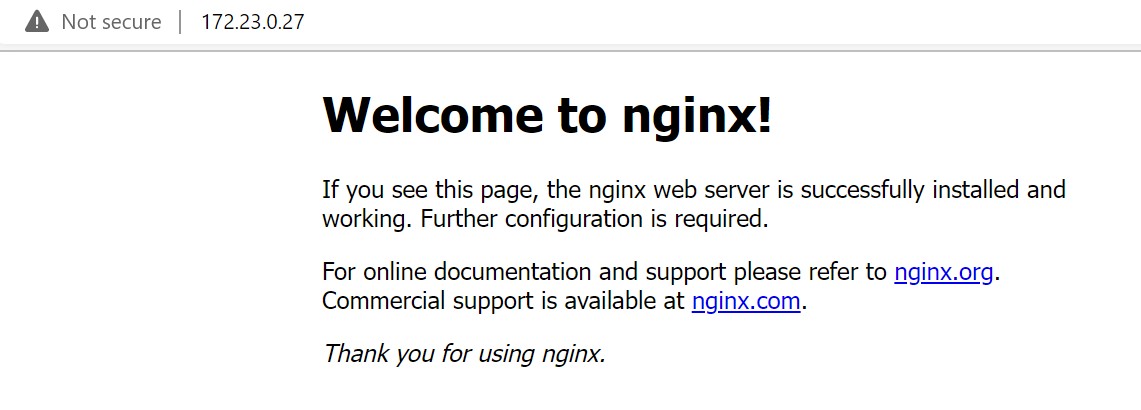
Nginx Welcome Page with Http