

-
Shutdown VMs in the Nutanix cluster.
-
Stop Nutanix Cluster Services.
-
Shutdown CVMs and Nutanix Hosts in the cluster, wait for 3 minutes to power drain and verify shutdown status.
-
Shut down both Active nodes of KMS Server.
-
Power on Hosts and verify status(CVMs power on automatically).
-
Start Nutanix Cluster Services.
-
Power on the VMs to test the KEK(Key Encryption Key) is not retrieved from the KMS, and the DEK(Data Encryption Key) cannot successfully unlock the Drives to boot the VMs.
-
Power on and start services for the First Active KMS Nod,e and attempt to boot the Nutanix VMs and record behavior.
Expected Results
-
When both Active-Active KMS nodes are down, the cluster fails to retrieve the Key from KMS and decrypt the container. As a result, the test-VM using the disk from the container can read the disk but fails to boot.

Active - Active KMS

Failed to Boot
-
When ESKM-1 is DOWN and ESKM-2 is UP in the Active-Active cluster, the cluster retrieves the Key from ESKM-2 and decrypts the container. As a result, the test-VM using the disk from the container reads the disk and the VM-boots successfully.
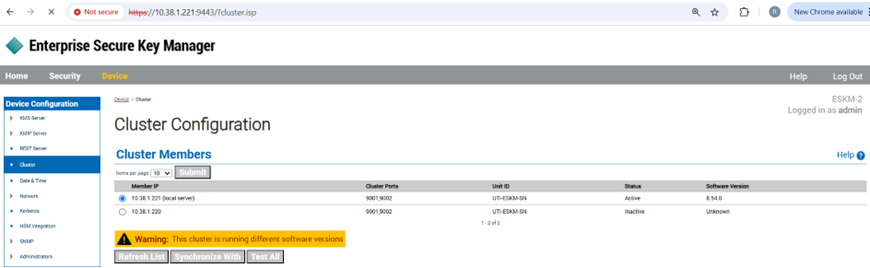
Cluster Configuration

VM Boot Success
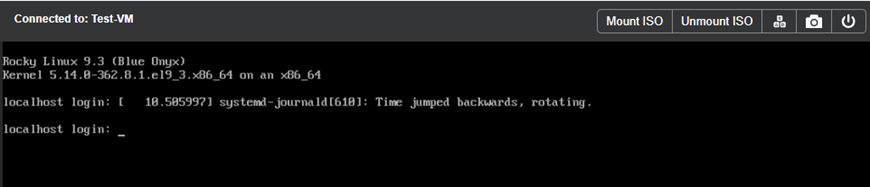
Test- VM
-
When ESKM-2 is DOWN and ESKM-1 is UP in the Active-Active cluster, the cluster retrieves the Key from ESKM-1 and decrypts the container. As a result, the test-VM using the disk from the container reads the disk and the VM-boots successfully.
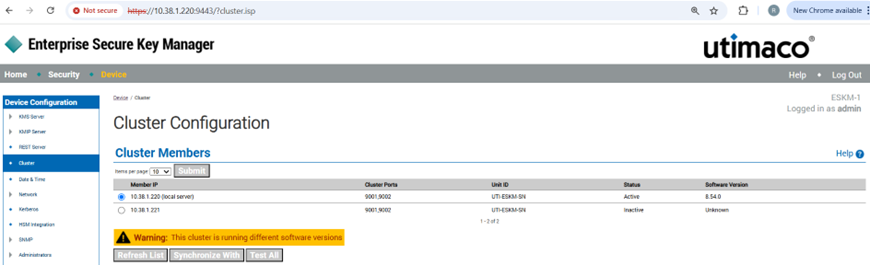
Cluster Configuration

VM Boot Success

Test-VM