

-
Go to ESKM Management Console > Security > Cloud Integration.
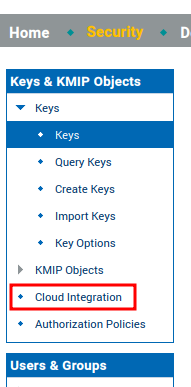
Cloud Integration
-
Go to Cloud and click Add Cloud Instance.
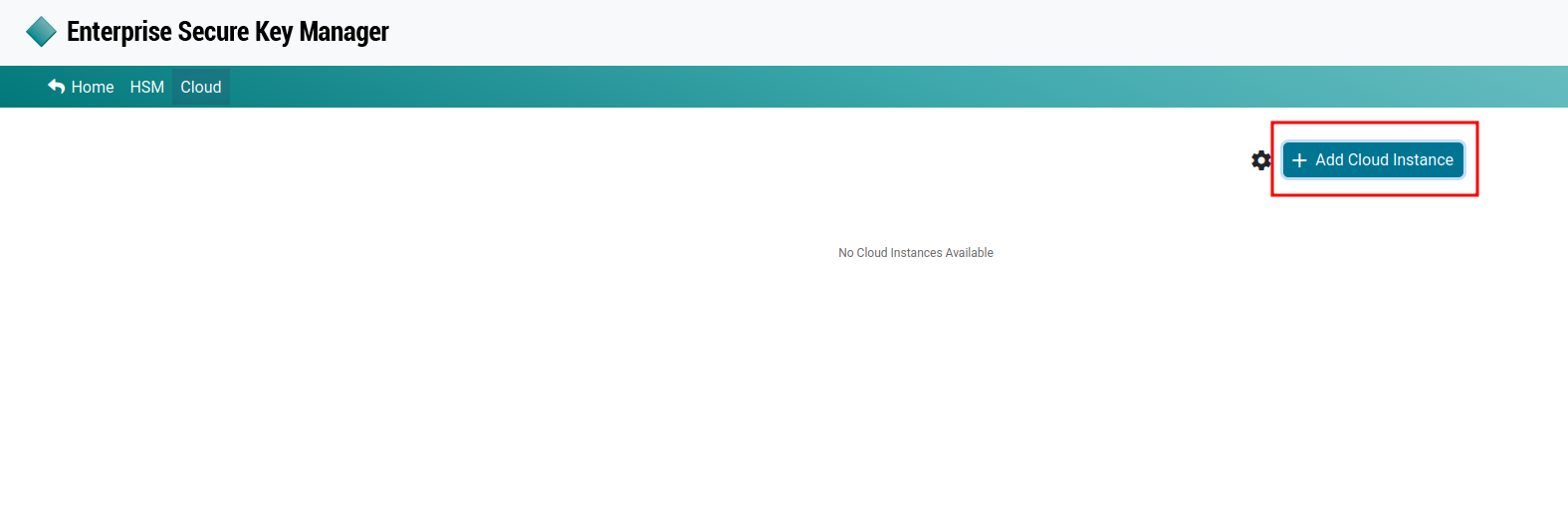
Add Cloud Instance
-
Enter an Instance Name and select OCI-HYOK from the Cloud Type dropdown list.
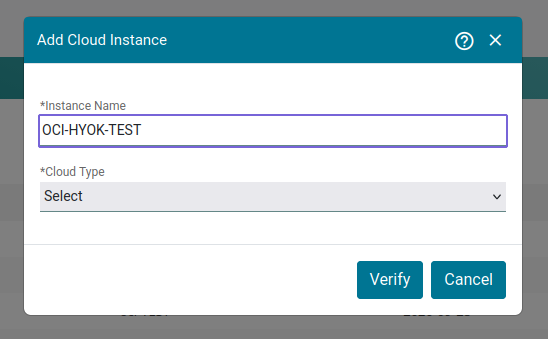
Add Cloud Instance — OCI Configuration
-
Click Verify.
-
Verify that the instance was created successfully.

OCI-HYOK Cloud Instance