

-
From the OCI-HYOK Keys page, click Create Key.
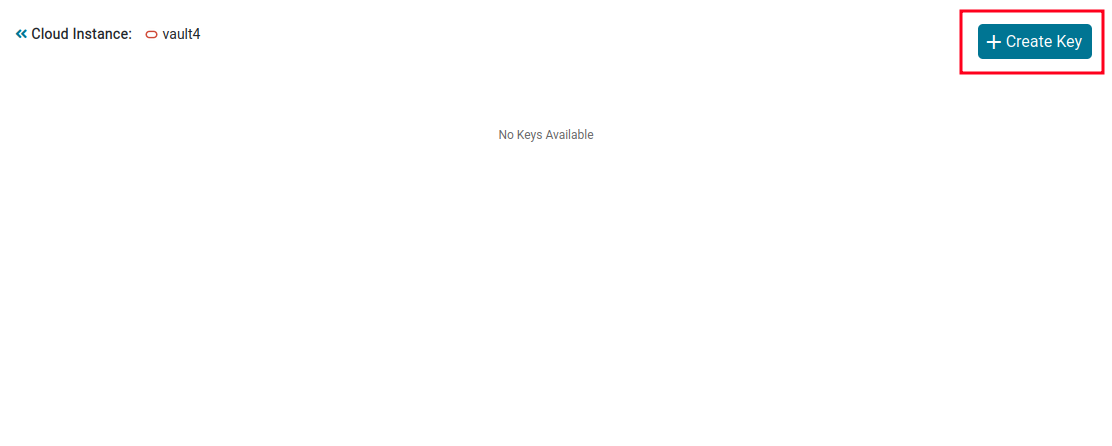
Create Key
-
Select Create Key & Upload.
-
Enter the ESKM Key Name and select the required Algorithm.
-
Click Create.
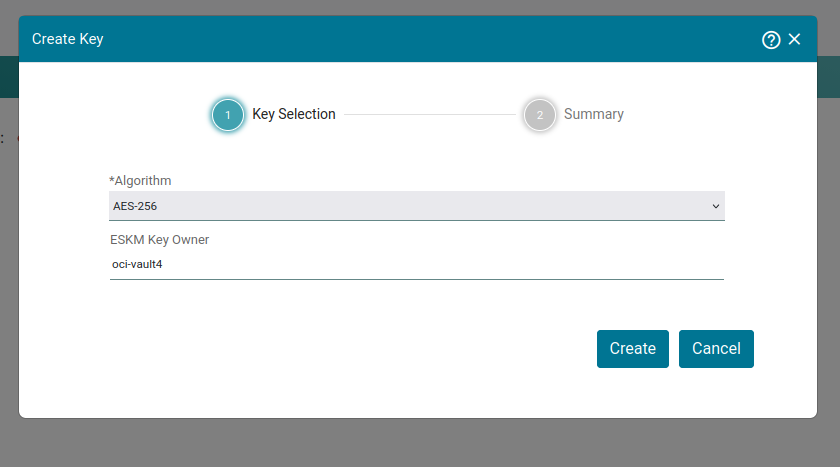
Key Selection — ESKM Key Name and Algorithm
-
Review the key information displayed on the Key Summary page.
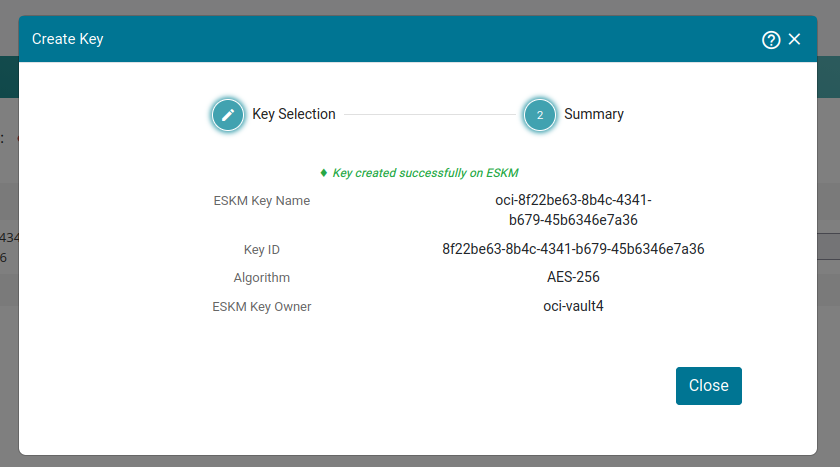
Key Summary
The Key ID will be useful later on when creating the key Reference in OCI.