

-
Go to ESKM Management Console > Security > Cloud Integration.
-
Locate the configured OCI-HYOK cloud instance and click Manage Keys icon.

OCI-HYOK Cloud Instance — Manage Keys
-
The OCI-HYOK Keys page is displayed.
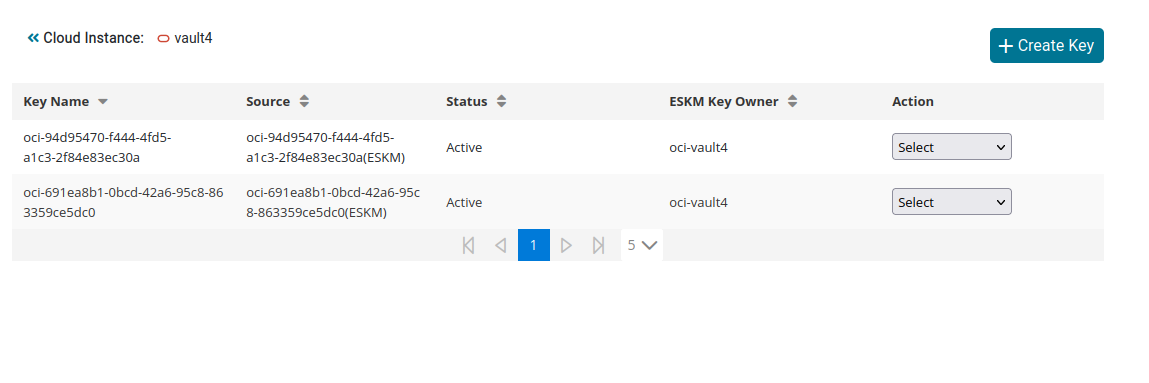
OCI-HYOK Keys
-
Click the desired key from the list to view its details, then click Close when done.
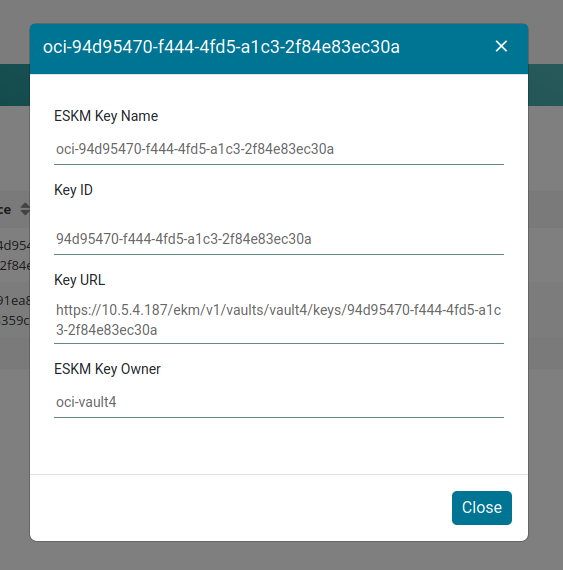
OCI-HYOK Key details
-
To delete a Key, change the Action to Delete.
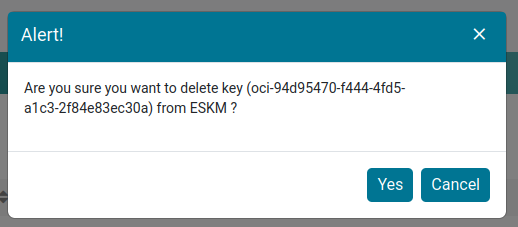
OCI-HYOK Key deletion