

-
Go to ESKM Management Console > Security > Cloud Integration.
-
Select and Click the Cloud Instance to be deleted.
-
Click The Delete Icon.

Delete Cloud Instance
-
Confirm the Delete prompt.
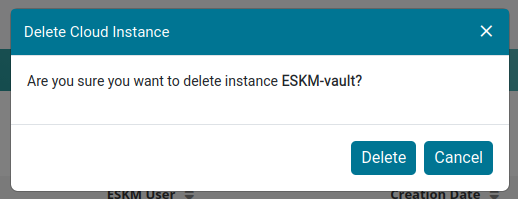
Delete Instance Confirmation

Cloud Instance Deleted