

The HSM is used to decrypt the hardware encrypted values, so once you have enabled HSM support for the LMK, you must have HSM connectivity to disable it.
To disable HSM LMK support:
-
In EncryptRIGHT, select Admin > Options > Hardware Registration.
-
Beside your active Token Slot, click the blue Yes in the LMK column, turning it into a No.
-
Click Save to close the options screen. You will then see a message confirming that LMK encryption was removed.
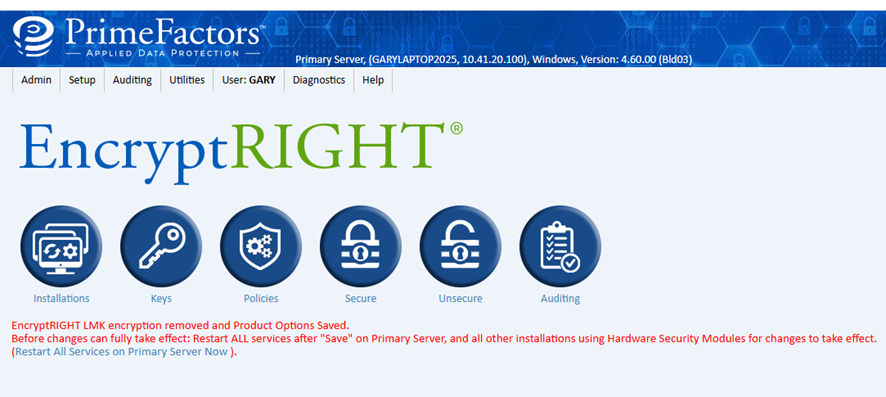
EncryptRIGHT dashboard