

Before deploying the key-generation job, you need to create specific roles and bindings that allow the job to create a Kubernetes Secret (which will store the generated SSL certificate).
This step ensures the key-generation job running in OpenShift has the necessary permissions to securely create and manage the SSL certificate secret used by your application pods.
1. Create a file named job-permissions.yaml in the path /home/admin/hsm-build/.
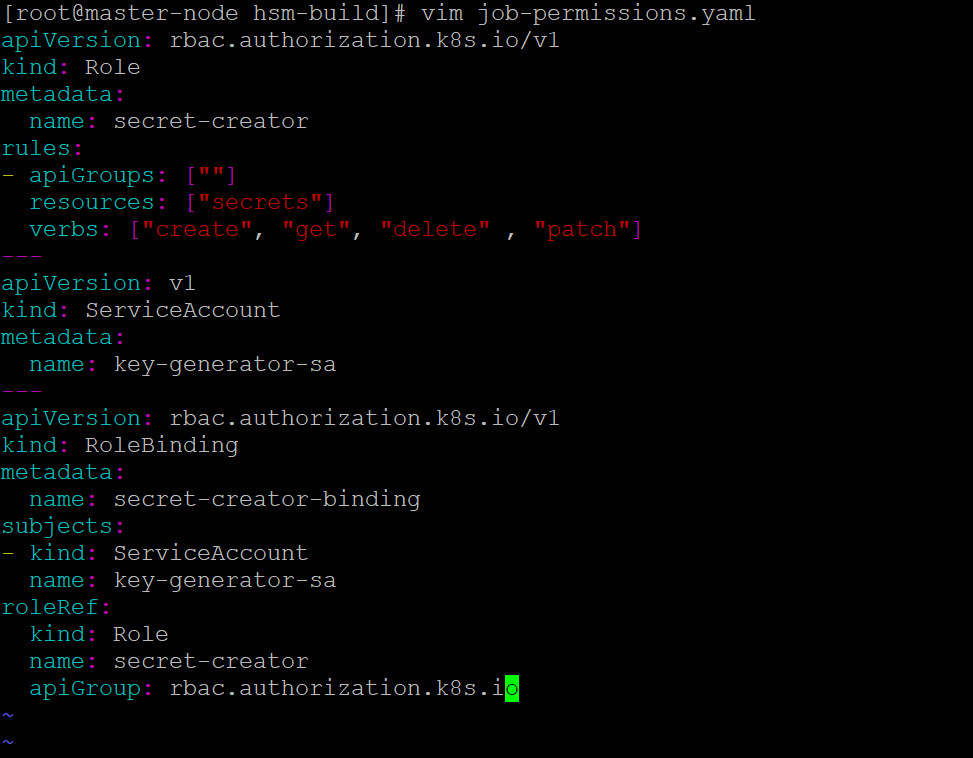
Create job-permissions.yaml
-
Paste the contents provided below and save the file.
YAMLapiVersion: rbac.authorization.k8s.io/v1 kind: Role metadata: name: secret-creator rules: - apiGroups: [""] resources: ["secrets"] verbs: ["create", "get", "delete" , "patch"] --- apiVersion: v1 kind: ServiceAccount metadata: name: key-generator-sa --- apiVersion: rbac.authorization.k8s.io/v1 kind: RoleBinding metadata: name: secret-creator-binding subjects: - kind: ServiceAccount name: key-generator-sa roleRef: kind: Role name: secret-creator apiGroup: rbac.authorization.k8s.io -
Apply the configuration.

Apply job-permissions.yaml
-
Verify that the Role, ServiceAccount, and RoleBinding are created successfully.
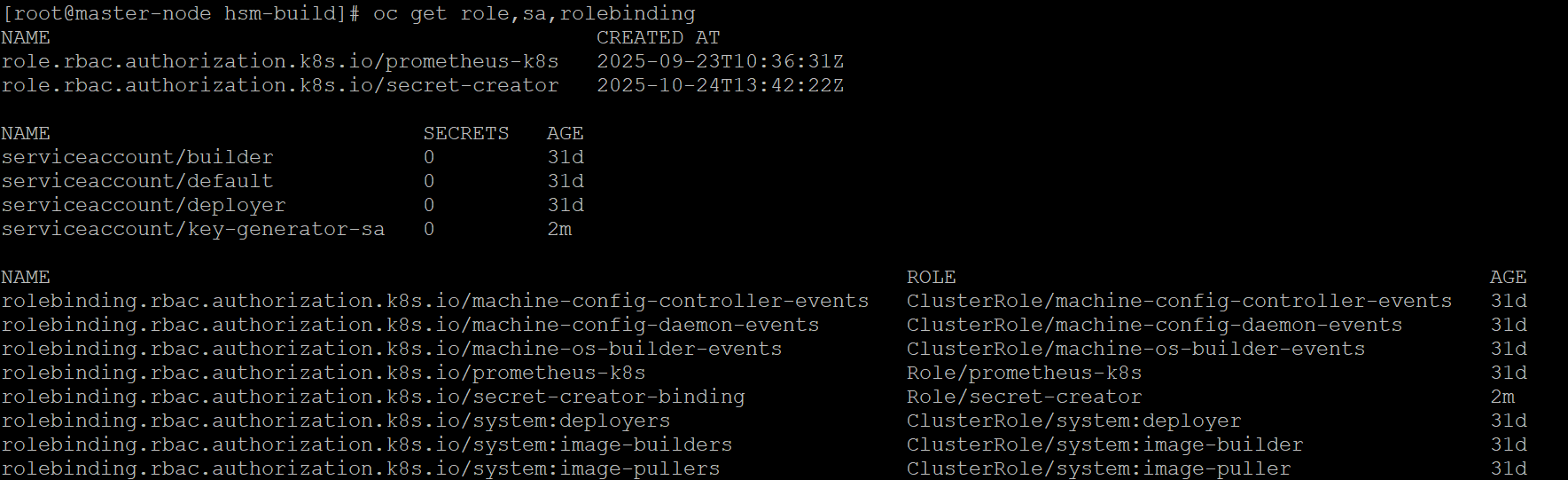
Verify Permissions