

Cloud Director relies on vCenter Server to provide compute, storage, and encryption capabilities. Therefore, the vCenter Server must be added before proceeding.
-
Log in to the VMware Cloud Director provider portal.
-
Navigate to Resources → Infrastructure Resources → vCenters.
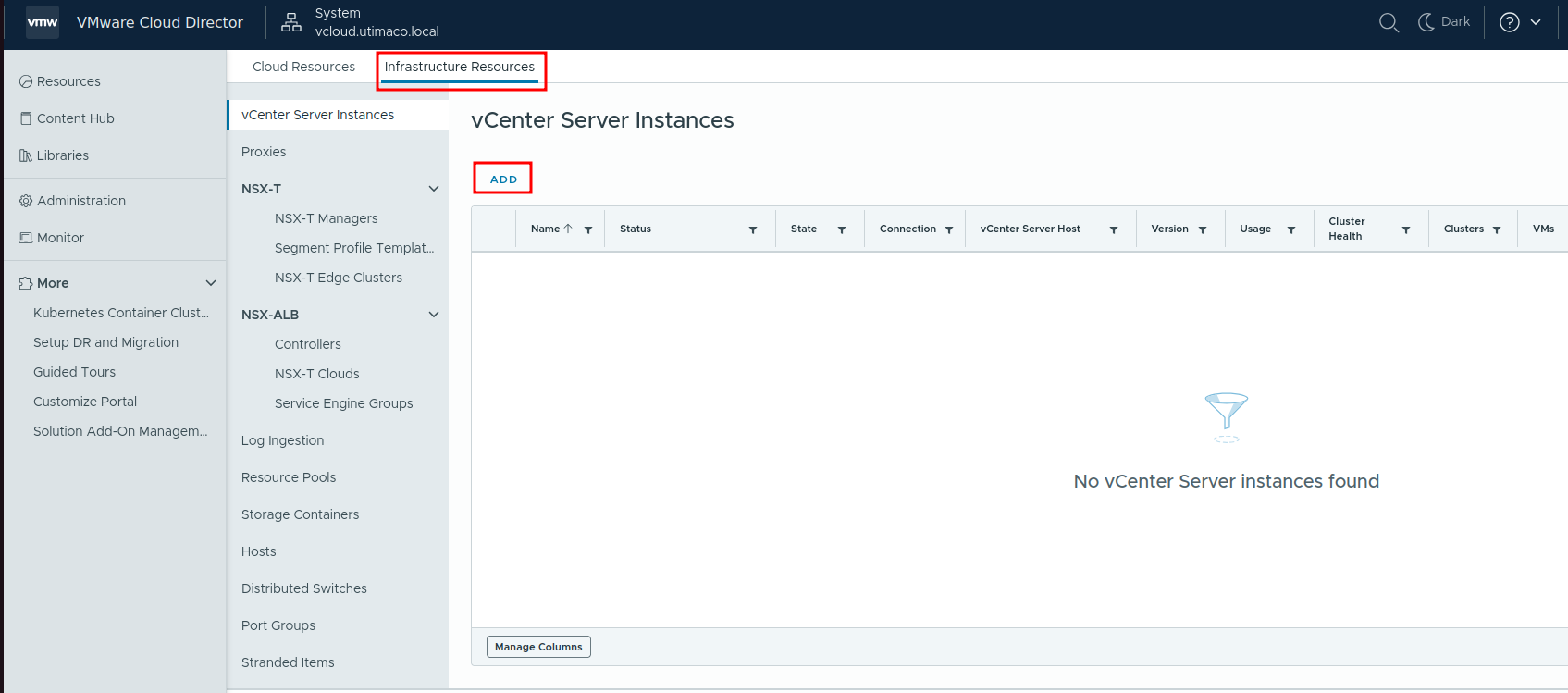
Add vCenter Server Instance
-
Click ADD.
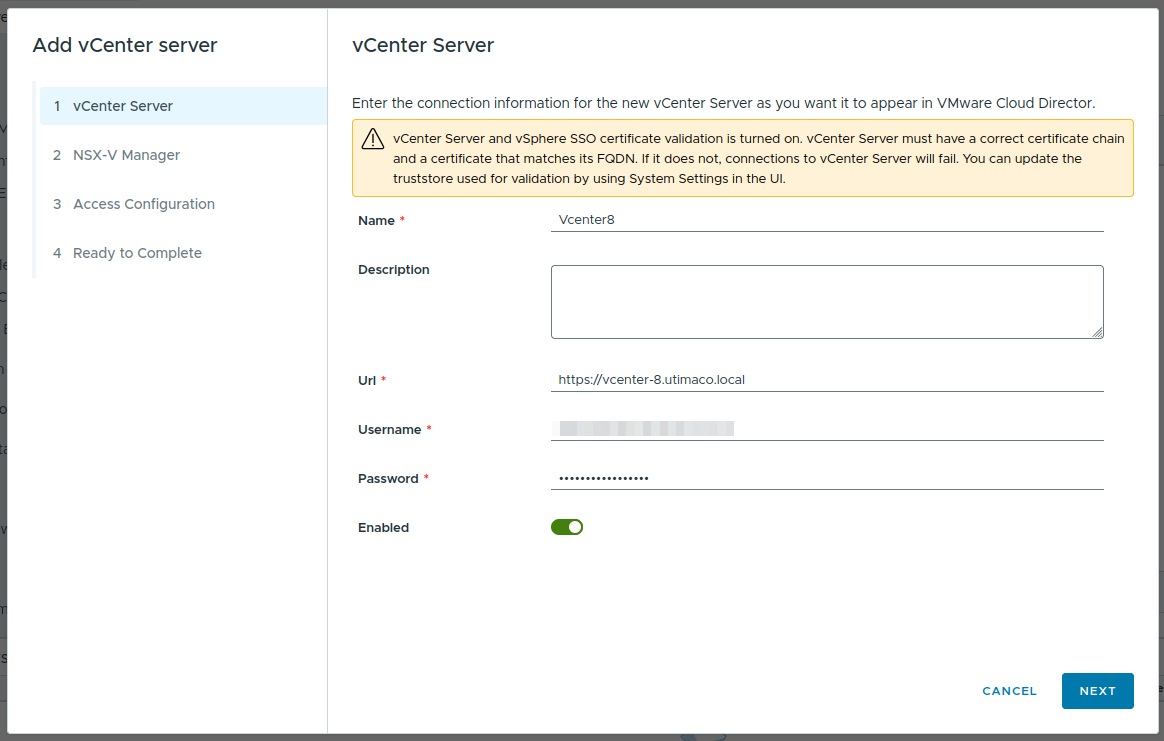
vCenter Server Form
-
Provide:
-
Name: Logical identifier
-
URL:
https://<vcenter-hostname> -
Username: Corresponding vCenter username (e.g.,
administrator@vsphere.local) -
Password: Corresponding password
-
Accept the certificate when prompted and complete the wizard.
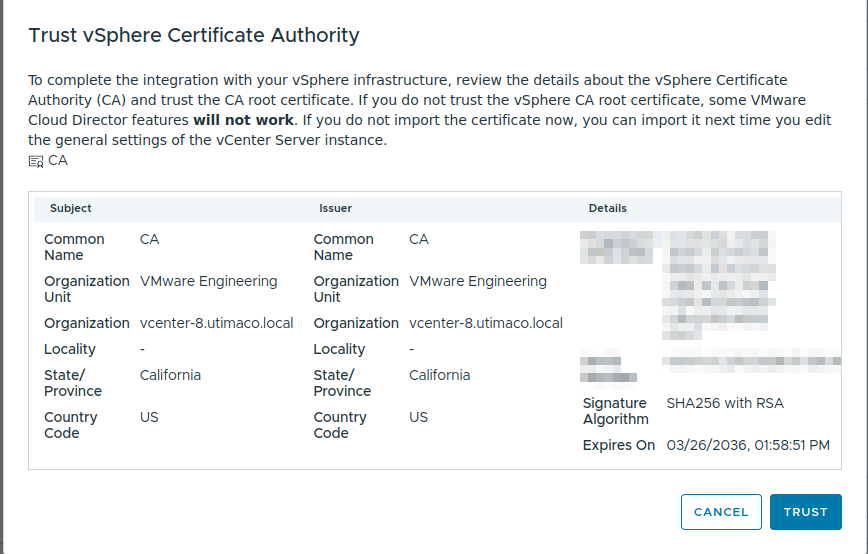
Trust vSphere Certificate
-
Enable the vSphere instance created.
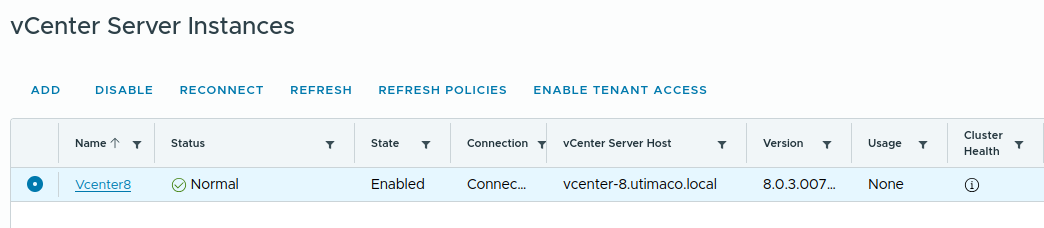
vCenter Server Instance enabled