

The Provider Virtual Data Center (Provider VDC) exposes vCenter resources to VMware Cloud Director.
-
Navigate to Resources → Cloud Resources →Provider VDCs.
-
Click New.
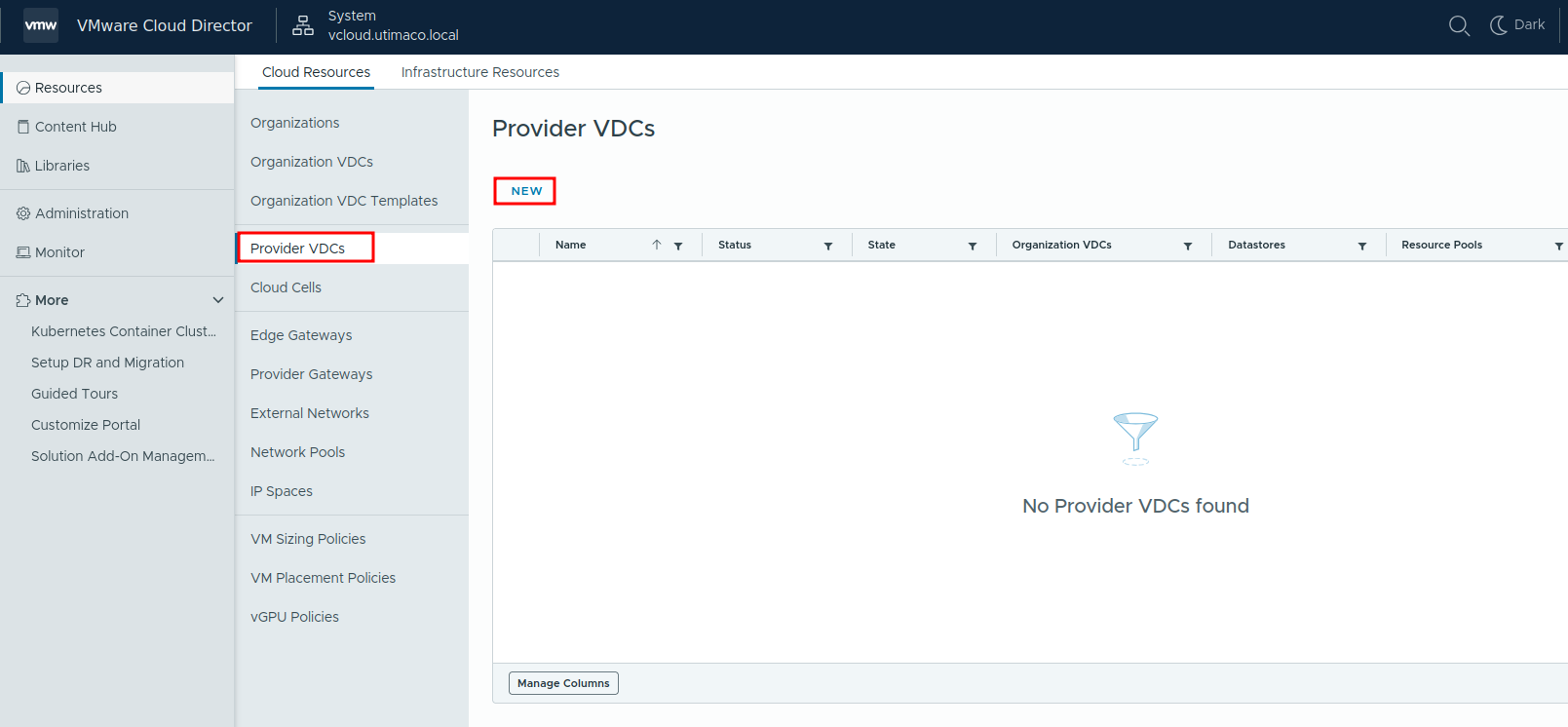
New Provider VDCs
-
Select:
-
The added vCenter Server
-
The target cluster
-
The VM Encryption Policy
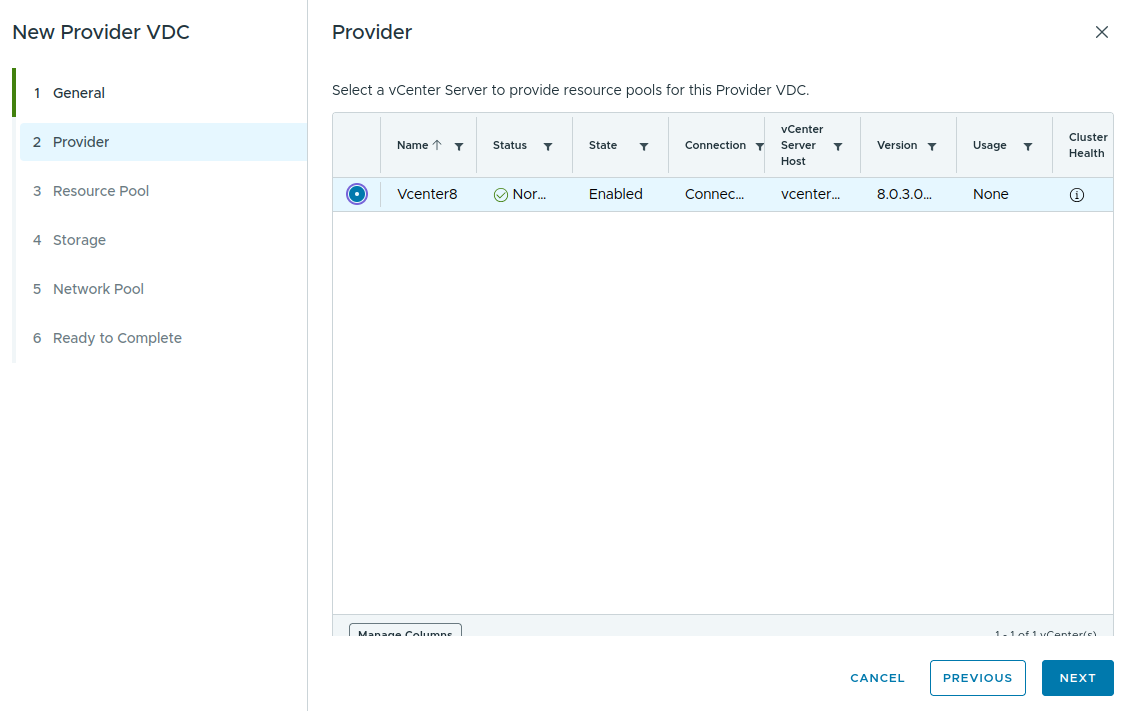
Vcenter Provider Selection
VMware Cloud Director requires the selected vCenter resources to be provided from a cluster with vSphere Distributed Resource Scheduler (DRS) enabled. If DRS is disabled or the ESXi host is not part of a cluster, no resource pools will be available for selection during Provider VDC creation.
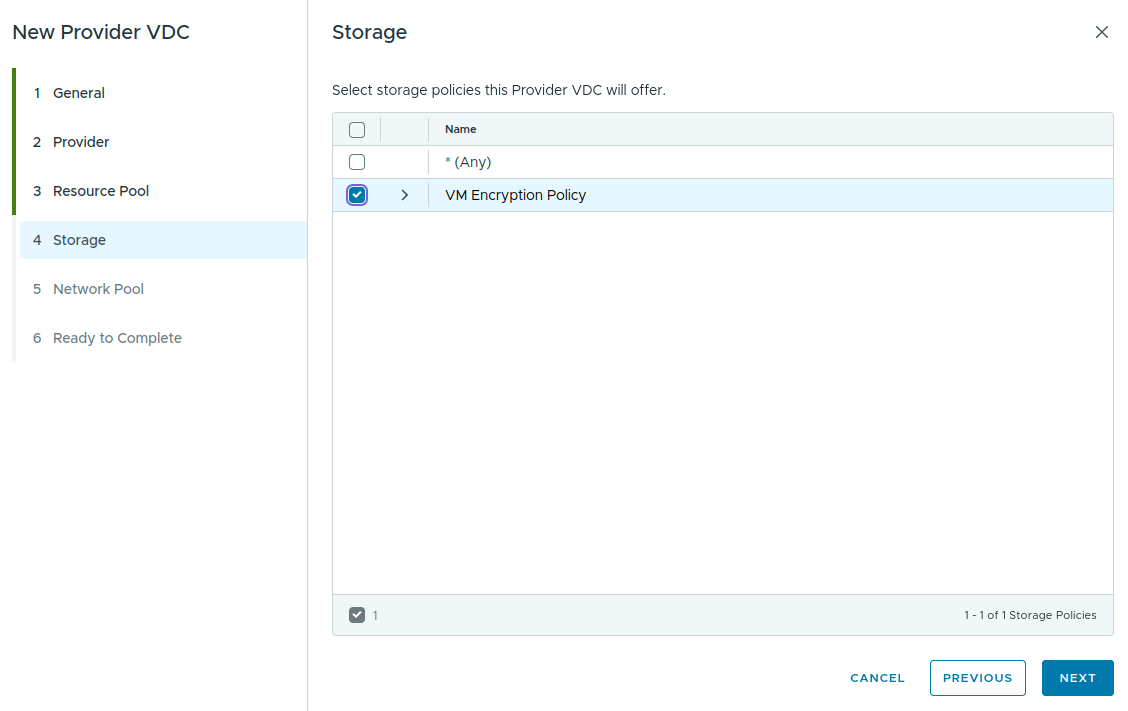
Storage Policy Selection
-
Complete the wizard using default settings where applicable.
-
Verify that the Provider Virtual Data Center status is Normal and the state is Enabled.

Provider VDCs Created