

To validate the integration, deploy a virtual machine using an encryption-enabled storage policy.
-
Log in as an organization user.
-
Navigate to Virtual Machines.
-
Click New VM.
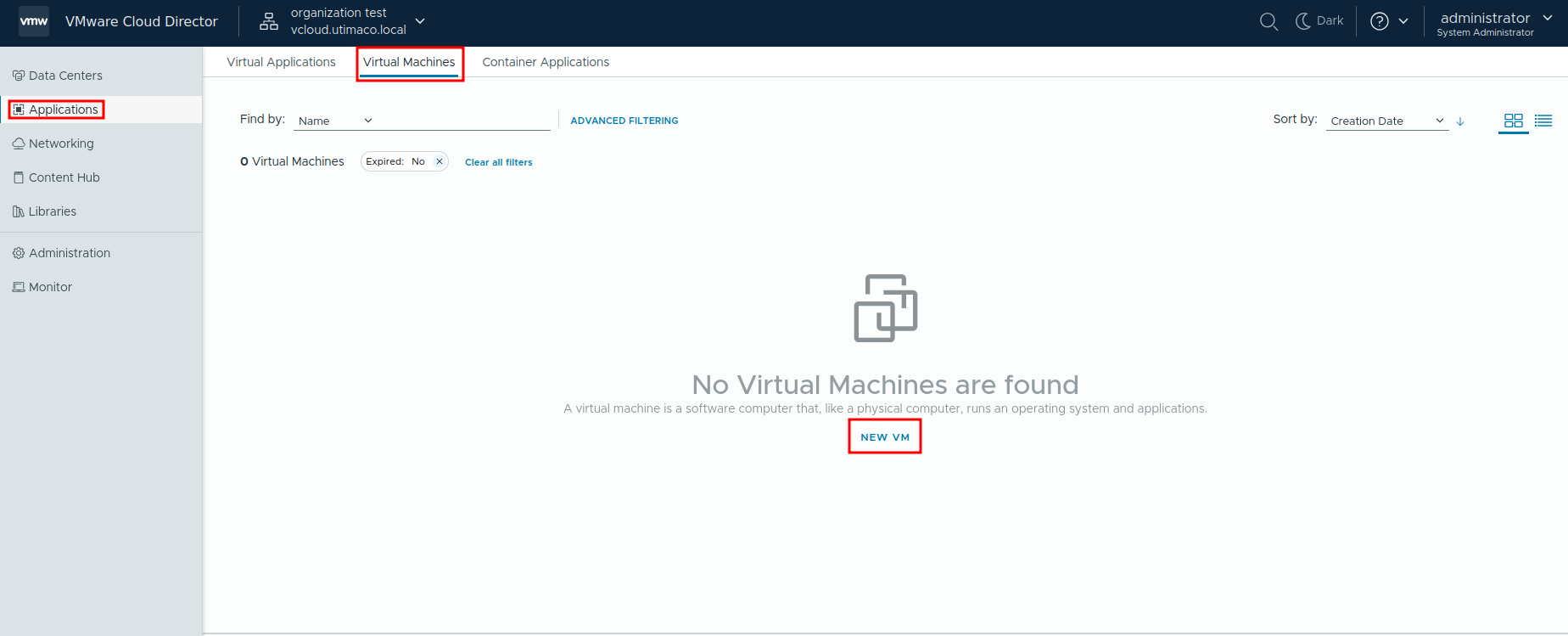
New Virtual Machine
-
Select a template or ISO.
-
In the storage policy selection, Choose a policy that includes VM Encryption.
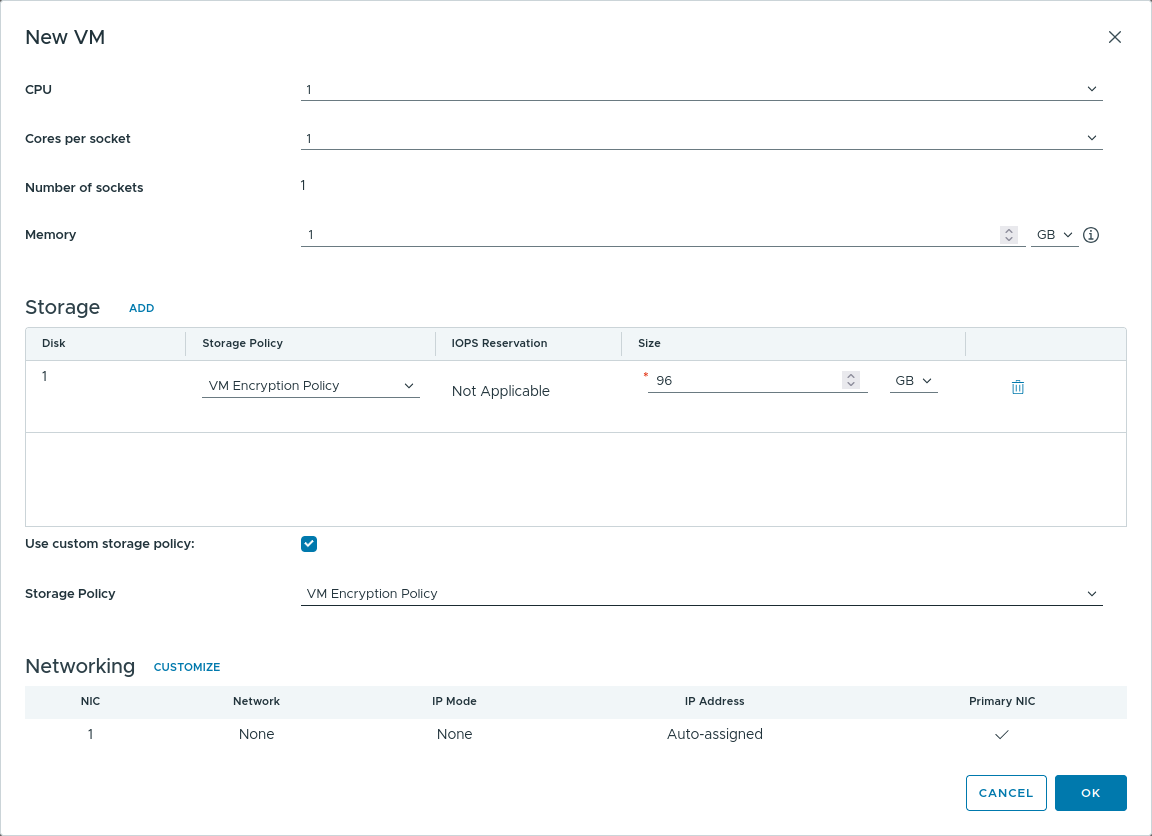
Storage Policy Selection
-
Complete the deployment.
-
Verify that the virtual machine is marked as Encrypted in VMware Cloud Director or VMware vCenter Server.
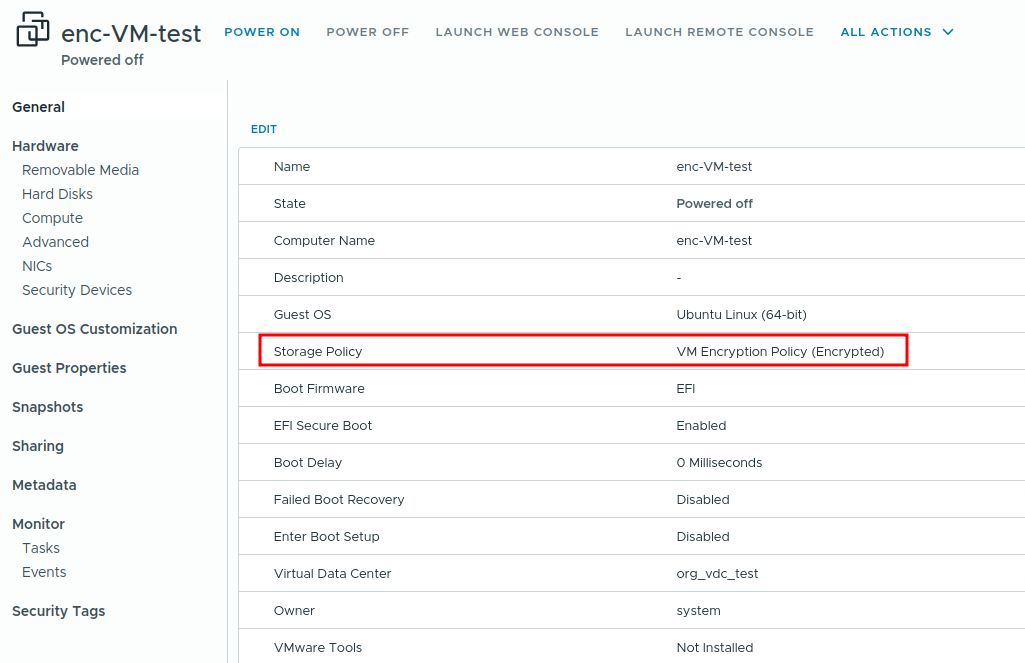
Proper Storage Policy
-
In ESKM, navigate to Security → KMIP Objects.
-
Verify that new AES-256 SymmetricKey objects have been created, with a creation timestamp corresponding to the virtual machine deployment time.
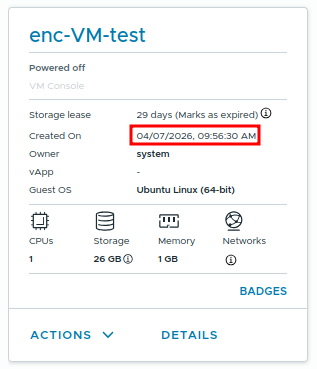
VM Creation Time

KMIP Objects Creation Time