

-
Under Action column, click the Delete icon to delete the existing AWS-BYOK cloud instance.
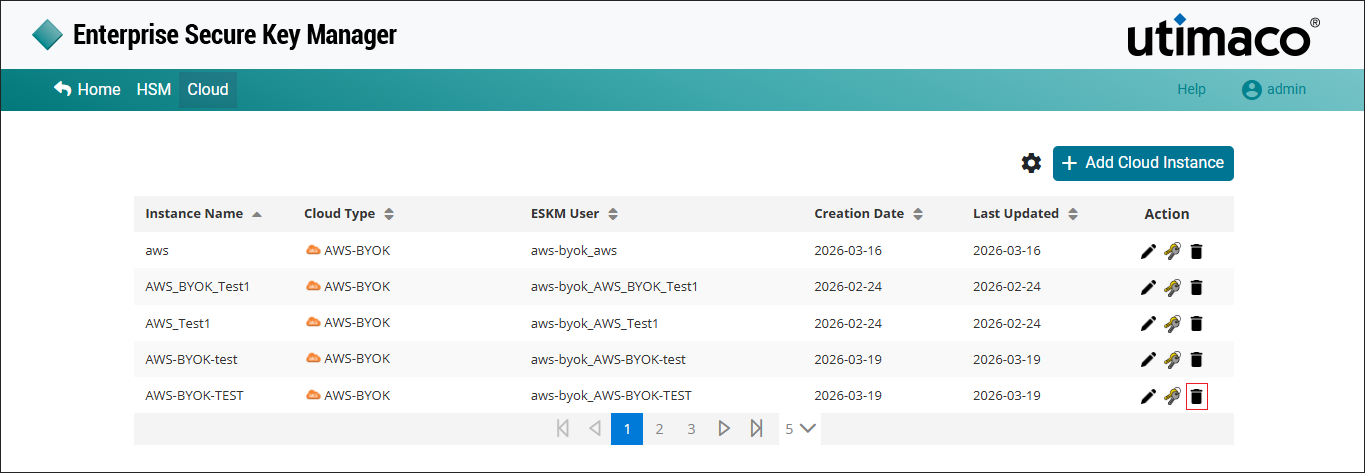
Delete AWS-BYOK cloud instance
-
The Delete Cloud Instance pop-up window will be displayed asking "Are you sure you want to delete instance <instance name>?". Click Delete.
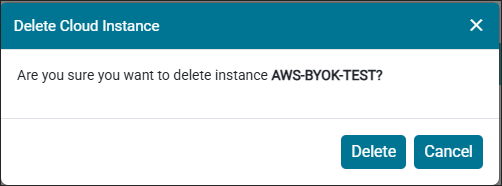
Delete Cloud Instance alert
Cloud instance AWS-BYOK-TEST deleted successfully.
You cannot delete a cloud instance if the keys are already associated with it.