

This section describes the procedure to upload existing Keys from Utimaco ESKM to
AWS-BYOK KMS.
To upload an existing key:
-
Click the Manage Keys icon to view keys list available in the cloud instance.
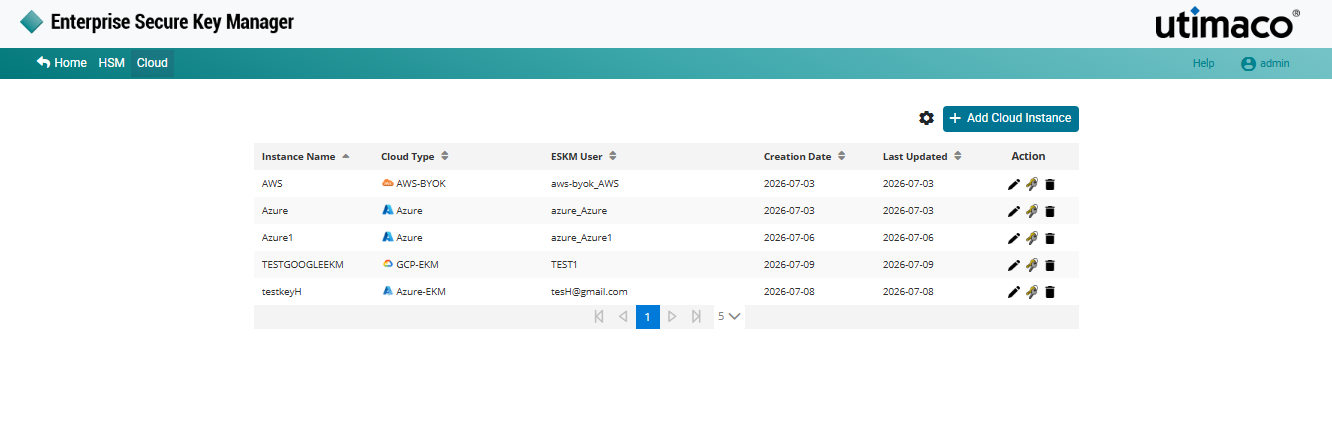
Manage keys
-
Click Create/Upload Key in the right corner of the Cloud Instance page.
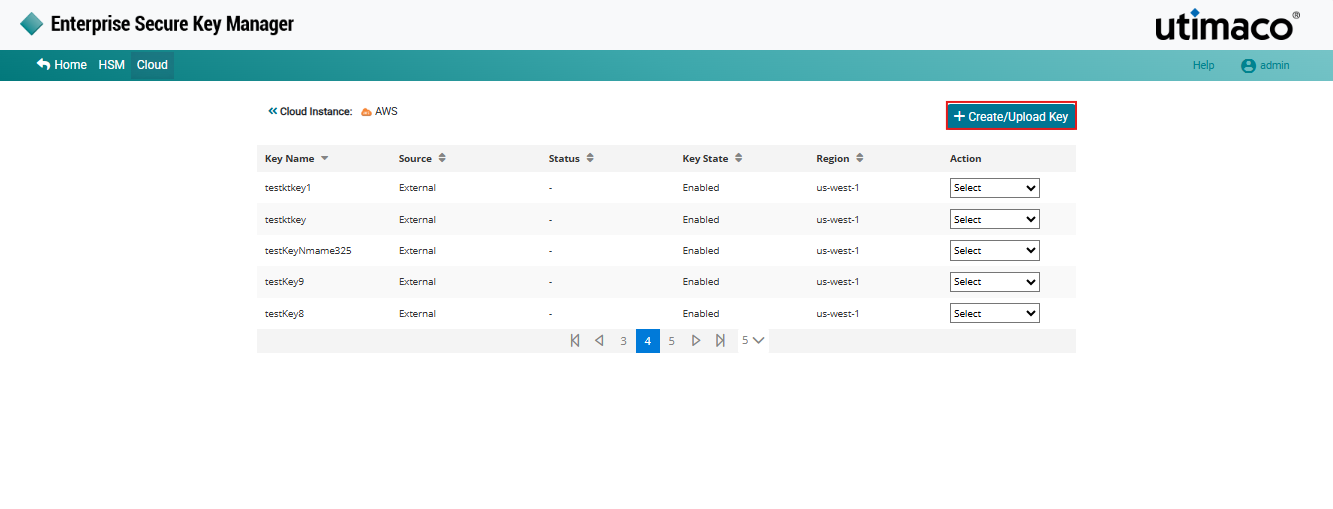
Create/Upload key
-
The Upload to Instance AWS-BYOK pop-up appears. choose the Select Existing Key option and select the existing key from the list.
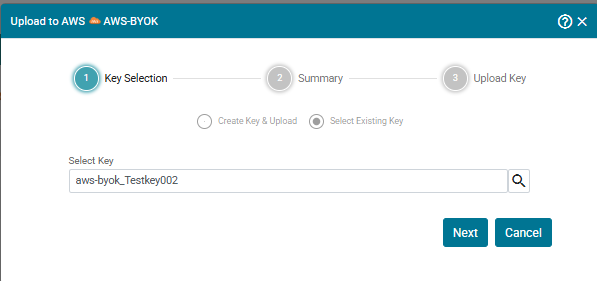
Select Existing Key
-
Click Next. The Upload to Instance AWS-BYOK Summary pop-up appears.
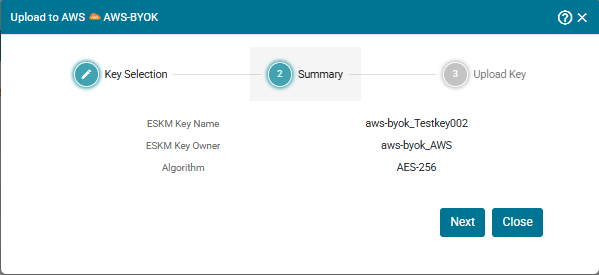
Upload to instance AWS-BYOK Summary
-
Click Next. It navigates to the Upload to Instance AWS-BYOK pop-up window. Click Upload.
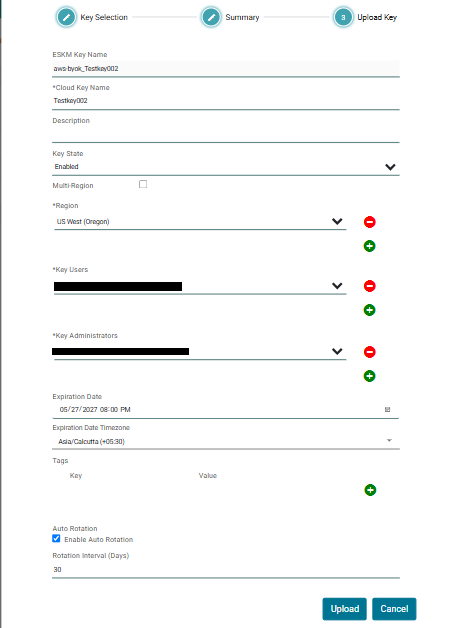
Upload key
The Key [Key Name] has been successfully uploaded to Instance [AWS-BYOK].
Uploading an existing key will fail if the key already exists in the target AWS instance. Keys that are not already present in the instance can be uploaded successfully. If a newer key version is available in ESKM and has not yet been uploaded, that version can be uploaded to the instance.