

-
Under the Action column, select the Edit option to modify the selected key information.
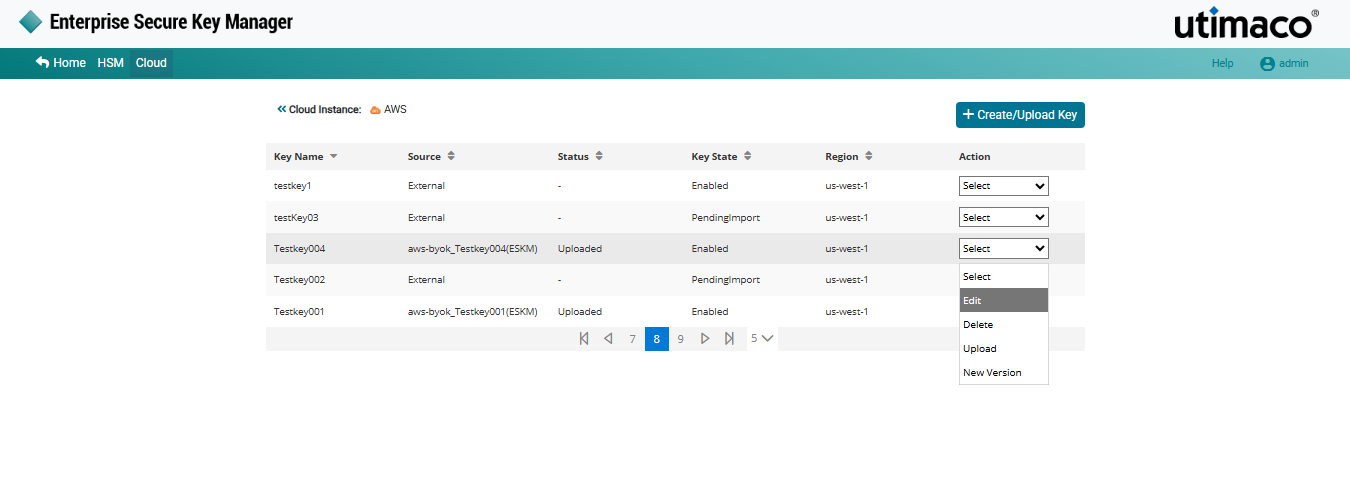
Edit key
-
The Edit Key (Key Name) on AWS-BYOK pop-up window appears.
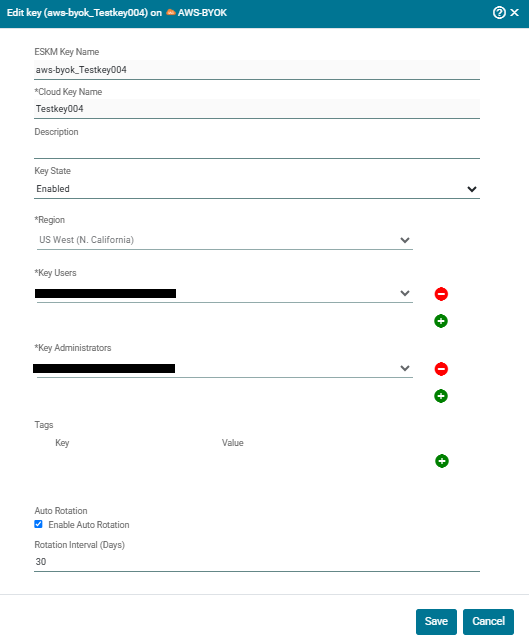
Editing a key
-
Make the necessary changes and click Save.
Cloud Instance Key (key name) updated successfully.
When editing an AWS BYOK key, only the Description, Tags, Key State and Auto Rotation can be updated. Auto Rotation settings can be configured or modified for existing keys as required.