

This section describes how to add a Google Workspace Cloud Instance.
To add a new cloud instance:
-
Log in to the Cloud Integration Web Console using any one of the methods described in Accessing the Cloud Integration Web Console.
-
Click on + Add Cloud Instance at the top right corner of the page.
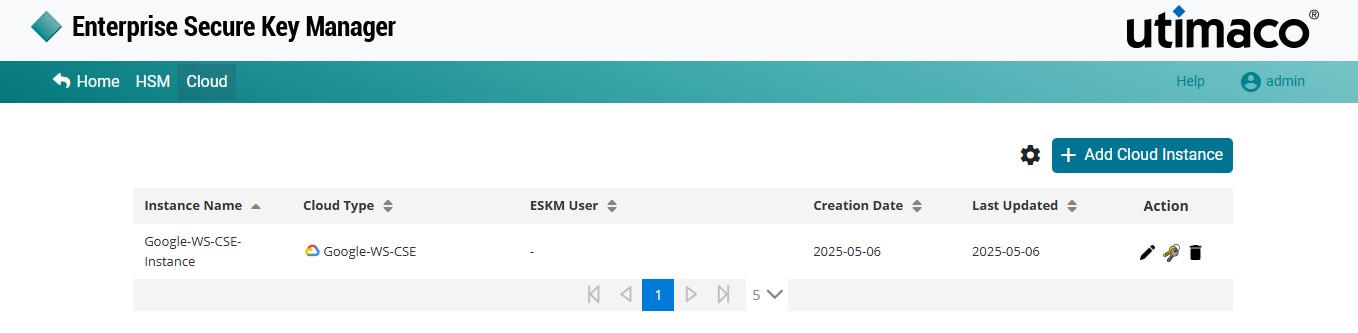
Add Cloud Instance
-
The Add Cloud Instance dialog is displayed.
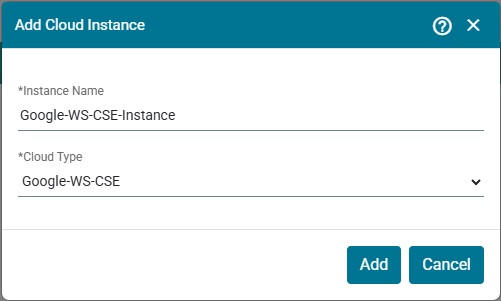
Add Google Workspace Cloud Instance
-
Select Google-WS-CSE as the Cloud Type and click on Add.
The Cloud Instance Instance1 [Google-WS-CSE] has been created successfully.
The Instance Name cannot be edited.
Only one Google Workspace instance can be added for Cloud Type [Google-WS-
CSE].