

-
Select Delete from the drop-down list in the column of the key you want to delete.
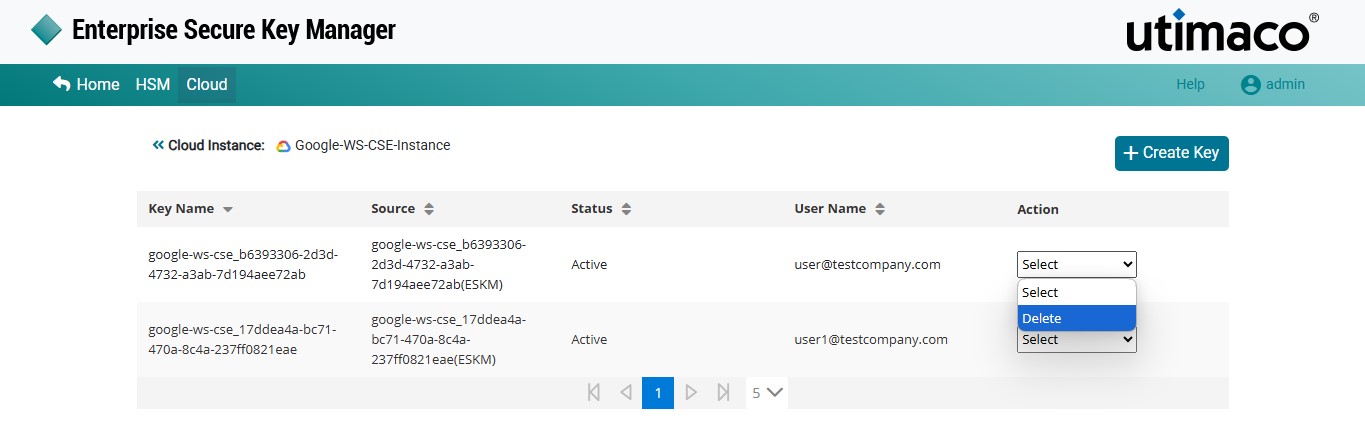
Google Workspace - Delete Key
-
An alert window will pop up asking Are you sure you want to delete key (<key source>) from ESKM ?
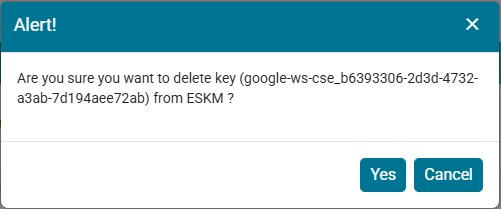
Delete Key - Alert
-
Click on Yes.
The key will be deleted from ESKM.