

-
To edit an existing Google Workspace Cloud Instance, click on the Edit icon in the Action column.
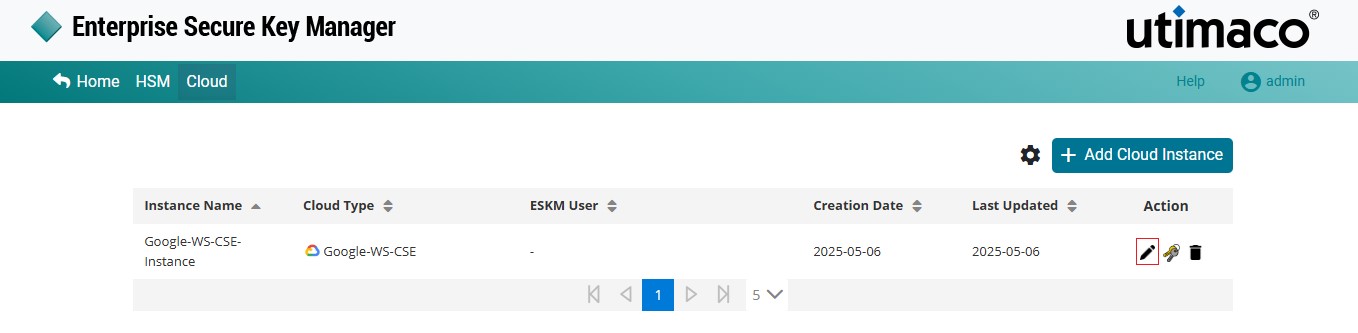
Edit an Instance
-
The Edit Cloud Instance dialog is displayed.
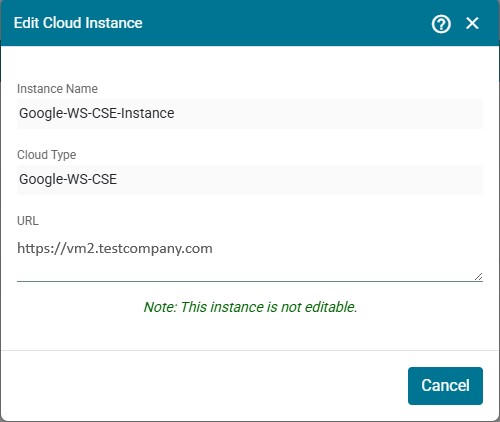
Edit Cloud Instance
-
The displayed URL is the External Key Service URL. This URL is constructed using the Common Name of the Google WS certificate configured under Advanced REST Settings.
The Google Workspace Instance is read-only and cannot be edited.