

This section describes how to create a key in the Cloud ESK.
-
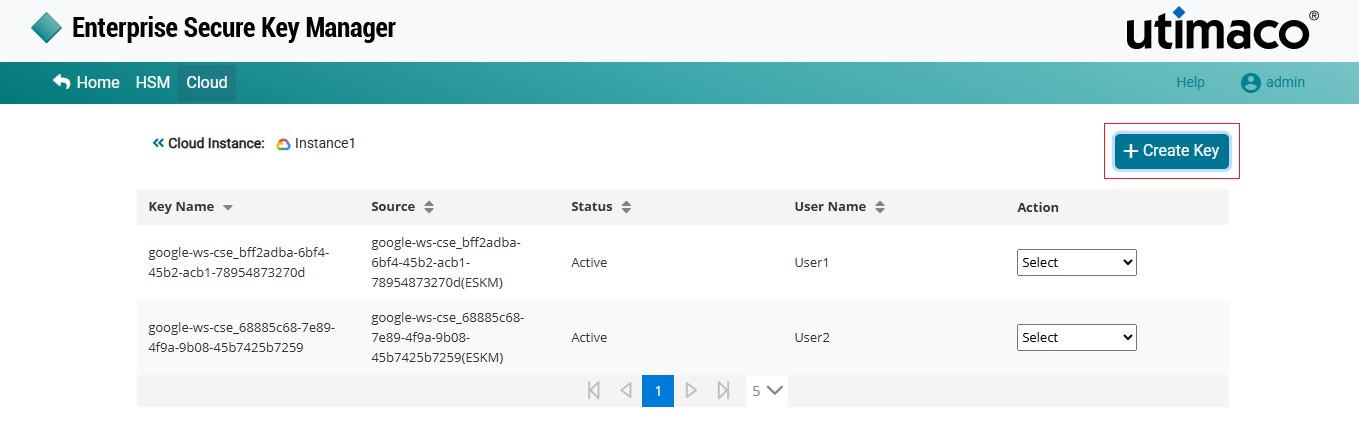
Click on the Manage Keys icon to display a list of keys created in the Cloud instance.
-
Click on + Create Key at the top right corner of the page.
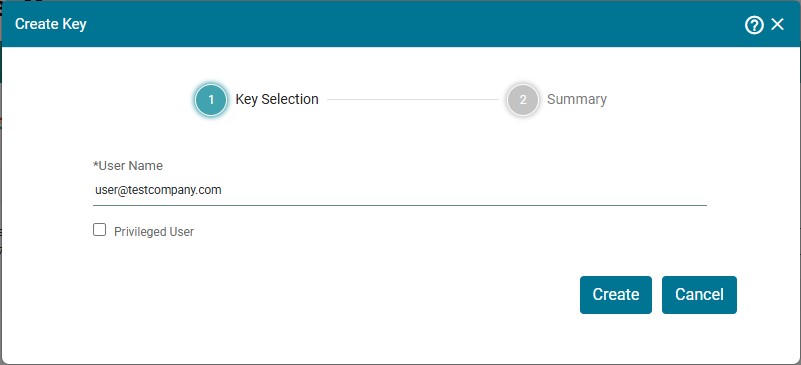
Create Key - Key Selection
-
Enter a username and click on Create.
Check Privileged User only if the user needs to call privileged APIs, namely PrivilegedWrap, PrivilegedUnwrap, and PrivilegedPrivateKeyDecrypt.
Privileged requests do not require Google authorization and can be initiated from any application, requiring only authentication. For detailed information, see https://developers.google.com/workspace/cse/reference. ESKM will reject all privileged API requests from users not marked as privileged.
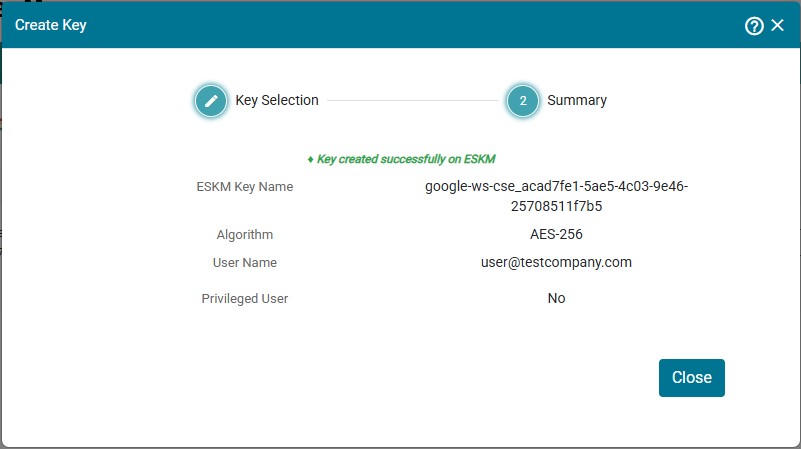
Key Summary
-
A Create Key summary page is displayed. Review the summary and click on Close.