

-
To import the root certificate, click on “Import Root Certificate” and a popup window will be displayed. Go to ESKM and navigate to Security>Certificates and CAs>Local CAs. Select the CA name and click on it. In the "CA Certificate Information" page copy the certificate from
----- BEGIN CERTIFICATE ----- to -----END CERTIFICATE --------lines. -
Go to StoreOnce Management Console and paste the certificate from
--- --BEGIN CERTIFICATE ----- to -----END CERTIFICATE --------lines into "Import Root Certificate" pane. Click OK. The root certificate in now provided.
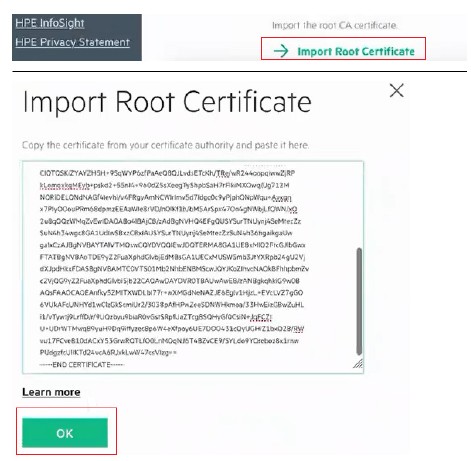
Import root certificate