

-
Generate the ECDSA key using p11tool2
|
›_ Console |
|
Once key generation is complete then add CKA_ID for both public and private ECDSA keys using PKCS11# CryptoServer Administration tool. Also, make sure to set CKA_DERIVE=CK_TRUE in above command.
-
Verify that the keys are generated onto the HSM using the following command
|
›_ Console |
|
Example
|
›_ Console |
|
-
Generate a certificate request
|
›_ Console |
|
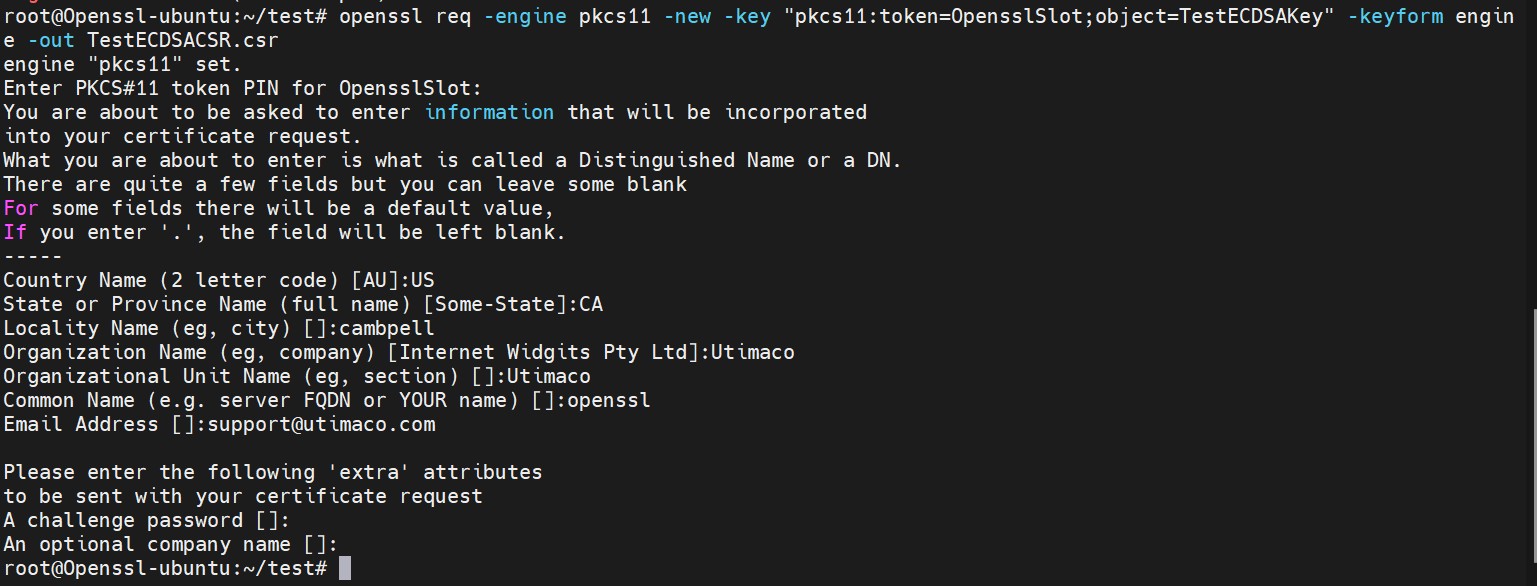

Figure 15: Certificate request command output and the Content of certificate request file
Here, OpensslSlot is the token label and TestECDSAKey is the key on the HSM. Provide Cryptouser PIN when prompted.
-
Create a self-signed certificate based on the generated key
|
›_ Console |
|
Here, OpensslSlot is the token label and TestECDSAKey is the key on the HSM. Provide Cryptouser PIN when prompted.
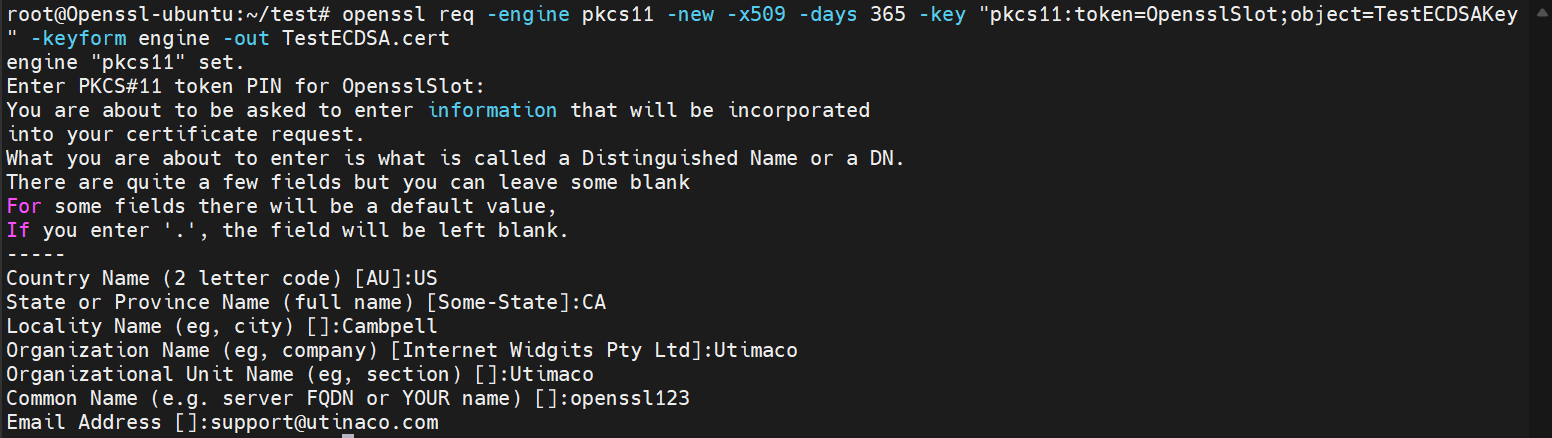
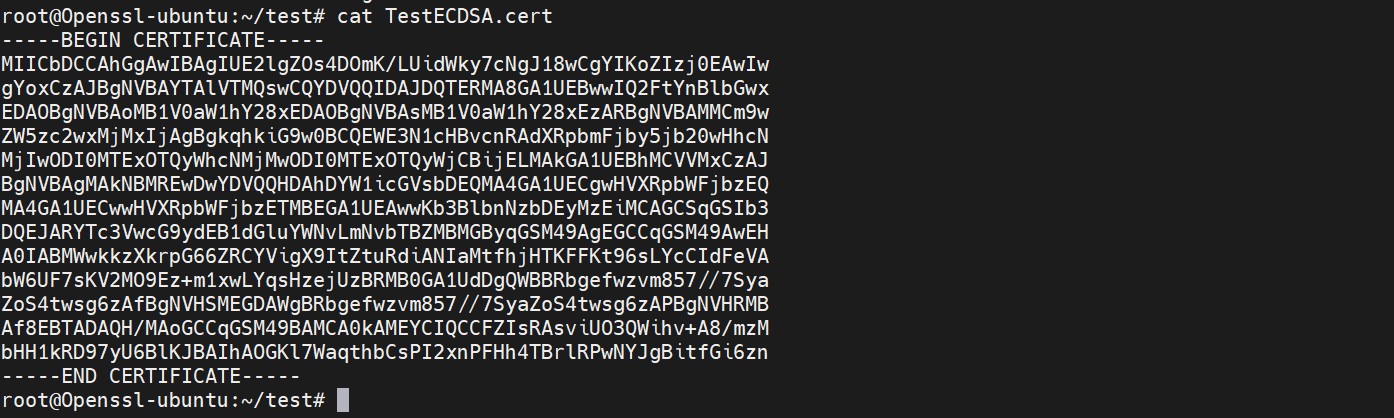
Figure 16: Self signed certificate generation output and content of certificate file
-
Create a sample text file and write any content inside it
|
›_ Console |
|

Figure 17: Content of message file
-
Sign the message file
|
›_ Console |
|
Here, OpensslSlot is the token label and TestECDSAKey is the key on the HSM. Provide Cryptouser PIN when prompted.
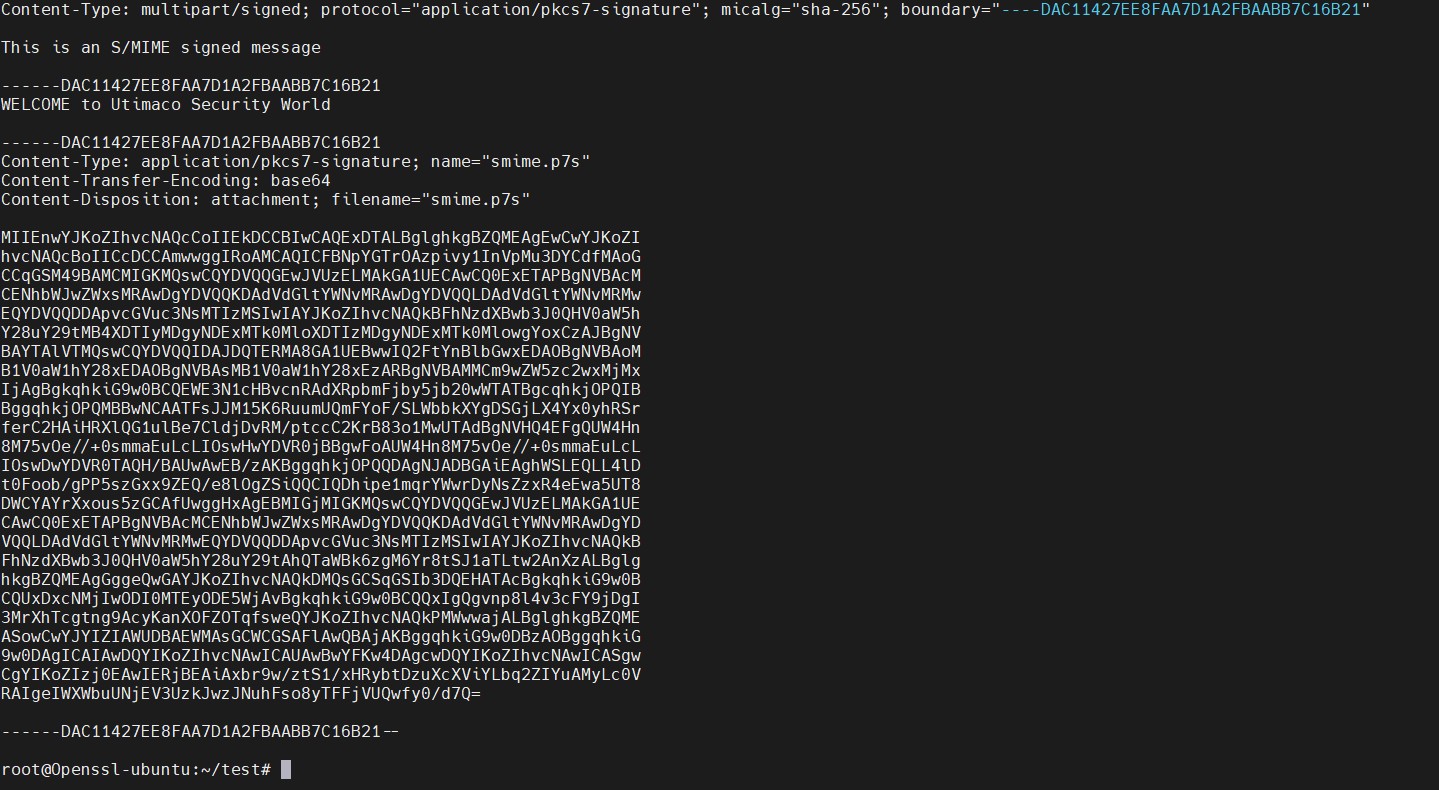
Figure 18: Content of signed message file
-
Encrypt the signed message file
|
›_ Console |
|
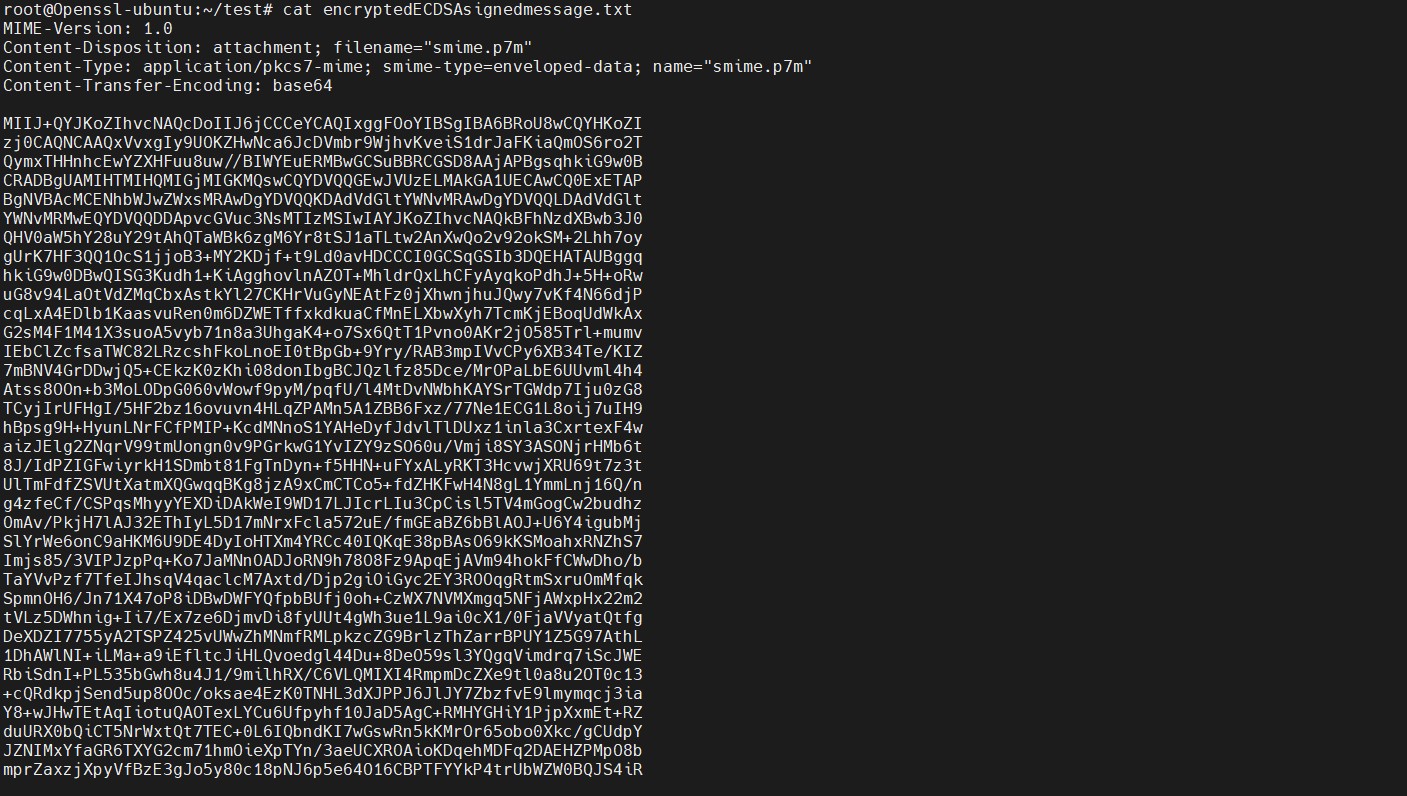
Figure 19: Content of encrypted signed message file
-
Decrypt the encrypted signed message file
|
›_ Console |
|
Here, OpensslSlot is the token label and TestECDSAKey is the key on the HSM. Provide Cryptouser PIN when prompted.
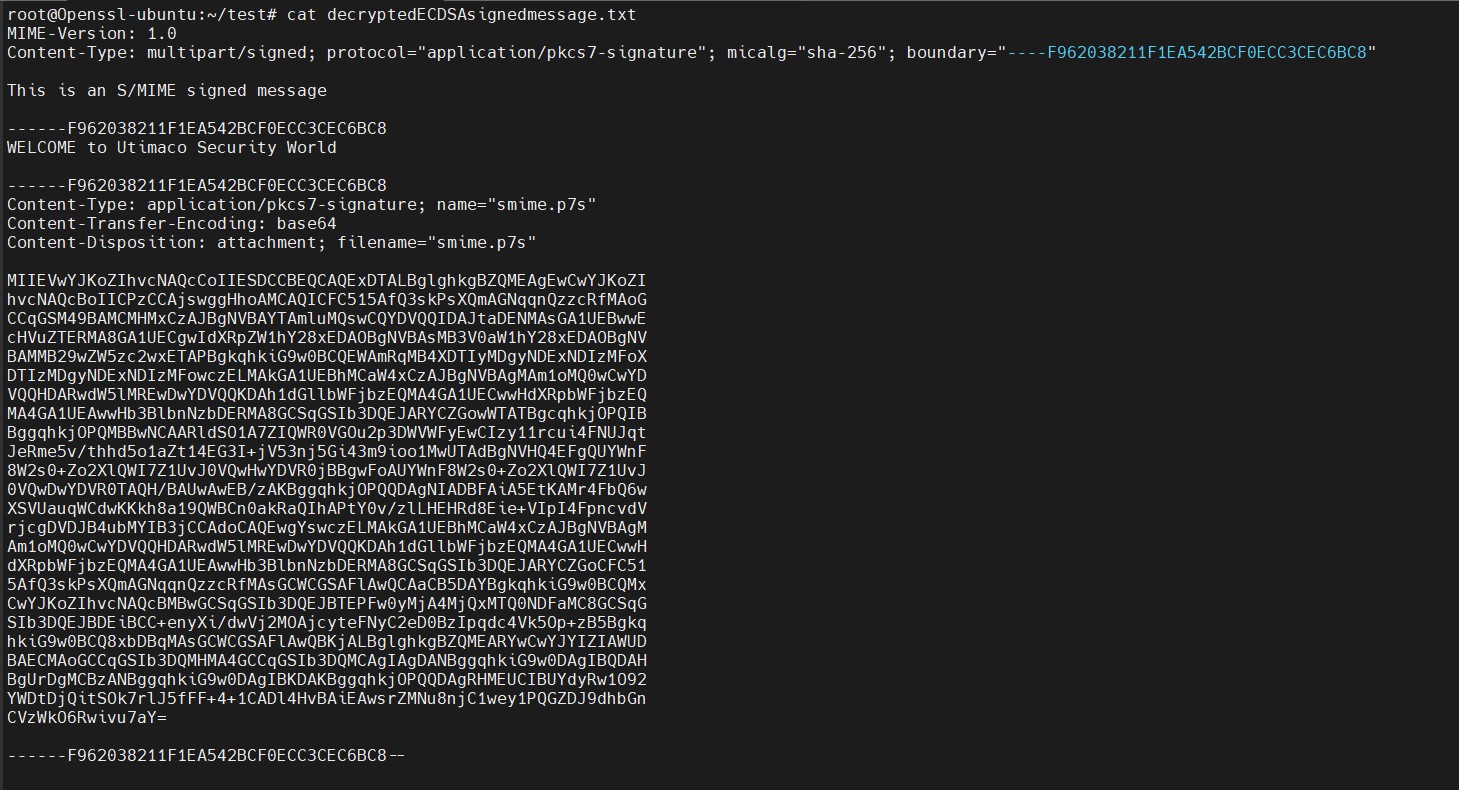
Figure 20: Content of decrypted signed message file
-
Verify the decrypted signed message file
|
›_ Console |
|

Figure 21: Output of openssl verify command
-
Open the content of originalmessage.txt and verify it is the same as original content.

Figure 22: Content of original message file