

-
Generate the RSA key using p11tool2
|
›_ Console |
|
-
Verify that the keys are generated onto the HSM using the following command
|
›_ Console |
|
Example
|
›_ Console |
|
-
Generate a self-signed certificate
|
›_ Console |
|
Here, OpensslSlot is the token label and TestRSAKey is the key on the HSM. Provide Cryptouser PIN when prompted.
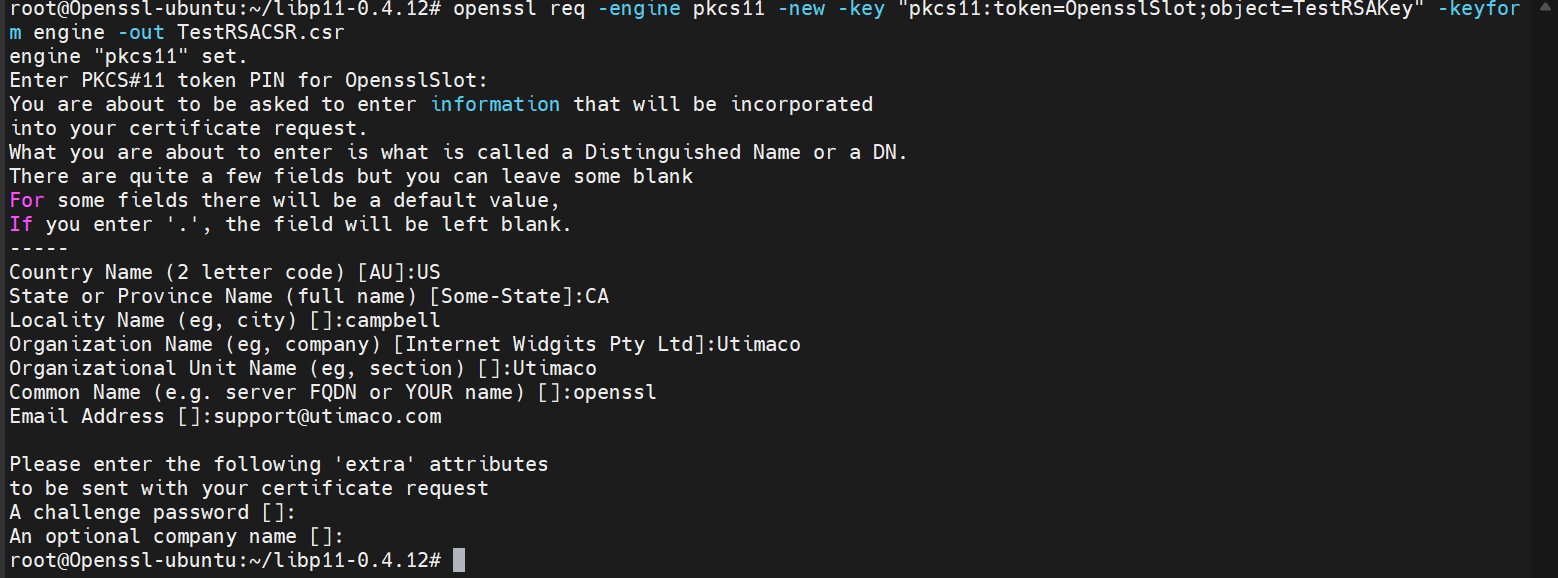
Figure 5:Certificate request output
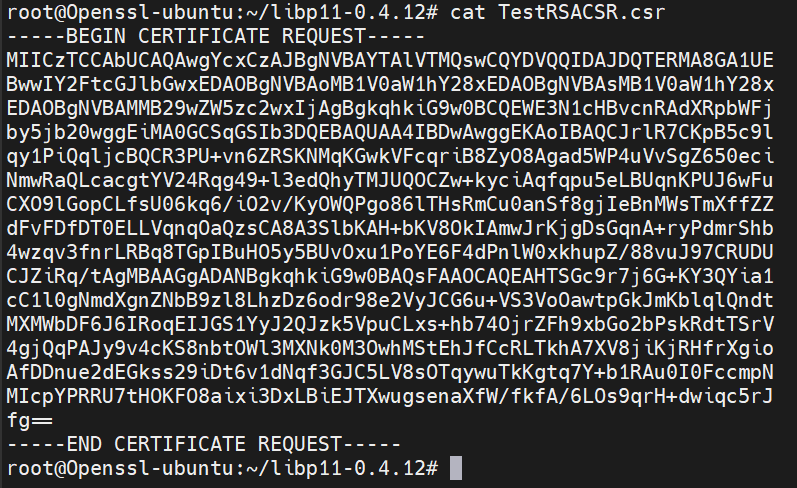
Figure 6:Content of certificate request file
-
Create the self-signed certificate based on the generated key
|
›_ Console |
|
Here, OpensslSlot is the token label and TestRSAKey is the key on the HSM. Provide Cryptouser PIN when prompted.
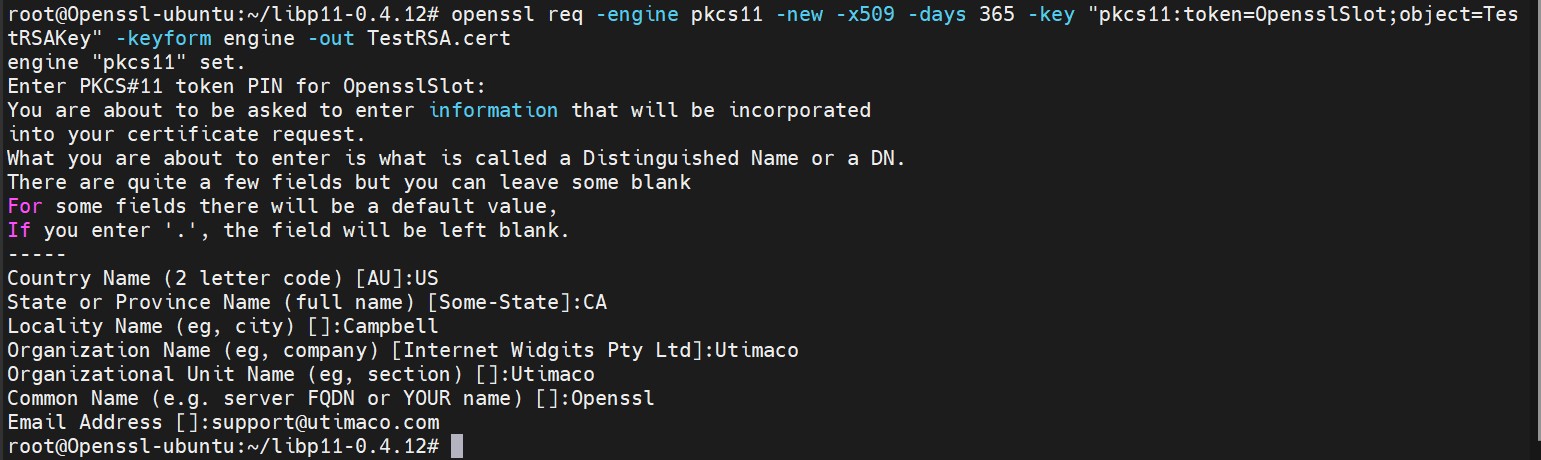
Figure 7: Self signed certificate generation output
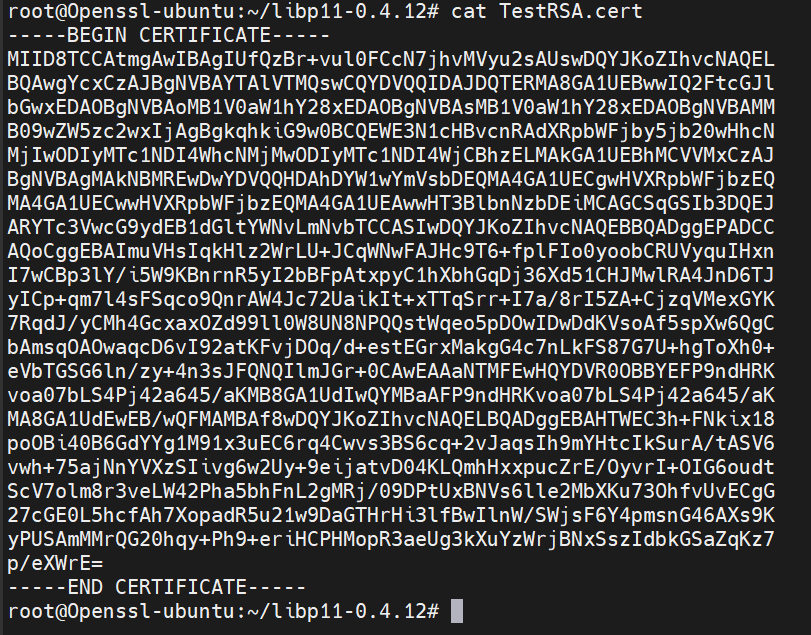
Figure 8: Content of self-signed certificate file
-
Create a sample text file with any content inside it
|
›_ Console |
|

Figure 9: Content of message.txt
-
Sign the message file
|
›_ Console |
|
Here, OpensslSlot is the token label and TestRSAKey is the key on the HSM. Provide Cryptouser PIN when prompted.
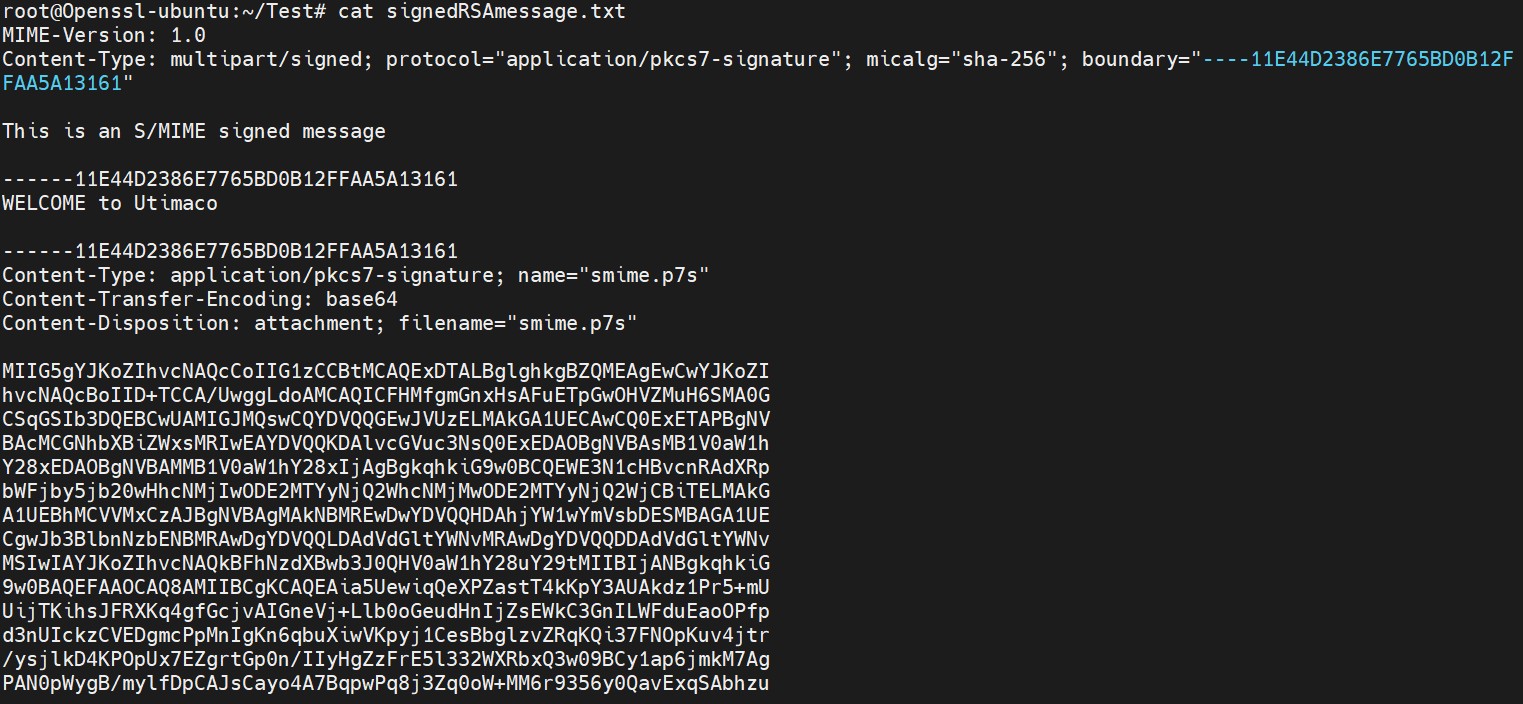
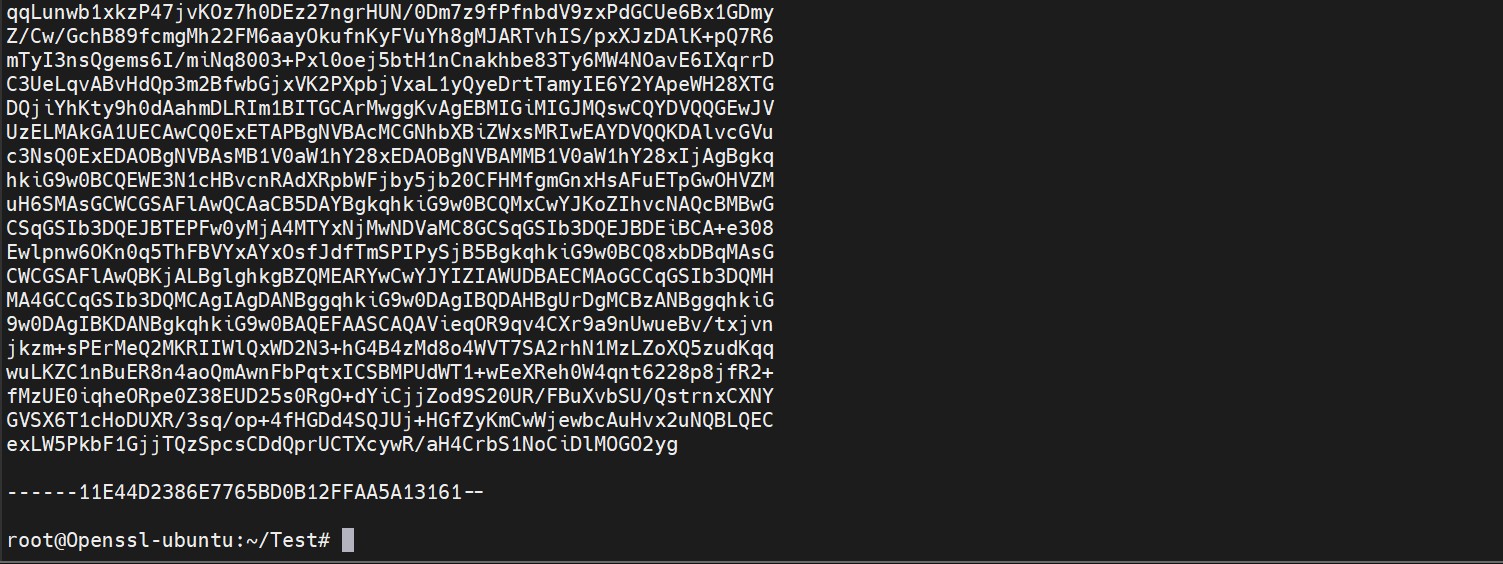
Figure 10: Content of signed message file
-
Encrypt the signed message file
|
›_ Console |
|
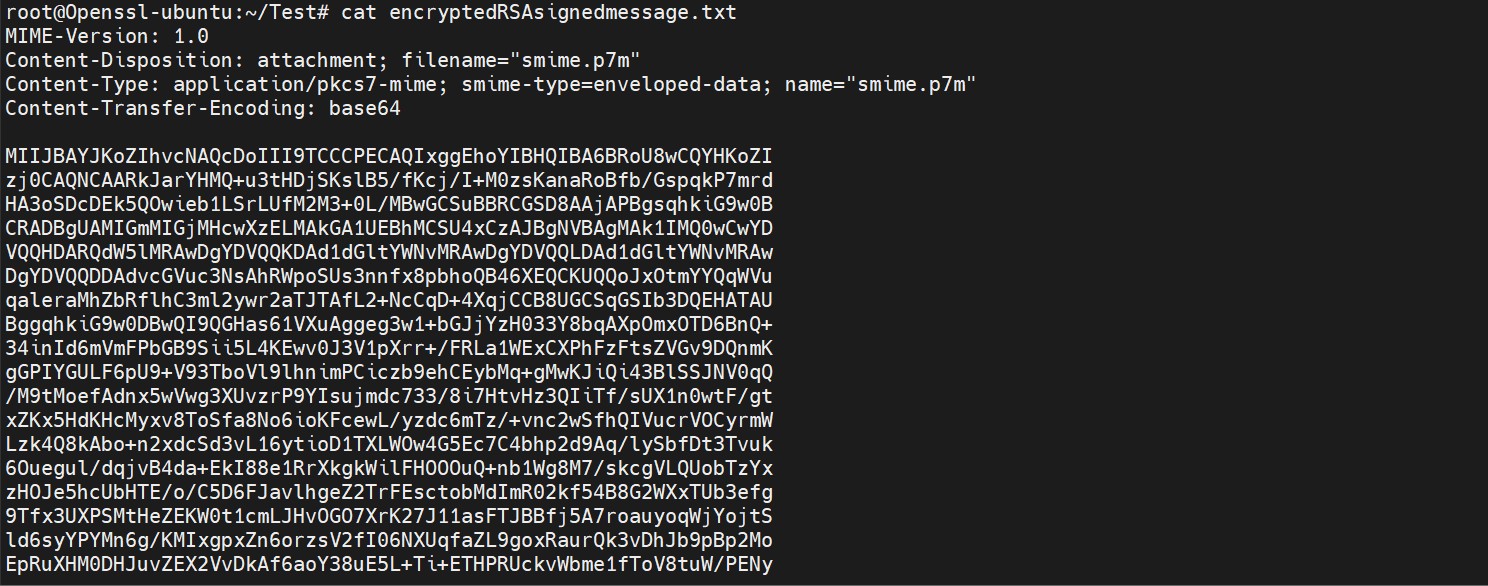
Figure 11: Content of encrypted signed message file
-
Decrypt the encrypted signed message file
|
›_ Console |
|
Here, OpensslSlot is the token label and TestRSAKey is the key on the HSM. Provide Cryptouser PIN when prompted.
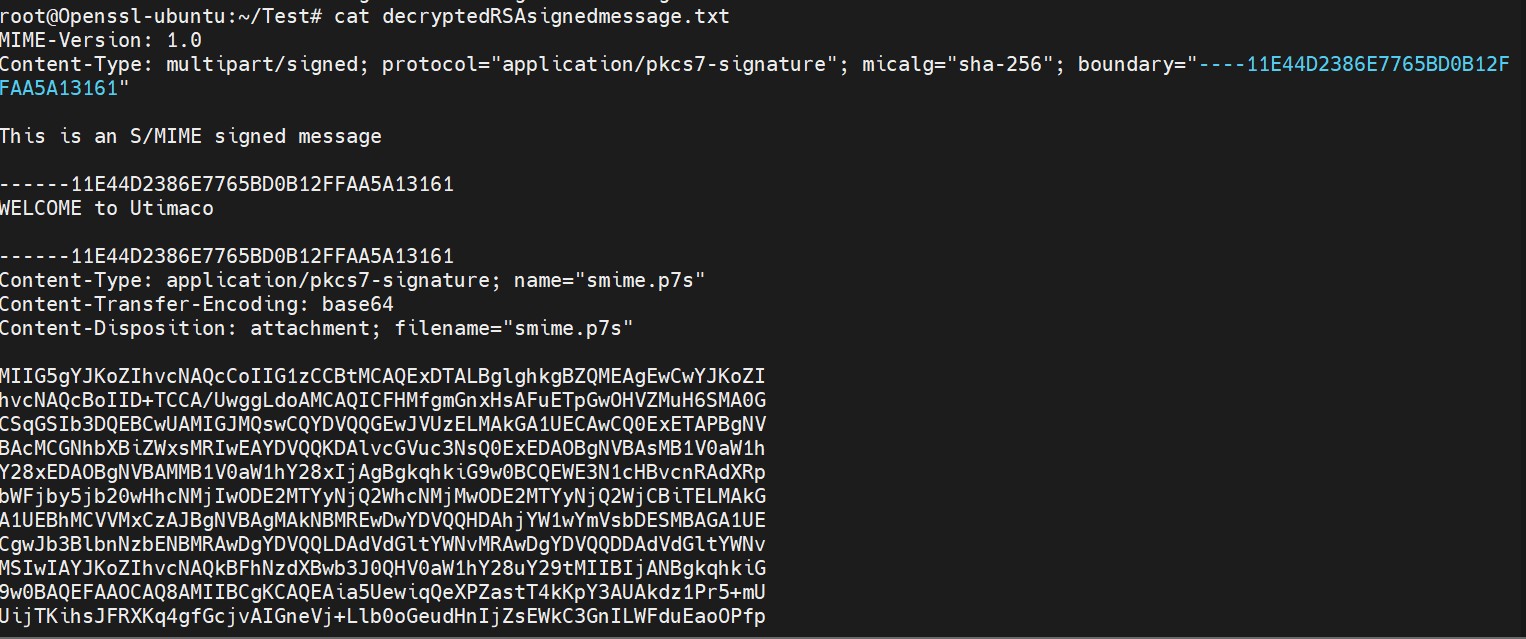
Figure 12: Content of decrypted signed message file
-
Verify the decrypted signed message file
|
›_ Console |
|

Figure 13: Output of openssl verification command

Figure 14: Content of original message file