

This certificate functions as the client certificate used to authenticate and securely connect to the ESKM system. It is essential for establishing mutual TLS communication, where both the client and server verify each other’s identities. The client certificate must be uploaded and registered in Veeam Backup & Replication to enable secure access and enforce identity-based access control.
The following steps outline the process for generating the client certificate:
-
Go to the Security tab.
-
Click on the Certificates option listed under Certificates & CAs.
-
Scroll down to the Create Certificate section.
-
Enter a Certificate Name and Common Name (e.g., KMIPClientVeeamBR).
-
Enter your organization’s details.
-
Enter a Subject Alternative Name.
-
Select the Algorithm (e.g., RSA-2048).
-
Choose the Creation Type as Certificate Signed by Local CA. Select the CA name you created in Local CA Creation (e.g., ESKMCAVeeamBR).
-
Select the Certificate Purpose as Client.
-
Click Create.
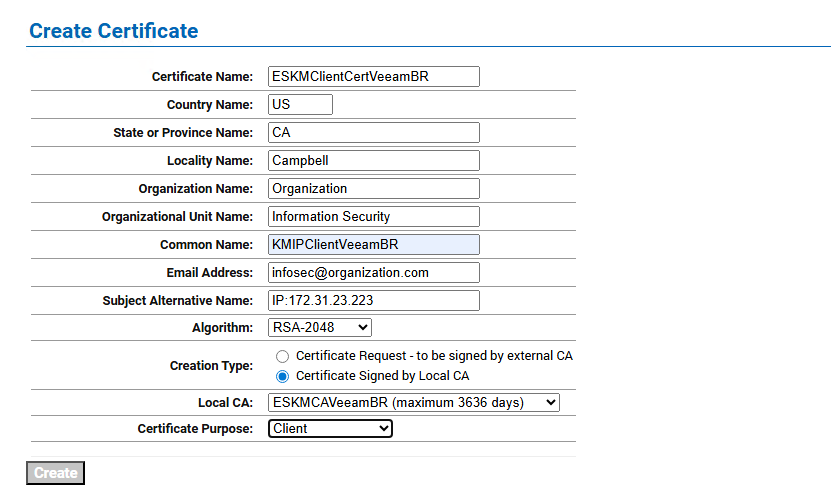
Client Certificate Creation
-
Open the created client certificate and export it by providing a password.
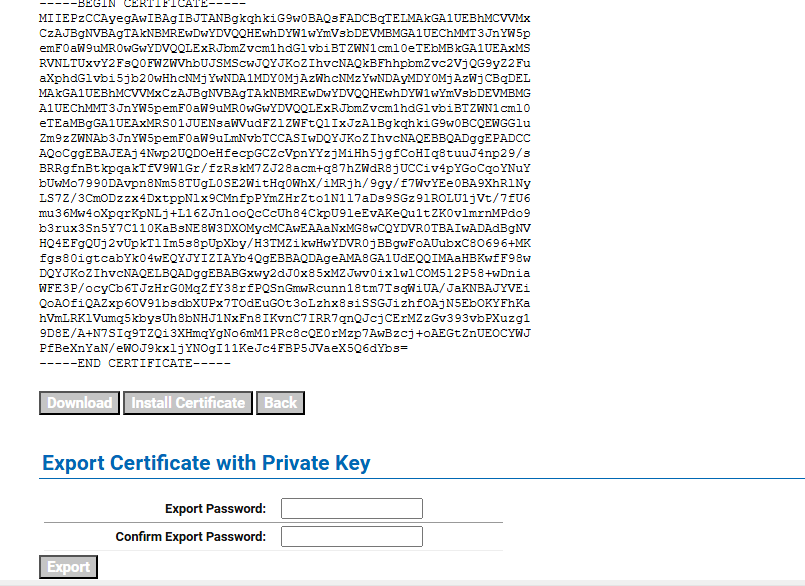
Exporting Client Certificate
-
The certificate will be downloaded in p12 format.
-
Click the Download button to save the certificate content for local user creation.
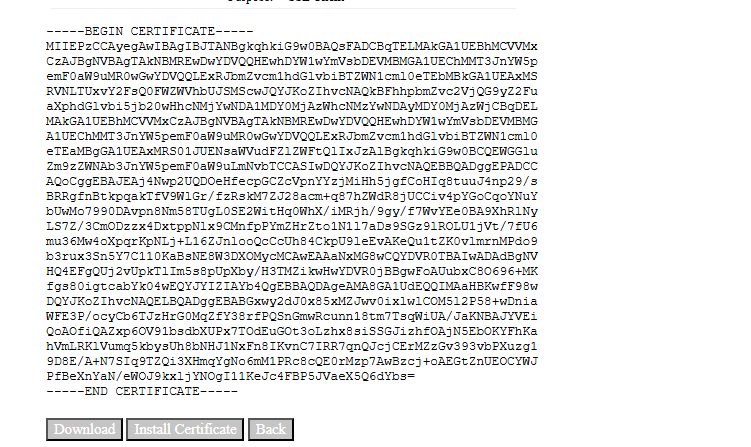
Downloading Client Certificate