

-
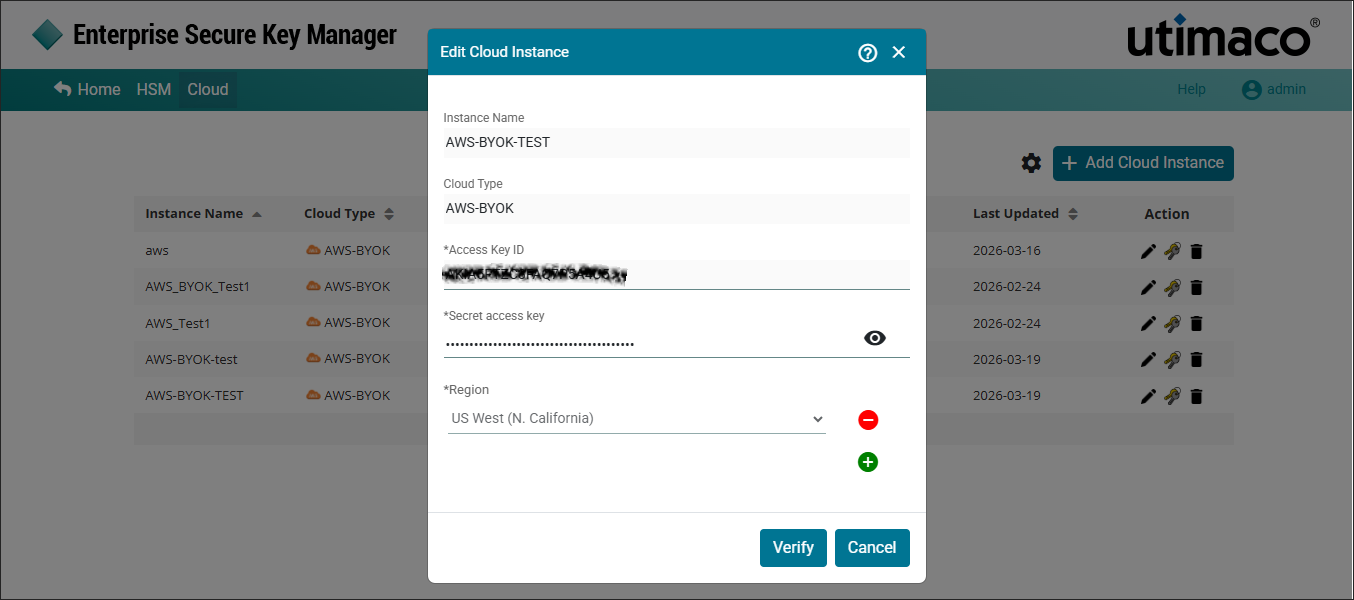
Under Action column, click Edit icon to edit the existing cloud instances.
-
The Edit Cloud Instance pop-up window will appear. Make the necessary changes and click Verify.
-
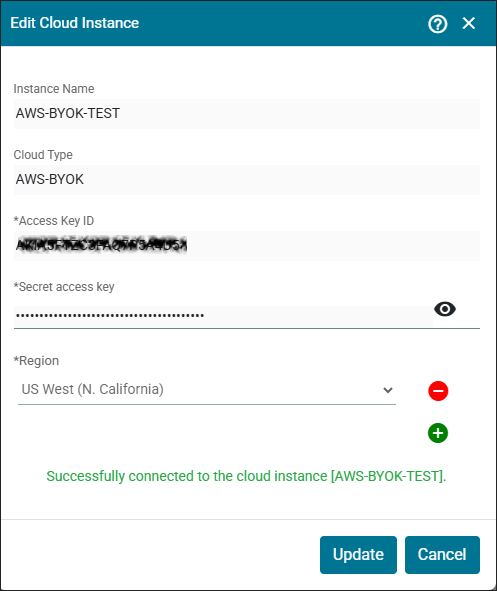
Click Update.
Cloud instance updated successfully.
User can only edit Secret access key and Region and other fields are disabled for editing.