

-
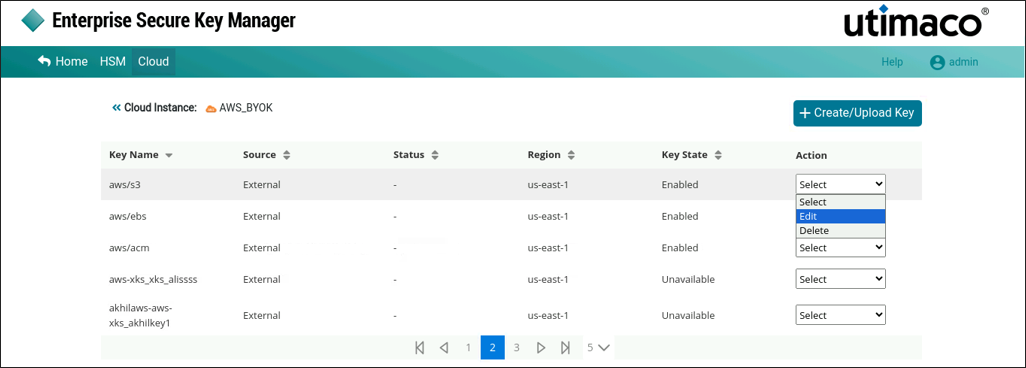
Under Action column, select Edit option to modify the selected key information.
-
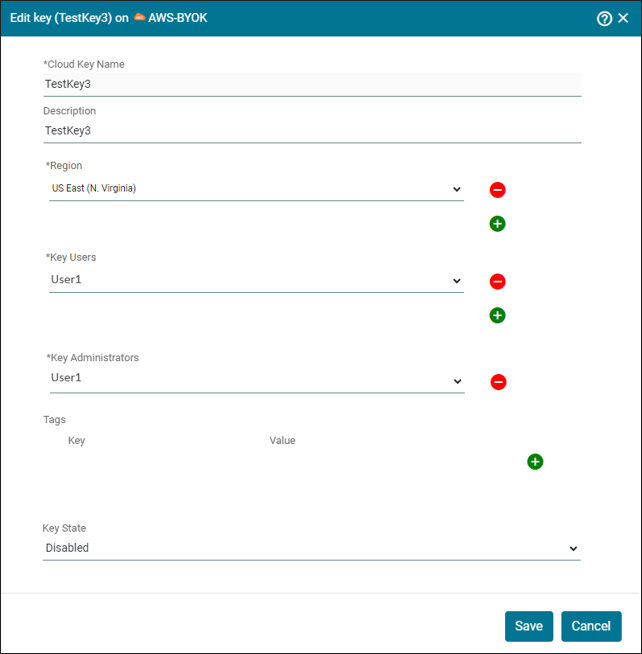
The Edit Key (Key Name) on AWS-BYOK pop-up window appears.
-
Make the necessary changes and click Save.
Cloud Instance Key (key name) updated successfully.
When editing an AWS BYOK key, only the Description, Tags, and Key State can be updated.