

-
From the Admin console Click on Security -> SSL certificate and key management -> under Related Items section select SSL configuration.
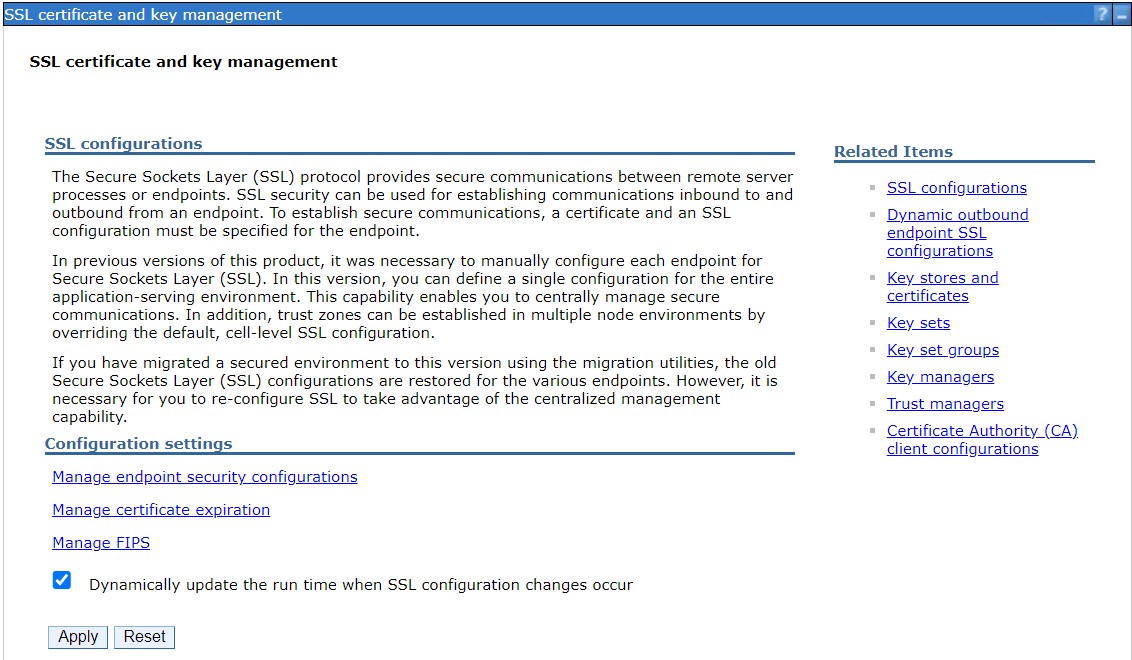
SSL certificate and key management page
-
Select NodeDefaultSSLSettings.
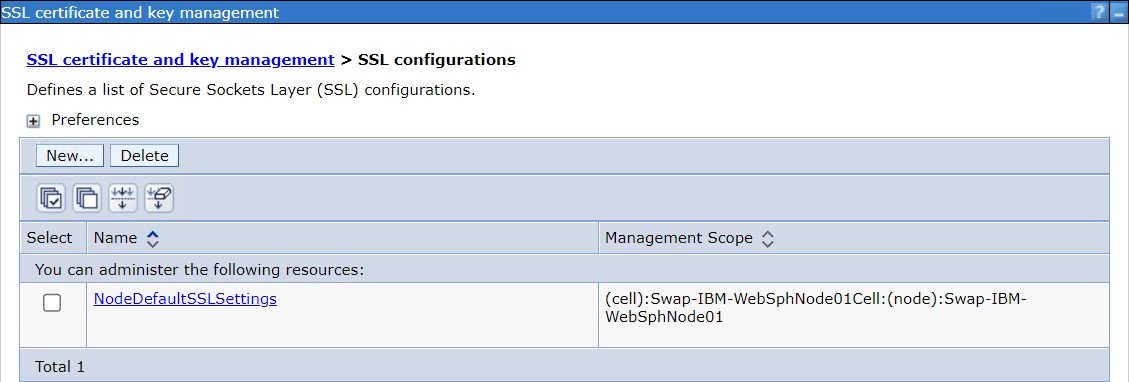
SSL configuration page
-
In Trust store name field select Utimaco from dropdown.
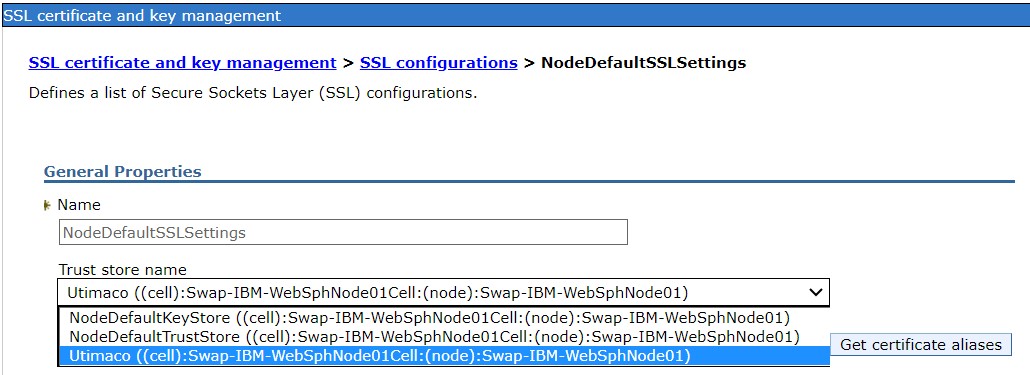
Selecting Trust store name
-
Similarly, in Keystore name field select Utimaco from dropdown.
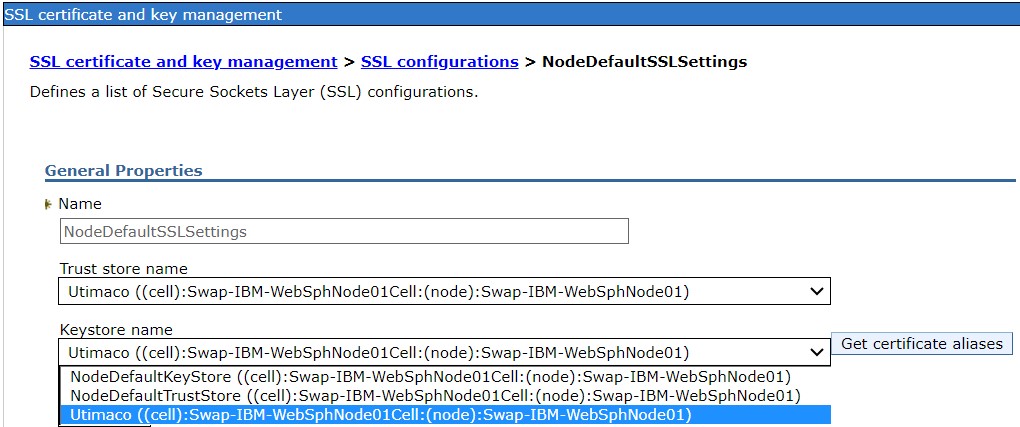
Selecting keystore name
-
Click on Get Certificate aliases button to get the t server certificate and client certificate.
-
Select the Default server certificate alias from the dropdown.
-
Select the Default client certificate alias from the dropdown.
-
Click Apply and OK.
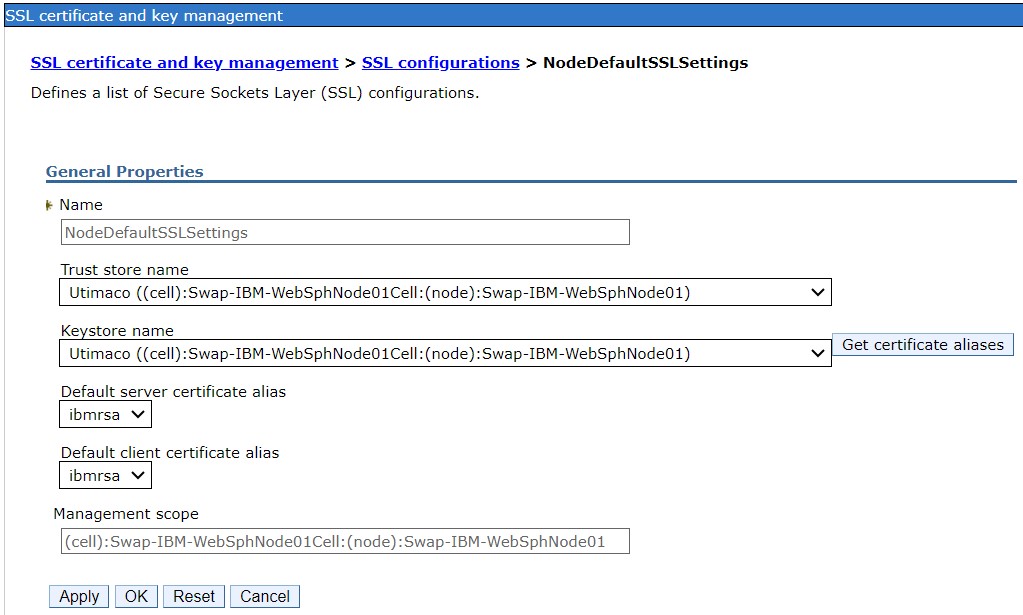
NodeDefaultSSLSettings page
-
Click on Apply -> OK and save.
-
Restart the WebSphere application server.
In Linux you can use commands stopserver.sh <servername> and startserver.sh <servername>to stop/start the service. In windows click on start and select IBM WebSphere Application Service utility to stop/start the service.