

This section describes the procedure to edit Microsoft DKE Cloud Instance.
-
Under Action column, click Edit icon to edit the existing Microsoft DKE cloud instances.
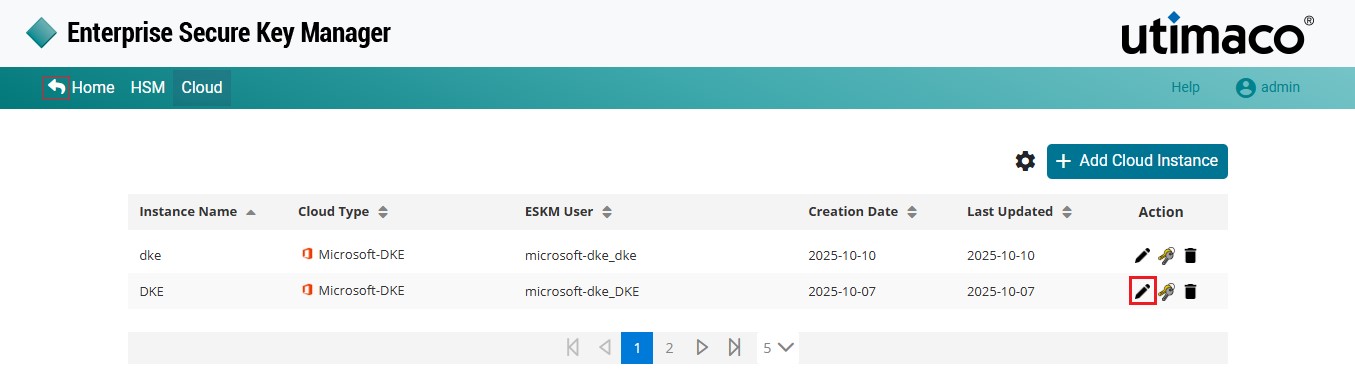
Edit Key
-
The Edit Cloud Instance pop-up window appears.
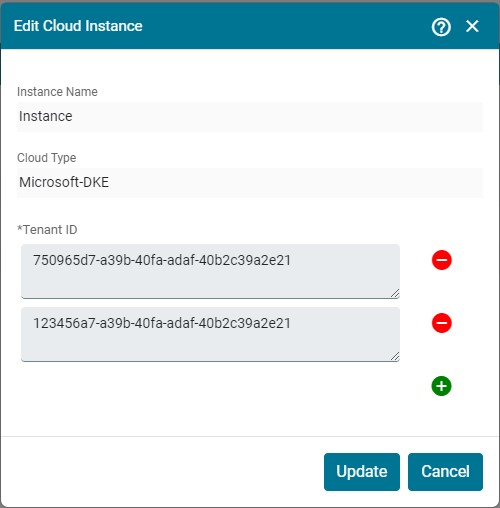
Edit Cloud Instance
-
Make the necessary changes and click Update.
Cloud Instance Instance Name [Microsoft-DKE] updated successfully.