

This section describes the procedure to edit key information on Microsoft DKE cloud instance.
To edit key
-
Under Action column, select Edit from the drop-down to modify key information.
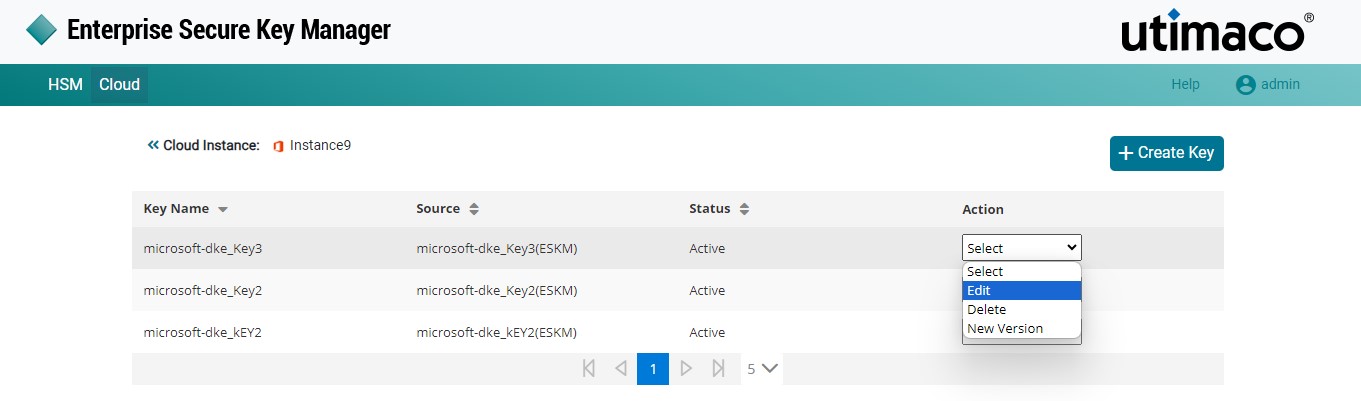
Edit Key
-
The Edit key on Microsoft DKE pop-up window appears.
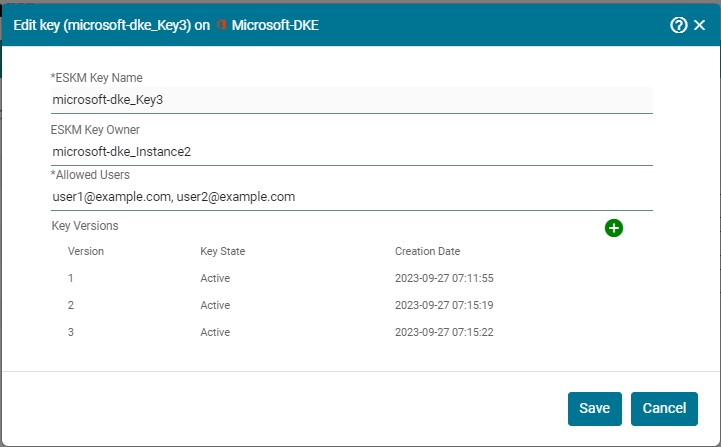
Edit Key
-
Make the necessary changes and click + icon to create a new key version.
-
Click Save.