

-
Log into the CA server using the domain account.
-
Select Certification Authority from the Tools menu on the Server Manager window.
-
Expand the server on the left pane, then right-click on Certificate Templates and select Manage.
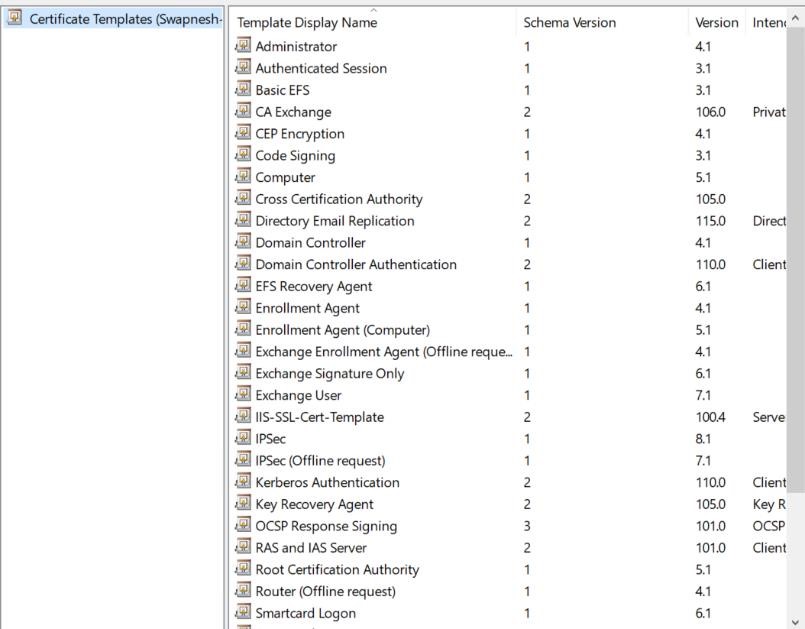
Certificates Templates Window
-
Right-click on IPSec (offline request) Template Display Name and select Properties.
-
Click on the Security tab and select Add button.
-
On the Select Users, Computers, Service Accounts, or Groups text box, type the name of the NDESDeviceAdmin account, select Check Names, and after finding select OK.
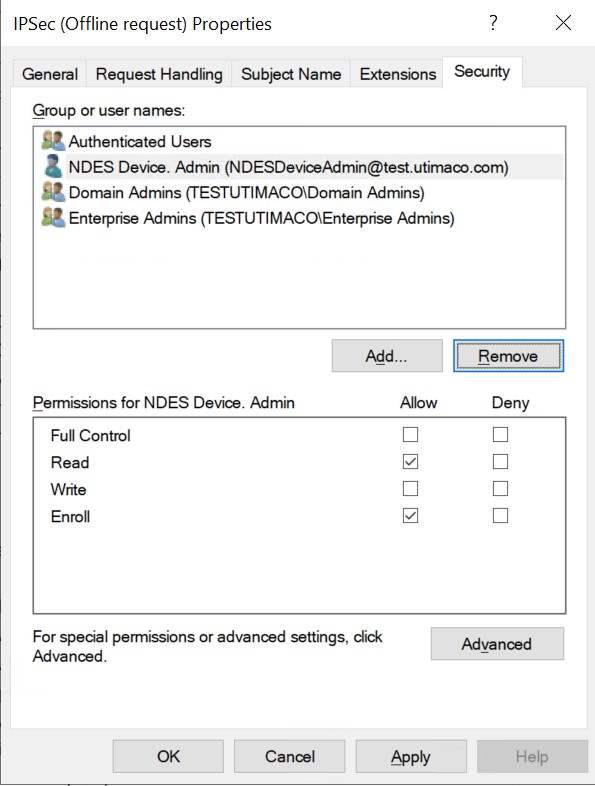
IPSec (Offline request) Properties Window
-
Select the NDESDeviceAdmin account and verify the Allow check box that corresponds to Enroll is selected.
-
Select Apply and then select OK.