

-
As OpenXPKI needs to be able to build the full chain for any certificate, you need to import the Root CA(s) first.
|
›_ Console |
|---|
|
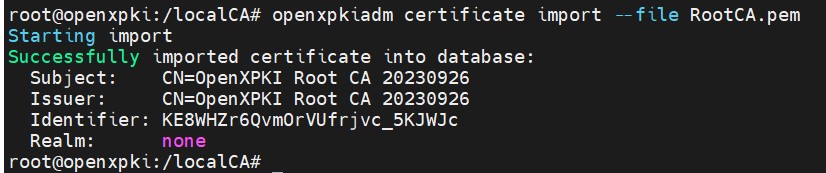
Import root CA
-
Register datasafe token for the democa realm with DataVault certificate.
|
›_ Console |
|---|
|

Register DataVault token
-
Verify that the key_usable for DataVault token is 1.
|
›_ Console |
|---|
|
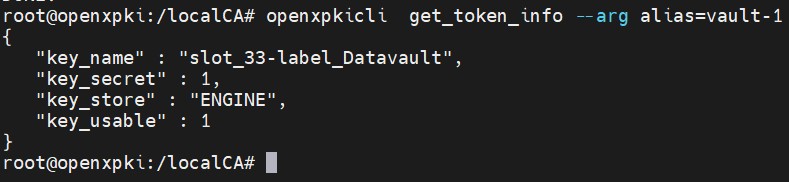
DataVault token info
-
Register the certsign token with the Subordinate CA certificate.
|
›_ Console |
|---|
|
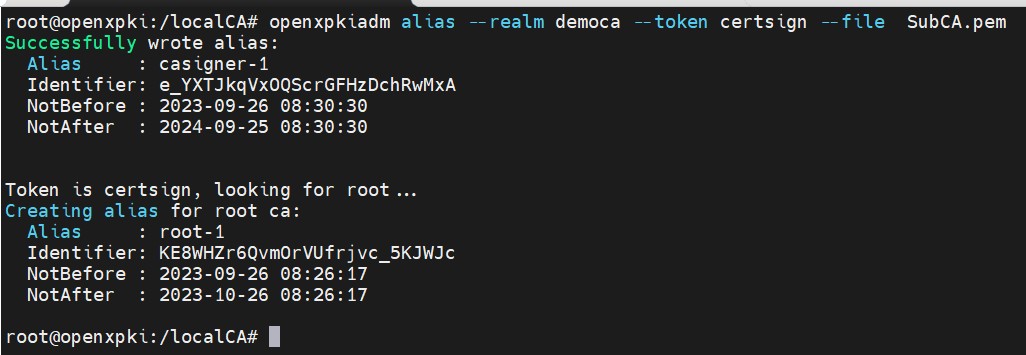
Register certsign token
-
If the import went smoothly, you should see something like this.
|
›_ Console |
|---|
|
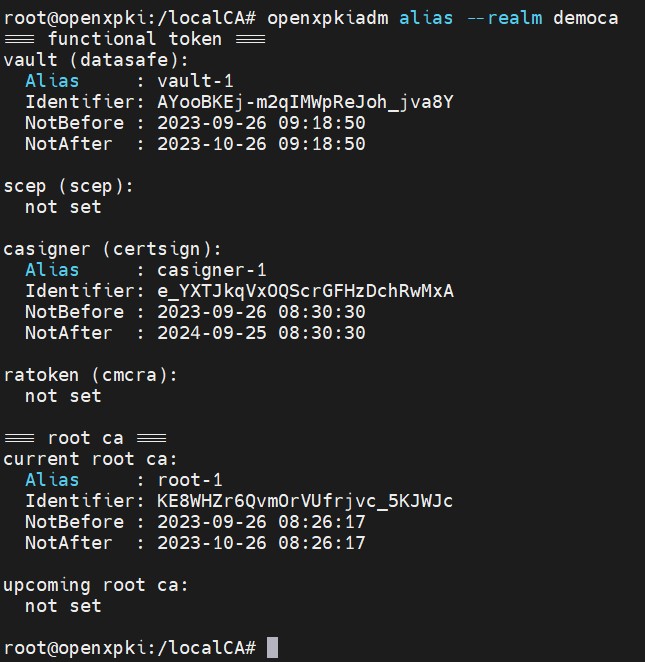
democa realm functional token list
-
Create a CRL.
|
›_ Console |
|---|
|

CRL creation