

-
Make sure that openssl version 3.x is installed. If it is not, then install openssl 3.x from https://www.openssl.org/source/.
|
›_ Console |
|---|
|
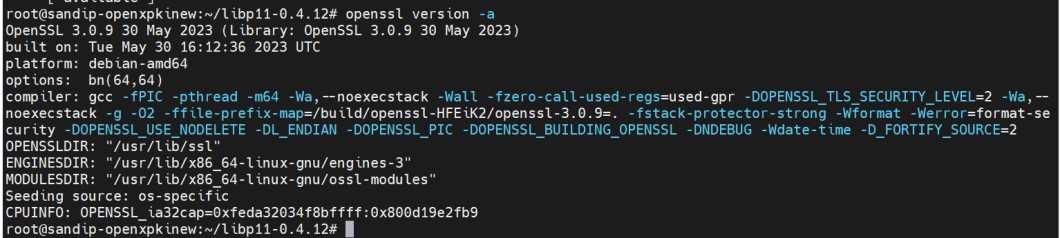
Openssl version
-
Download the latest libp11 package from Releases · OpenSC/libp11 · GitHub.
|
›_ Console |
|---|
|
-
Extract the compressed file.
|
›_ Console |
|---|
|
-
Go to libp11 directory, build, and install libp11using the following commands.
|
›_ Console |
|---|
|
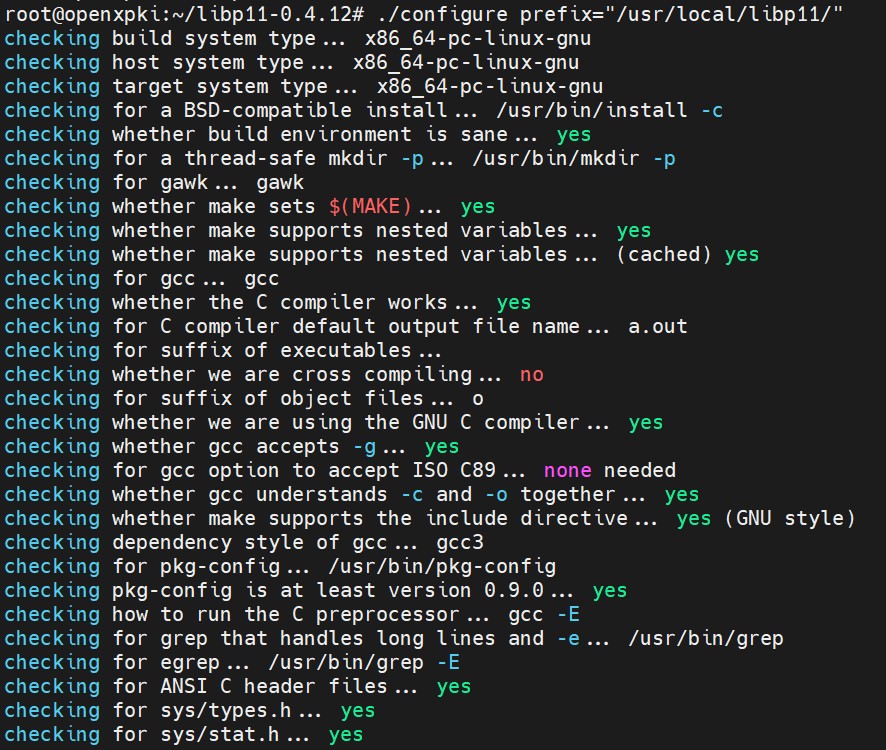
Libp11 installation
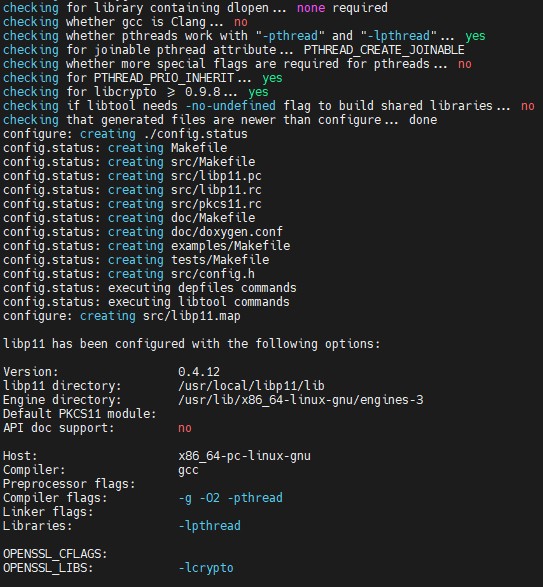
Libp11 installation