

-
Create a HSM Key:
Use the create encryption key command and the credentials set by sp_encryption to create the HSM key. SAP ASE creates the HSM key in the master database and uses the HSM key to encrypt only the master key of any database. SAP ASE supports only one HSM key per instance.
1>create encryption key hsm_key on external keystore
2>with keylength 256 init_vector random
3>go
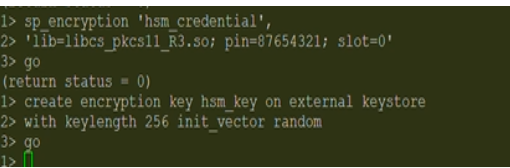
Create HSM Key
-
Verify HSM key generation. The new HSM key
hsm_keyshould be generated in the master:
1> sp_encryption helpkey
2> go
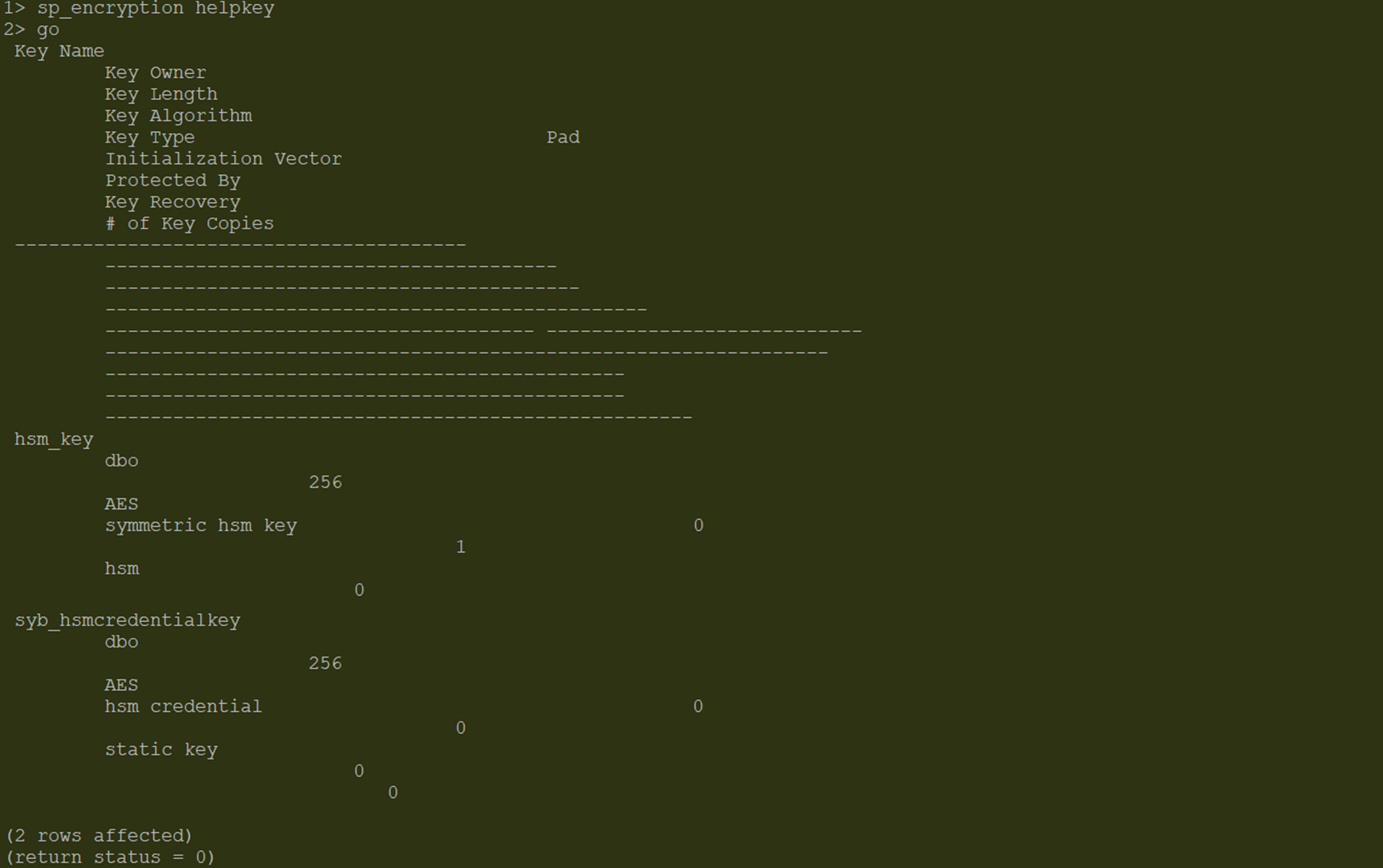
HSM Key Generated
-
Verify the HSM key details:
1> sp_encryption helpkey,hsm_key
2> go
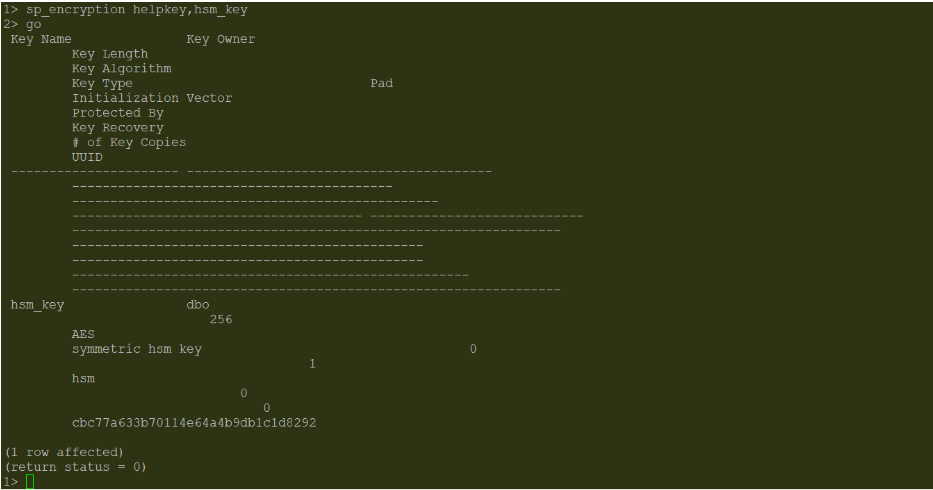
HSM Key Details
-
Verify the key got updated in HSM. The key ID of the key in ASE server and key ID of the key in HSM should be same.
$./p11tool2 LoginUser=<crypto user PIN> ListObjects
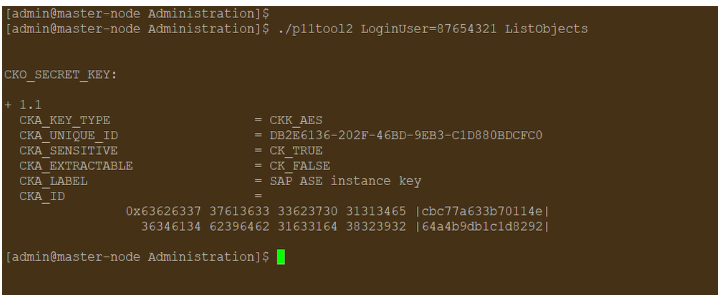
Created HSM Key Displayed in HSM
-
Create the master key protected by the HSM:
Use the create encryption key command with the master parameter to create a master key encrypted with the HSM key.
1> create encryption key master with external key
2> go
1> sp_encryption helpkey
2> go
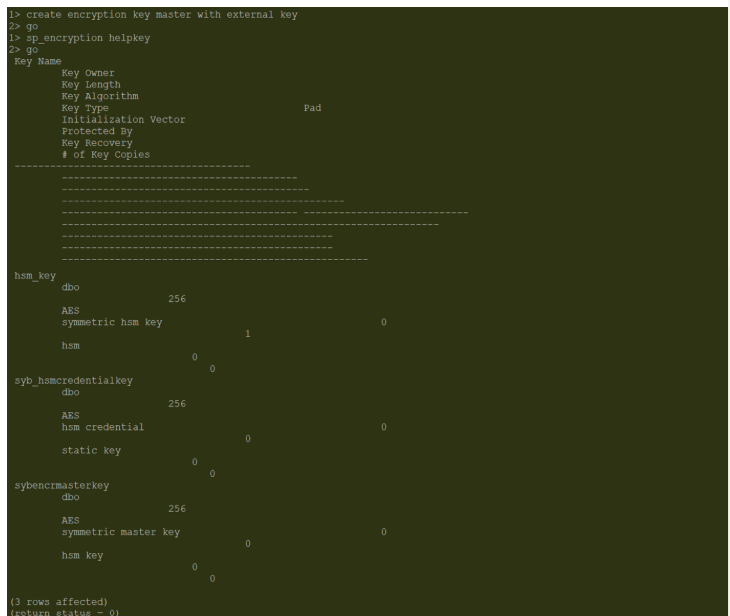
Master Key Details