

-
Enable HSM as External Keystore:
Enable SAP ASE to store encryption keys externally by specifying the external keystore configuration parameter.
1>sp_configure 'external keystore', 0, 'hsm'
2>go
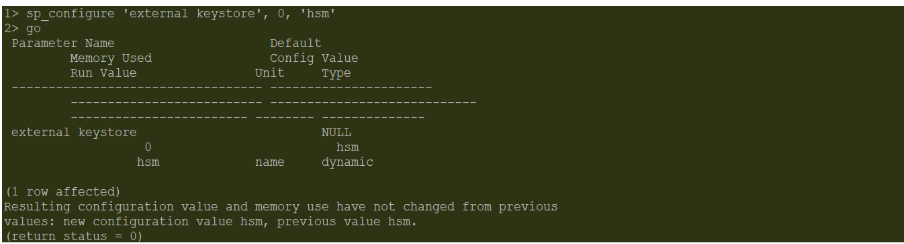
Enable HSM as External Keystore
-
Update HSM credentials in the ASE server:
The HSM device uses the PKCS#11 library to define a platform-independent Cryptoki API to cryptographic tokens. SAP ASE requires authentication by the crypto user to create Cryptoki objects in the HSM device and perform encryption and decryption. Use the sp_encryption system procedure to specify the crypto user credentials to SAP ASE.
1>sp_encryption 'hsm_credential',
2>'lib=libcs_pkcs11_R3.so; pin=87654321; slot=0'
3>go

Updated HSM credentials in the ASE server