

You will need to download the Public Key of the Key Exchange Key generated on the Azure Key Vault. The Public Key of the KEK will be used to encrypt your tenant key.
Downloading KEK Public Key with Azure Portal
To download the KEK public key, navigate to your Azure Portal. Go to your Key vaults and select the key you would like to download. Click on Download public key.
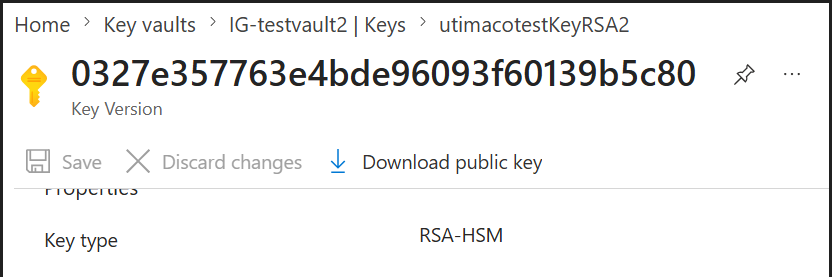
Key properties
Downloading KEK Public Key on Linux
Execute the following command to download the KEK public key in the *.pem format.
|
|
|---|
|
|

Download key
Downloading KEK Public Key on Windows
Execute the following command to download the KEK public key in the *.pem format.
|
|
|---|
|
|

Download key