

-
Log onto the machine with Admin privileges.
-
Open the Server Manager.
-
Click on Add Roles and Features and click Next.
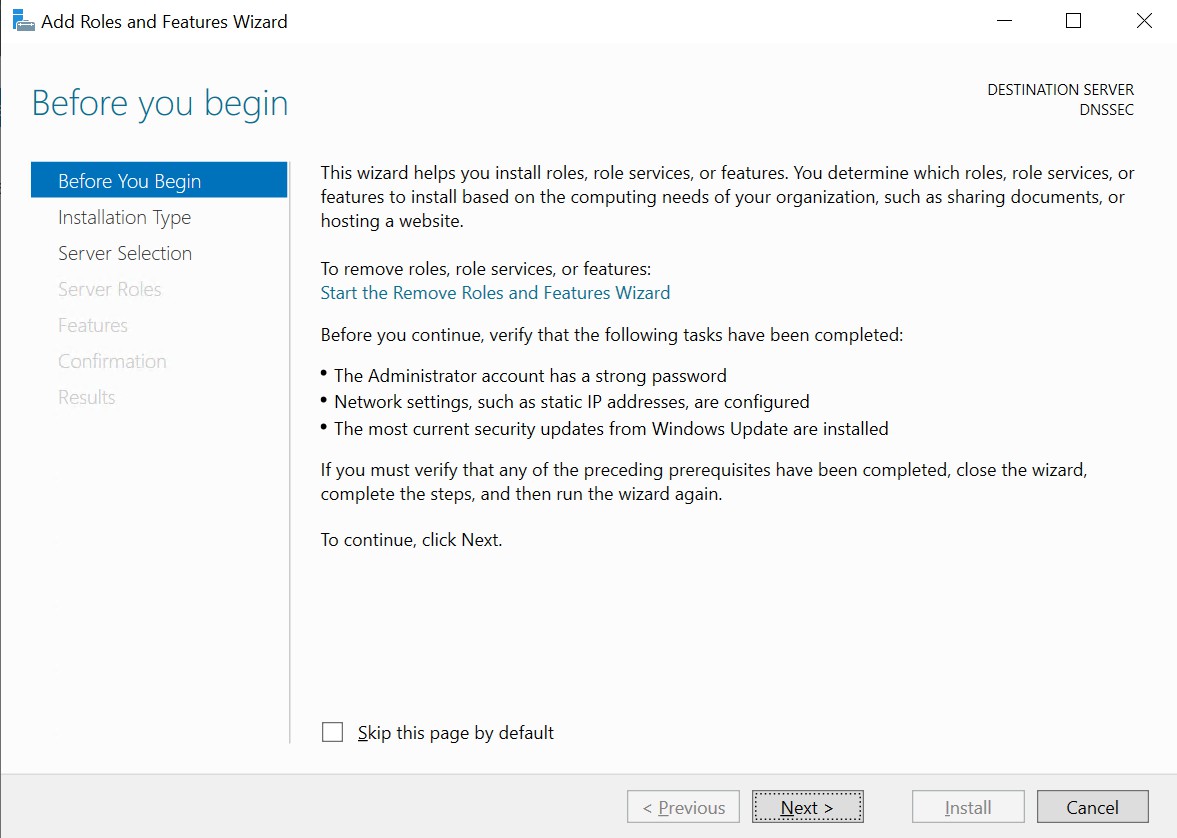
Add roles and features wizard
-
Select Installation Type and click Next.
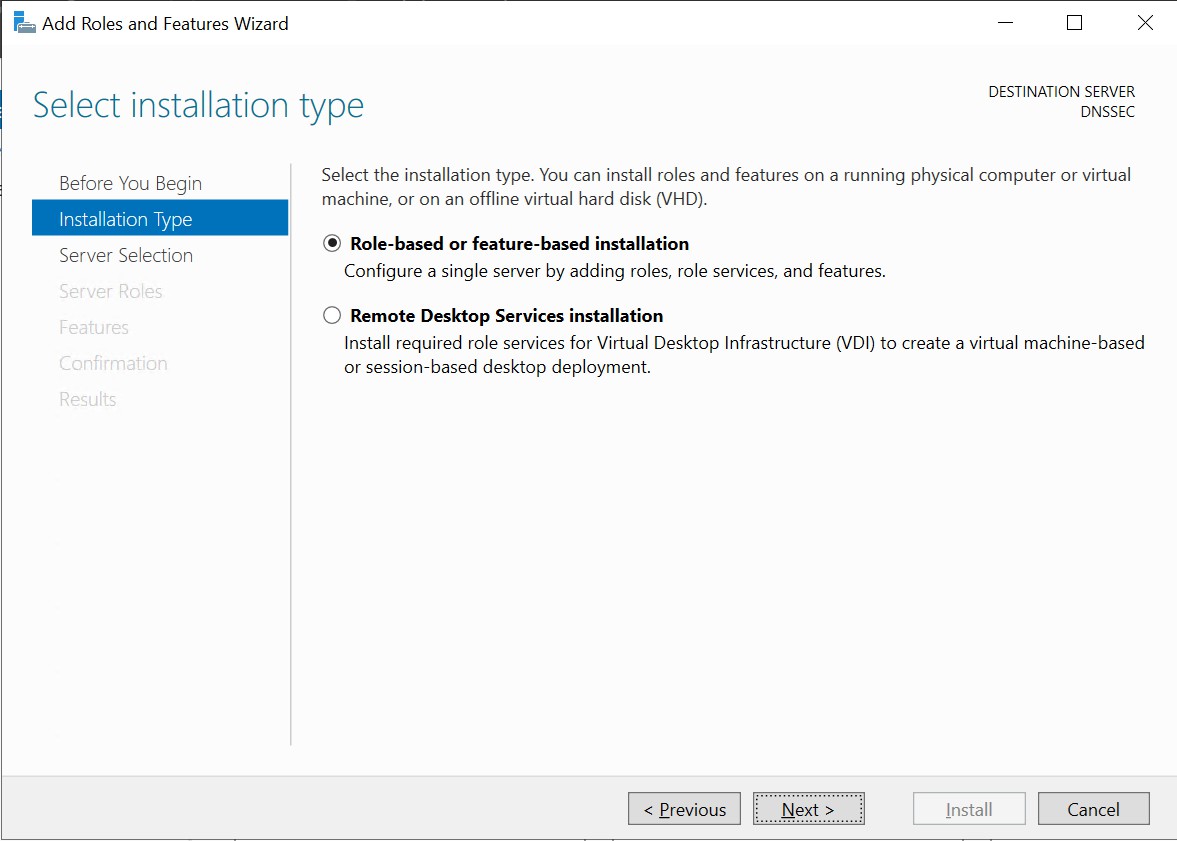
Select installation type
-
Select Destination Server and click Next.
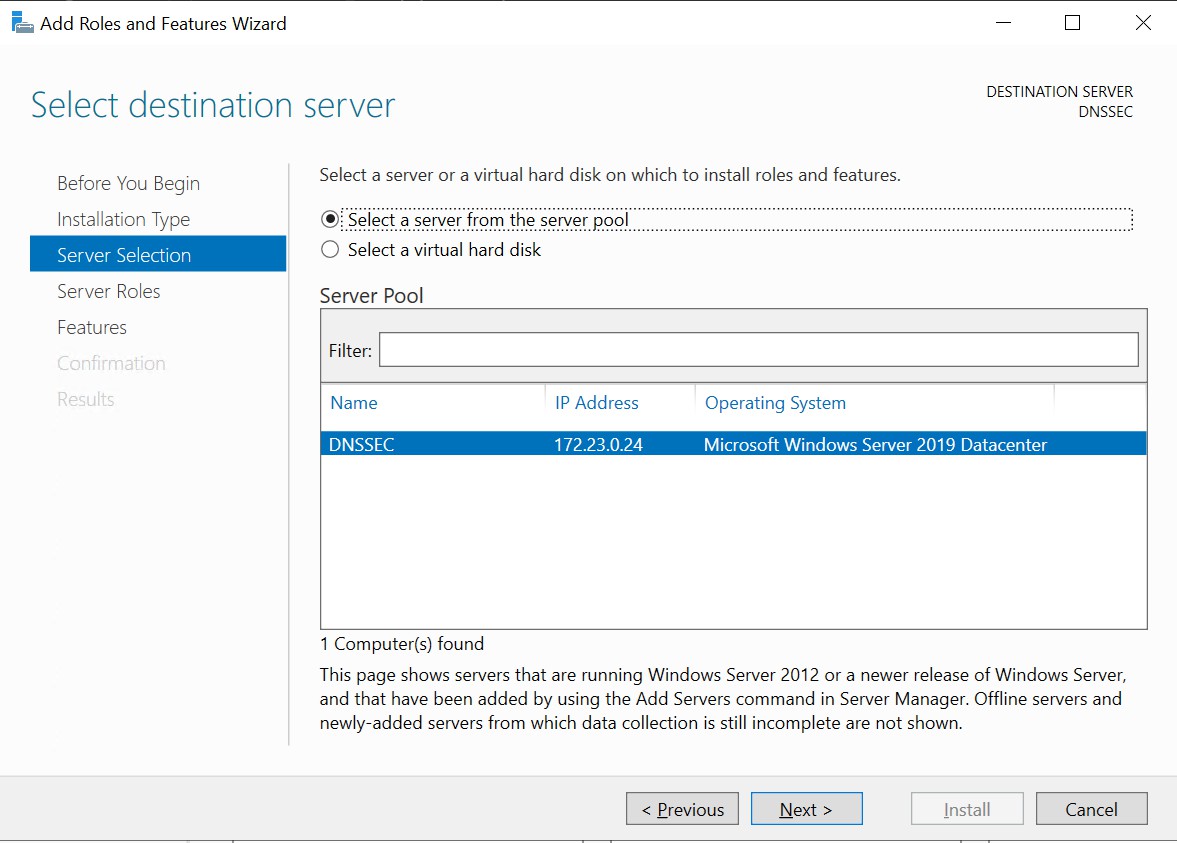
Select destination server
-
In Select Server Role click on DNS Server and click Next. Click on Add Features, and click Next.
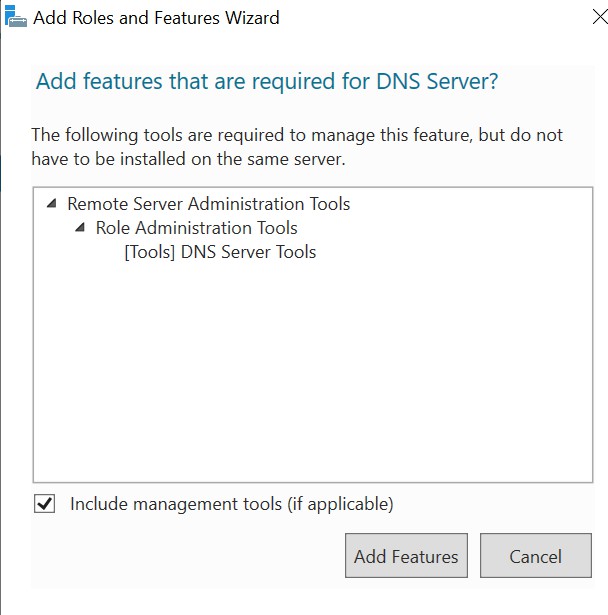
Add features
-
Click Next on Select Features and click Next on DNS Server.
-
On the Confirm installation selections screen select Restart the destination server automatically if required and click on Install.
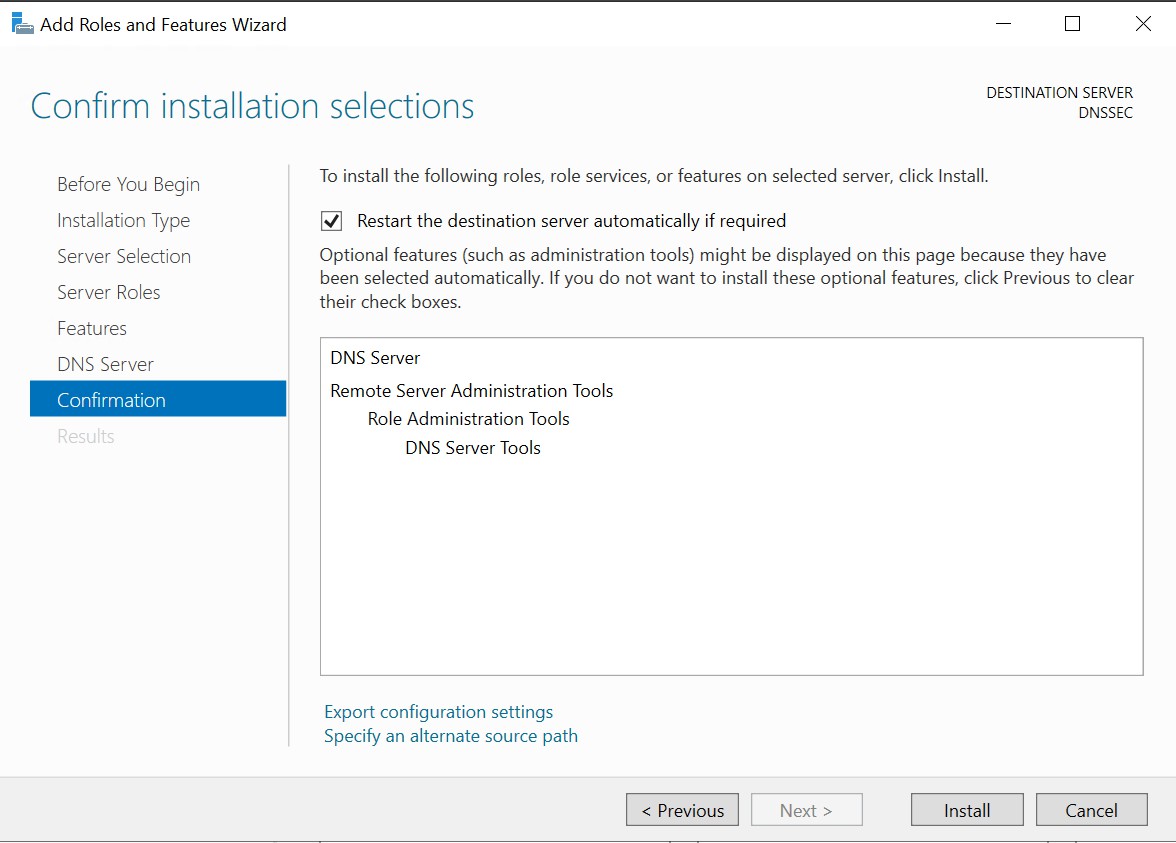
Confirm installation selections
-
Check the installation progress.
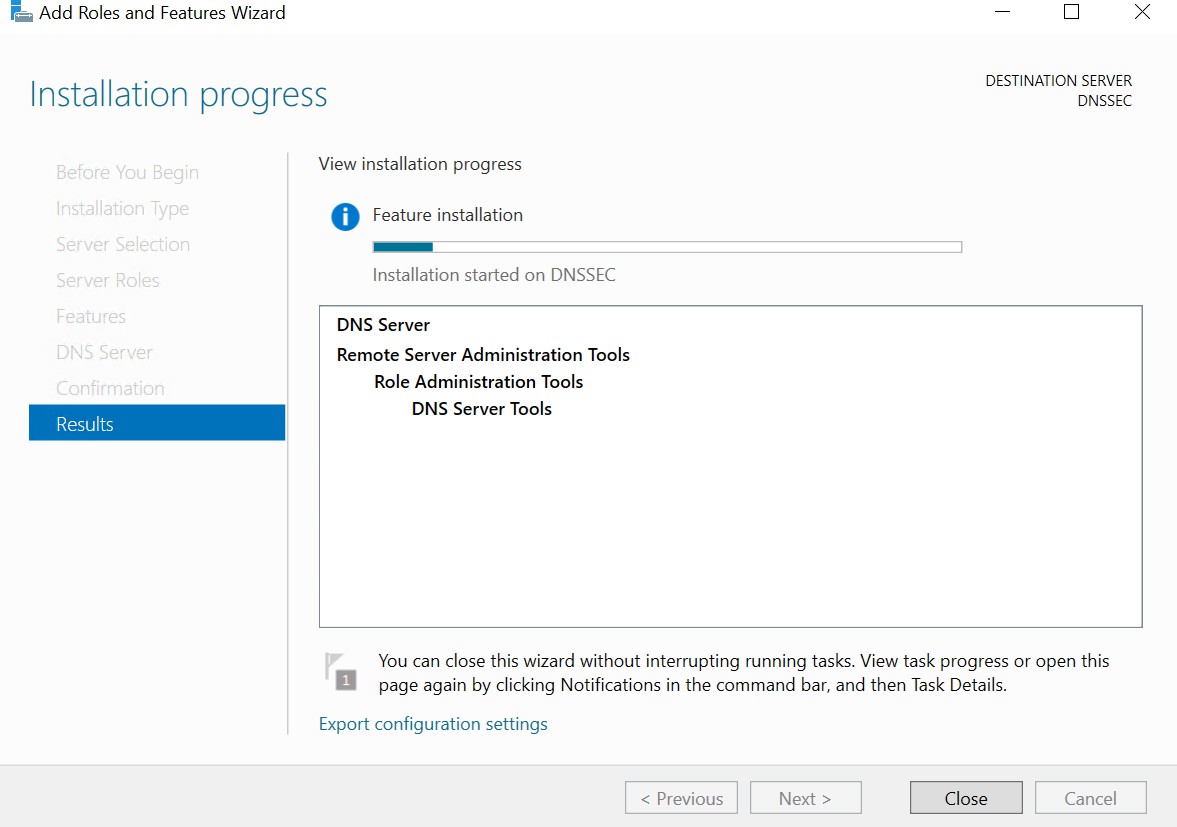
Installation progress
-
Once done, close the wizard and open DNS from Tools menu of Server Manager.
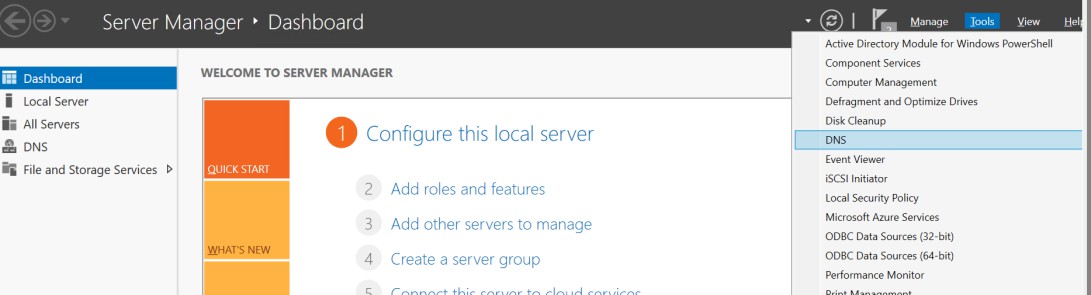
Server manager