

The Group Managed Service Account (GMSA) account is required during the Active Directory Federation Services (AD FS) installation and configuration.
To create a GMSA account open a Windows PowerShell command window and type:
|
›_ PowerShell |
|---|
|
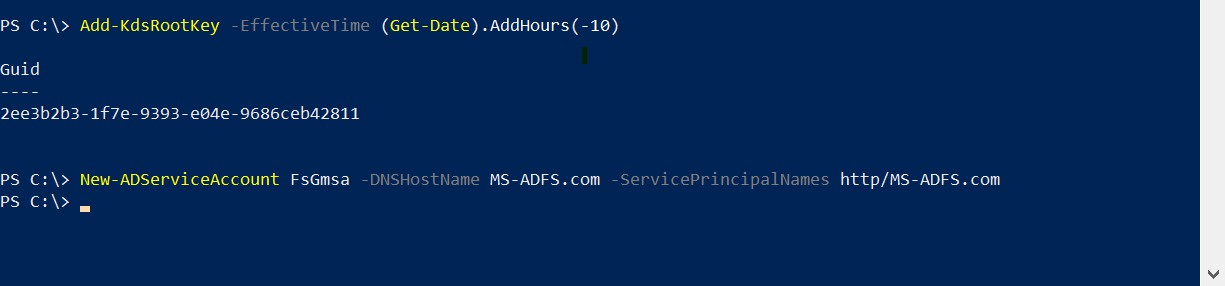
Create a GSMA account