-
Select Start then select Server Manager to open Server Manager
-
Select the File and Storage Services. Select Disks, select shared disk resource, right click on it, and select Take Offline
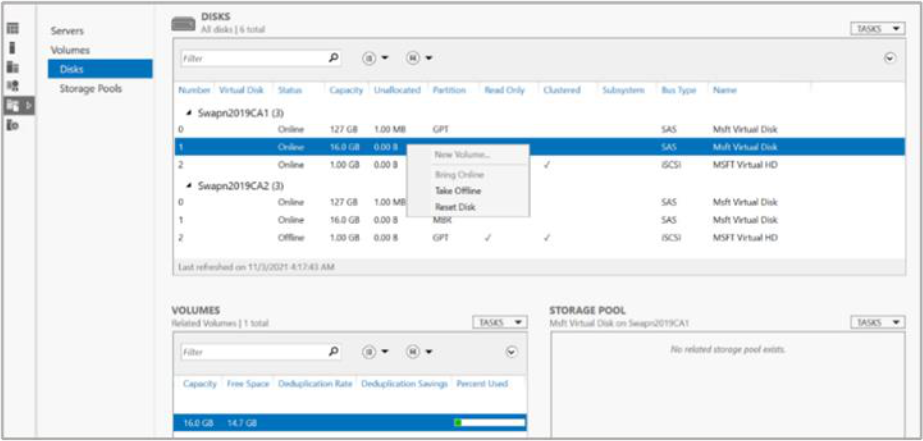
Figure 93: Server Manger window


Select Start then select Server Manager to open Server Manager
Select the File and Storage Services. Select Disks, select shared disk resource, right click on it, and select Take Offline
Figure 93: Server Manger window