

-
Open the command line interpreter and log in with the following command:
|
|
|---|
|
|
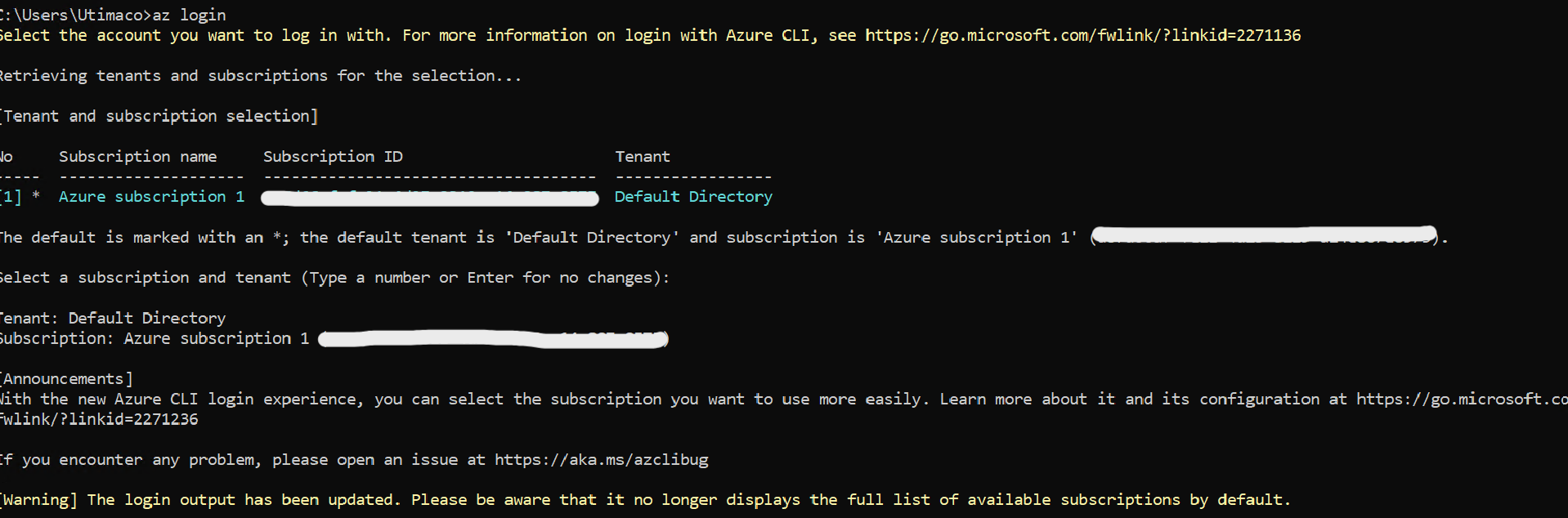
Azure login
-
To create an Azure Key Vault, you will need to create a resource group. Use the following command to create your own resource group.
|
|
|---|
|
|
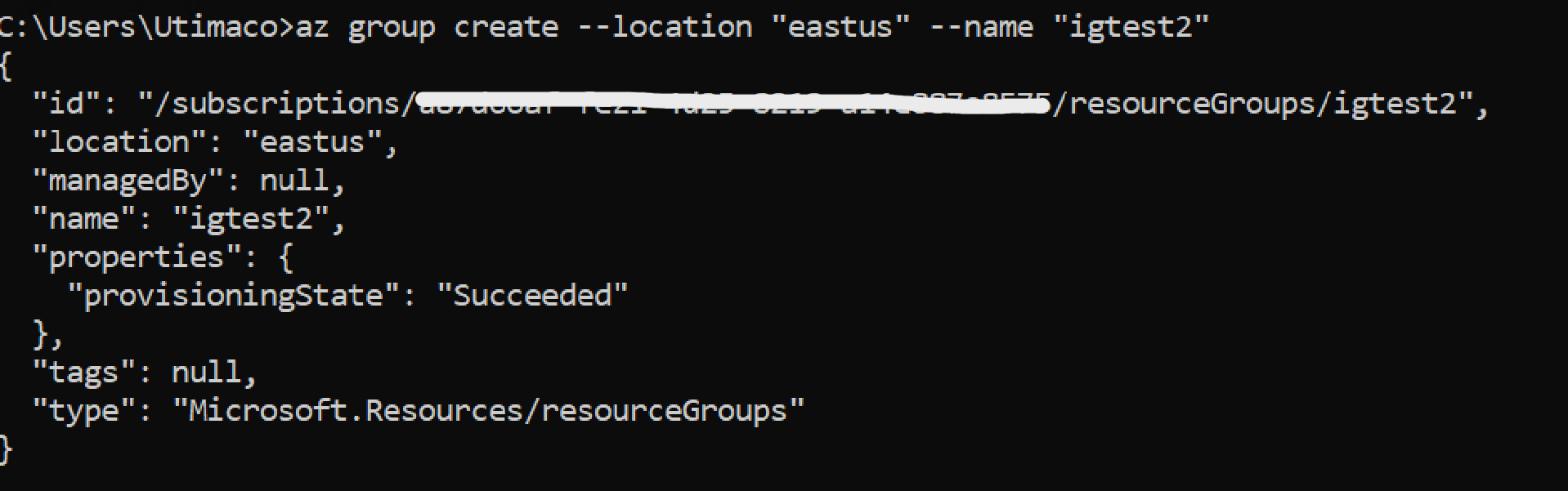
Creating resource group
For more information regarding the commands and command parameters, please check the Microsoft Azure CLI documentation.
-
Create an Azure Key Vault with premium SKU.
|
|
|---|
|
|
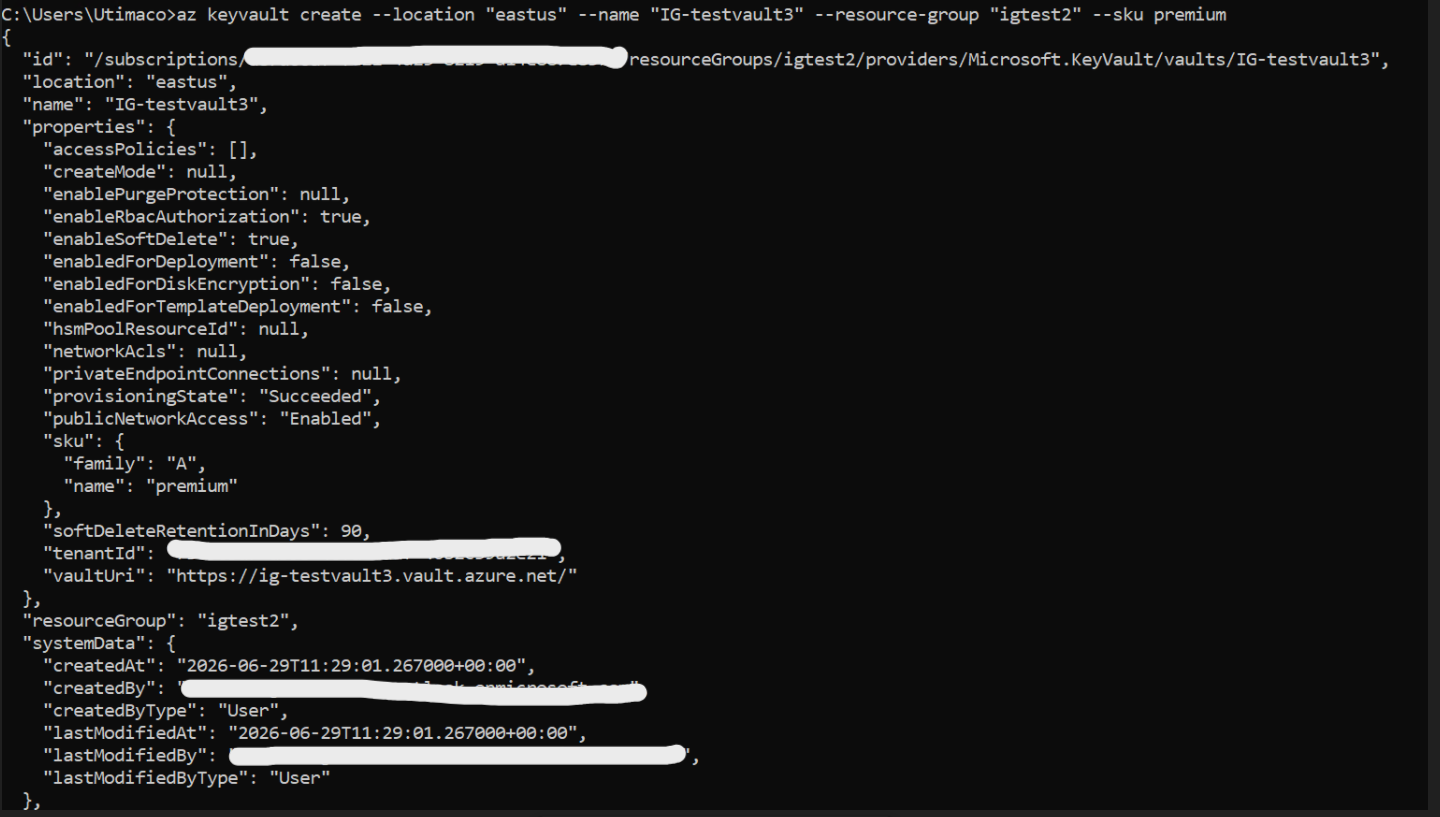
Creating Azure Key Vault