

-
Use the following command to generate an RSA tenant key:
|
|
|---|
|
|
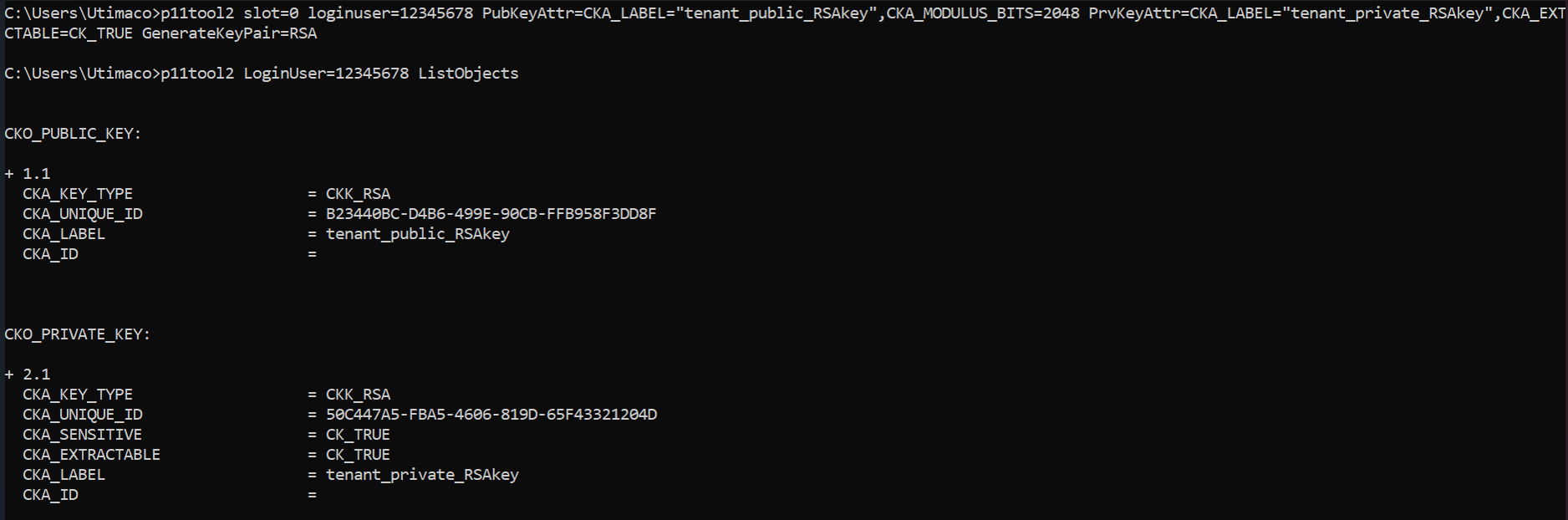
List newly generated RSA keys
<keysize> is the RSA key size in bits. Azure supports 2048, 3072 and 4096. Use the following command to generate an EC tenant key:
|
|
|---|
|
|
<curvename> is the name of the EC curve. For Azure, this needs to be NIST-P256, NIST- P384 or NIST-P521.
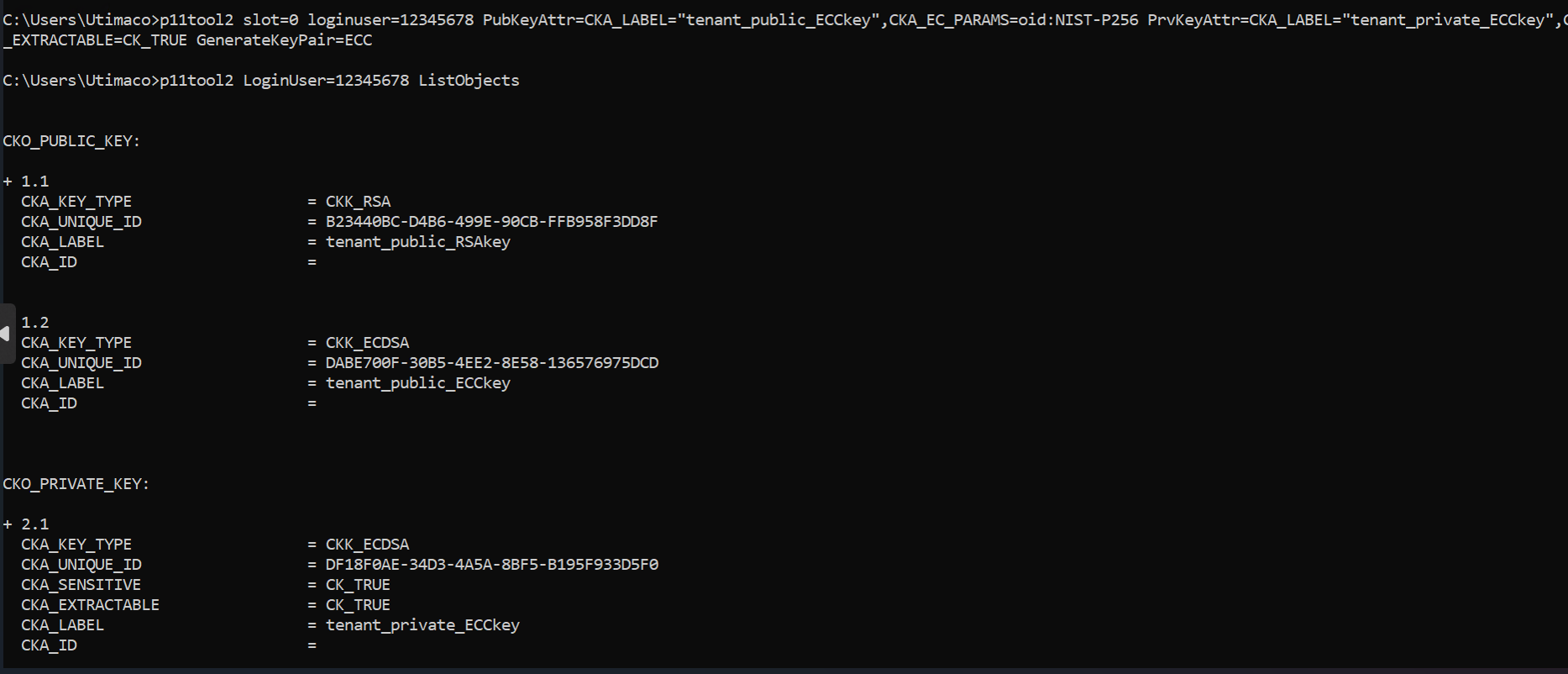
List newly generated ECC keys
The "oid:<curvename>" syntax is supported starting with SecurityServer 6.5.0.
The attribute CKA_EXTRACTABLE must be set to CK_TRUE
-
Navigate to the folder where you have the
byoktoolsaved. Execute the following command to wrap the tenant key by using theKeyVaultKey, downloaded from the Azure Key Vault.
|
|
|---|
|
|
For the RSA Key

Wrap the tenant key for RSA
For the ECC Key

Wrap the tenant key for ECC
Command Parameters:
-
<user>is "USR_0020" for PKCS#11 slot 20. Any other user/password combination with access to the tenant_private_key is possible as well. -
<keyvaultkey>is the filename of the public key downloaded from Azure key vault. -
<kid>is the key identifier of the KEK in Key Vault (e.g., https://KeyVaultUtimacoHSM.vault.azure.net/keys/mykek/eba63d27es214e028839s 77fc905621). -
<wrappedkey>is the filename of the wrapped tenant key.