

The External Vault used for the OCI HYOK integration corresponds to the cloud instance created in ESKM.
You can either use an existing ESKM cloud instance or create a new one by following the procedure described in IG-2026-0097 Add an OCI-HYOK Cloud Instance .
-
In the ESKM Management Console, go to the Cloud Instances section.
-
Select the cloud instance to be used for the OCI HYOK integration.
-
Click Edit.
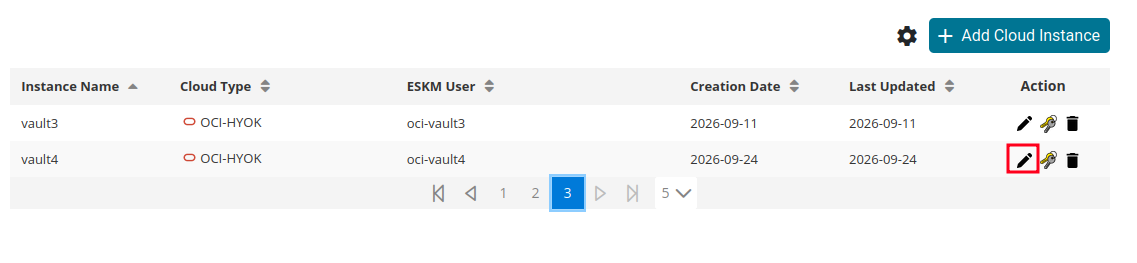
Edit Cloud Instance
-
From the cloud instance configuration, copy the External Vault URL.
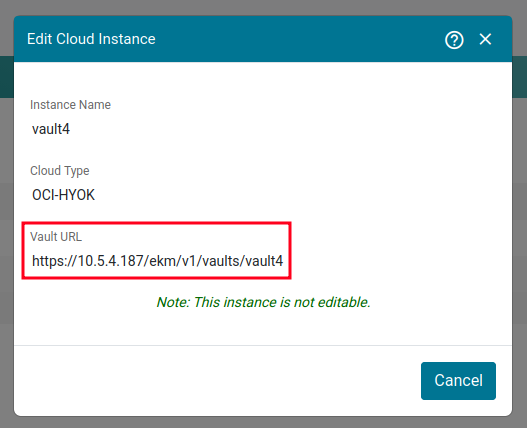
ESKM Vault URL
Record the value as:
<EXTERNAL_VAULT_URL>
The External Vault URL is required when creationg the External Vault in OCI.