

-
In the OCI Console, go to Identity & Security → External Key Management.
-
Click Create Vault.
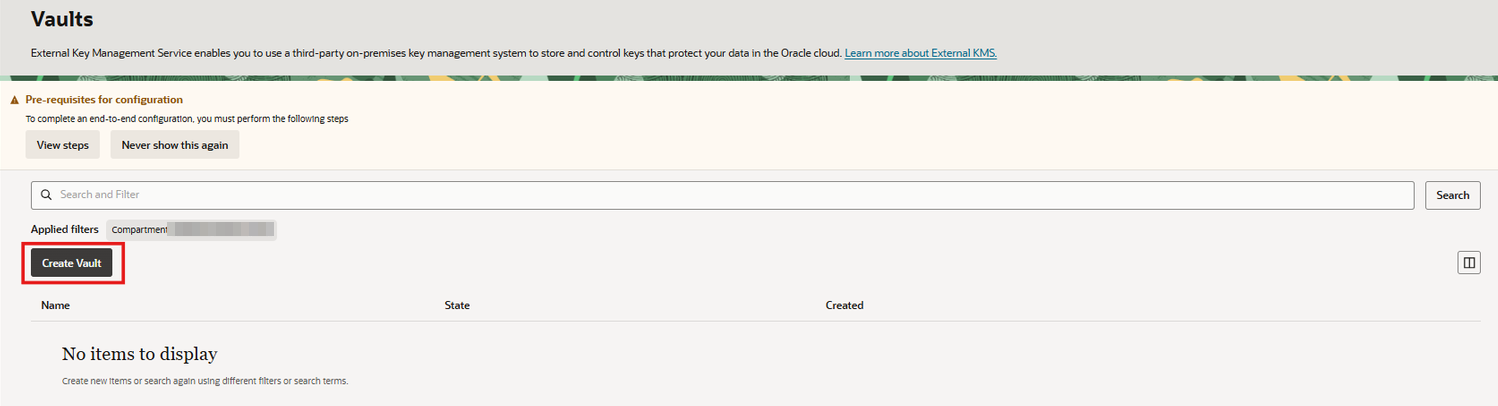
Create External Key Management Vault
-
Enter the Vault name:
<EKMS_VAULT_NAME> -
Select the desired Compartment.
-
Enter in the IDCS Acount URL:
<ID_DOMAIN_URL>
-
Enter the required OAuth information.
-
Select the Private Endpoint created previously.
-
Enter the External Vault URL:
<EXTERNAL_VAULT_URL>
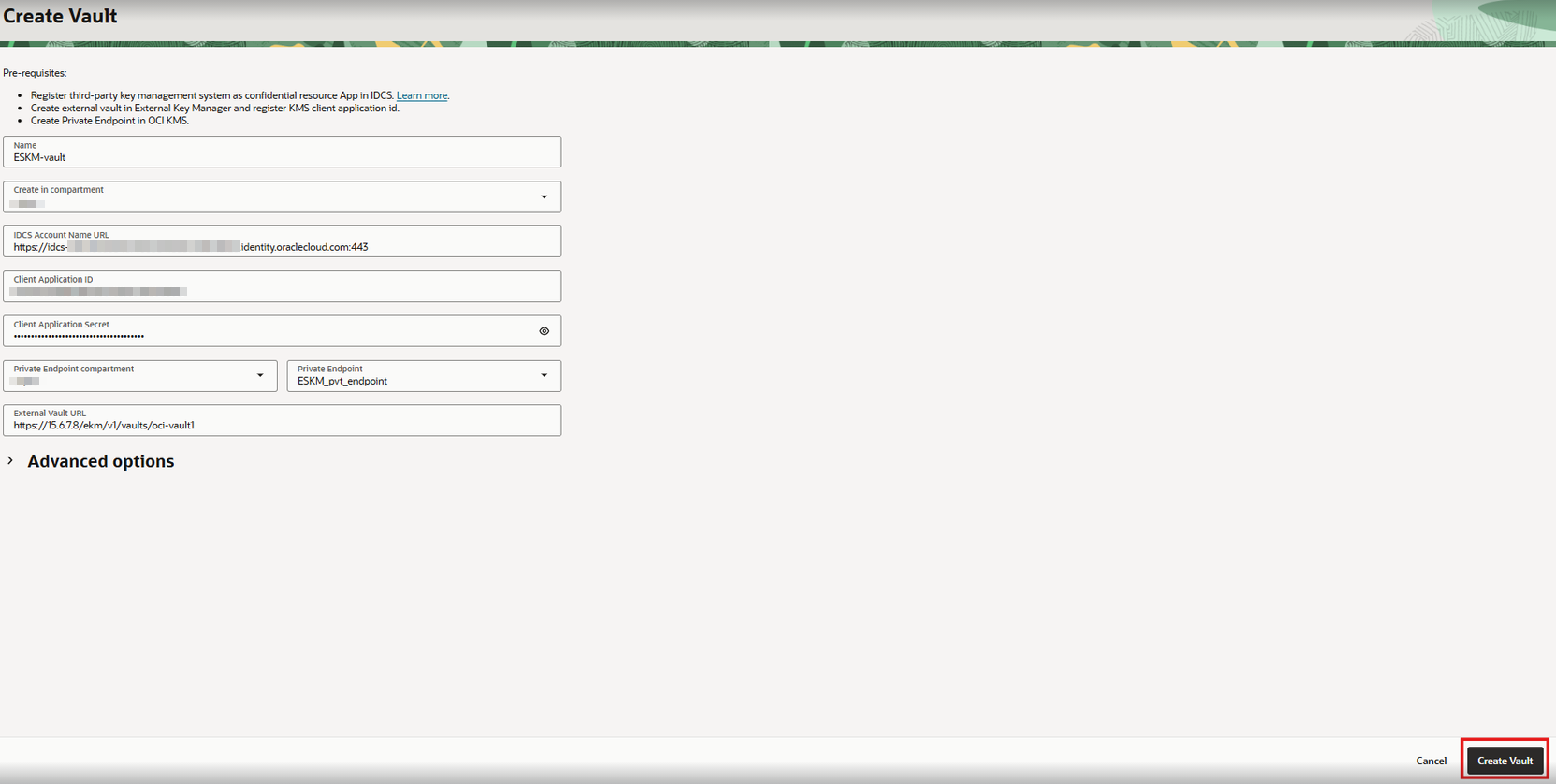
External Key Management parameters
-
Click Create Vault.
-
Wait until the External Vault reaches the Active state.
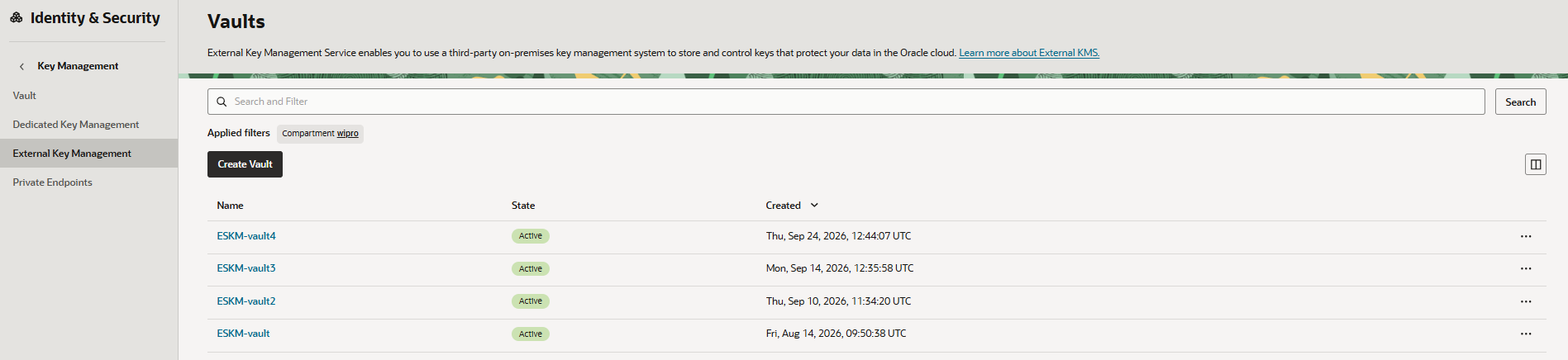
External Key Management Vault activated
The OCI External Key Management service is a paid resource. An OCI account with the required service availability and billing configuration is required to create the External Vault.